Internal PC cables: modular power supply, ATX & SATA
Assemble and ensure the reliability of your PC at Vowenx: modular power cables, ATX, EPS and PCIe extensions, RS232 and SATA cables. A selection for a clean build at the right price.
« great as described »
« as described very good »
How to choose your PC internal cables well?
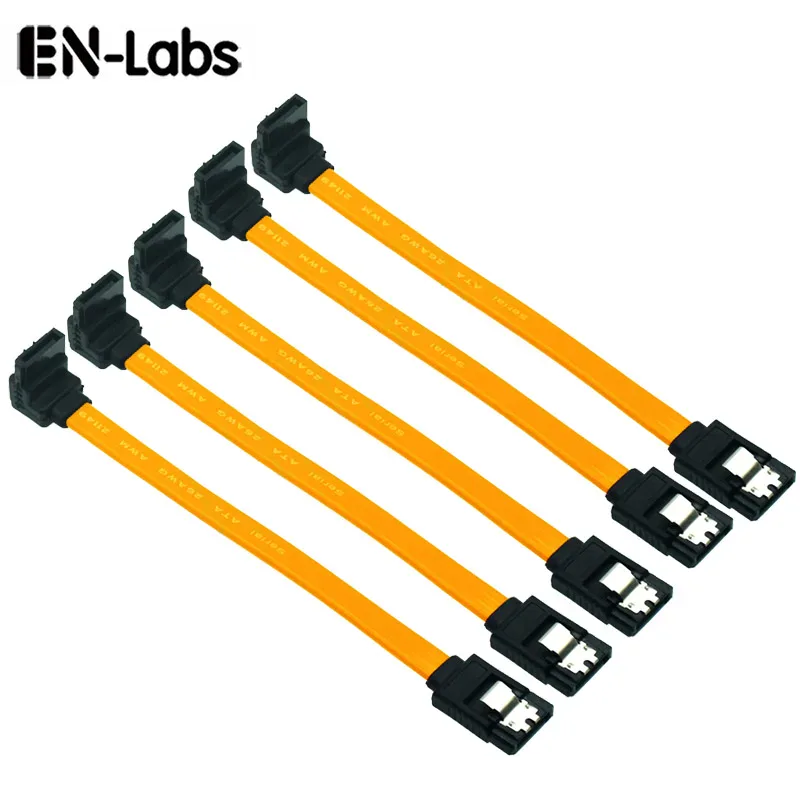
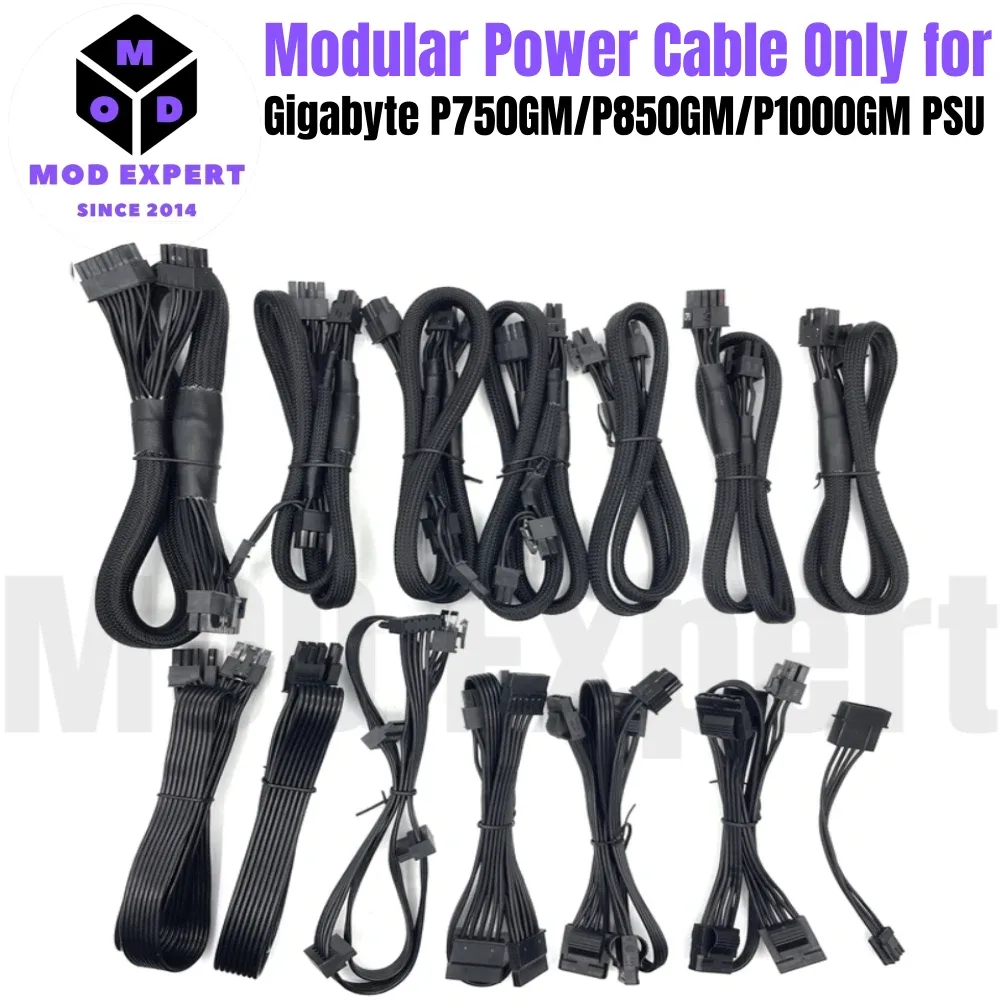
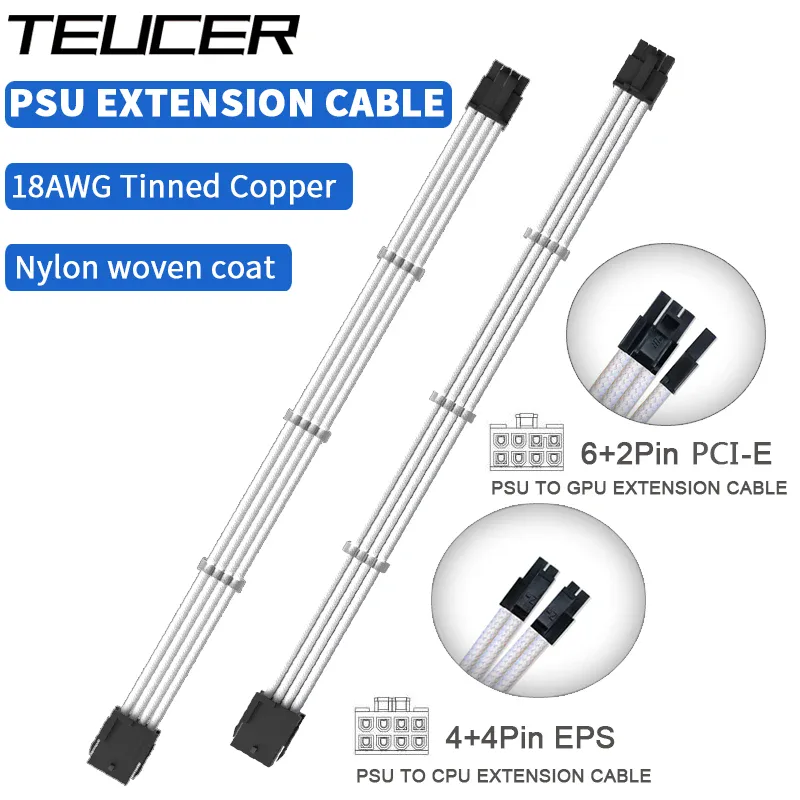
Attention: modular cables are not universal — the pinout differs depending on the power supply brand and model, and an incompatible cable can damage the hardware. Identify the connector to be powered: 24-pin ATX (motherboard), EPS (CPU), PCIe 6+2 pin (graphics card), SATA (drives). Extension cables neatly extend towards the rear of the
case. The
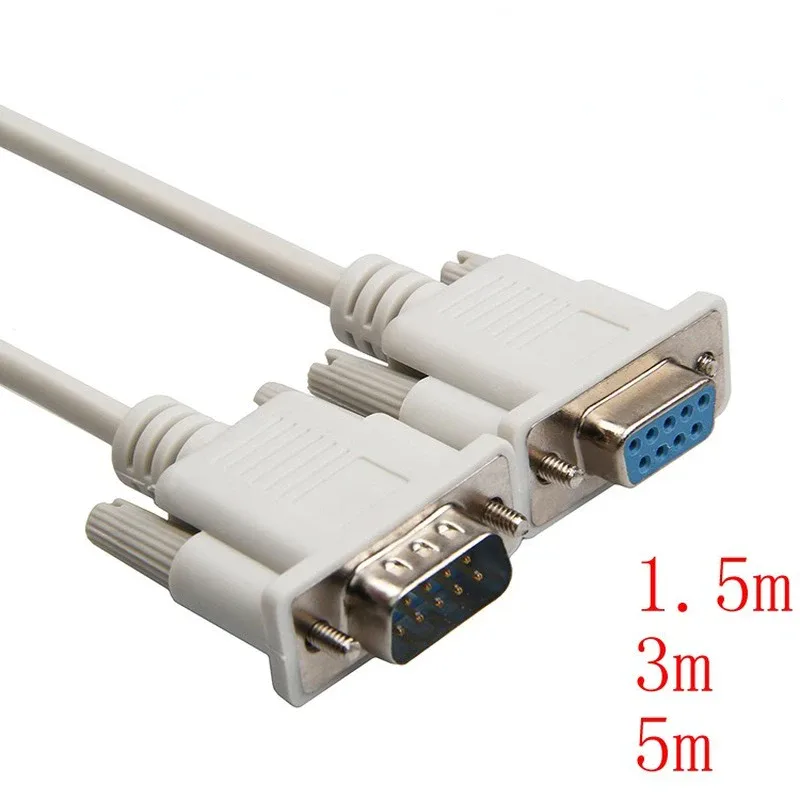
RS232 (DB9)- is used for serial hardware. Prefer sleeved cables for a neat build and good airflow. Always check compatibility with your power supply.
- Related categories: Cable management
- → Cable management & accessories Network cables
- → Network cables & connectors All cables
All cables & connectivity
| PSU compatibility | |
| Pinout specific to each brand/model. | Connector |
| ATX 24, EPS, PCIe 6+2, SATA. | Extension |
| Neat extension towards the rear of the case. | RS232 (DB9) |
| For serial hardware. | Sleeving |
Frequently asked questions
Are modular power cables universal?
No, not at all: the pinout varies depending on the power supply brand and model. Plugging in a cable intended for another PSU can destroy components. Use only cables compatible with your power supply.
Which cable to power a graphics card?
Graphics cards use PCIe 6 or 6+2 pin connectors (or 12VHPWR on recent models). Check the number of connectors required by your card and compatibility with your power supply.
What is an EPS cable? The EPS cable (4+4 pin) powers the processor from the power supply to the motherboard. Do not confuse it with PCIe: the pinout differs, even if the connectors look similar.