Cables & chargers: USB-C, fast charging & adapters
Connect and charge all your devices at Vowenx: USB-C and Lightning cables, fast charging chargers, hubs and adapters, audio, HDMI video and network cables. 90 selected references to transfer and power without compromise, at the right price.
« Very good items. »
« Very good. »
 Choisir
Vowenx
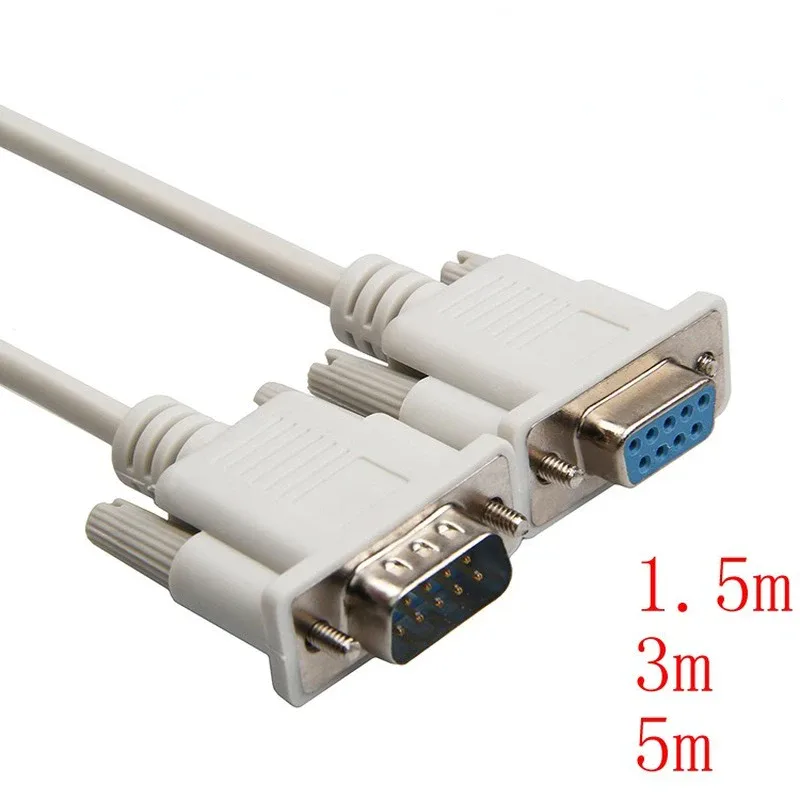
RS232 serial cable DB9 9-pin male-female (extension)
From £9.55
 Choisir
Vowenx
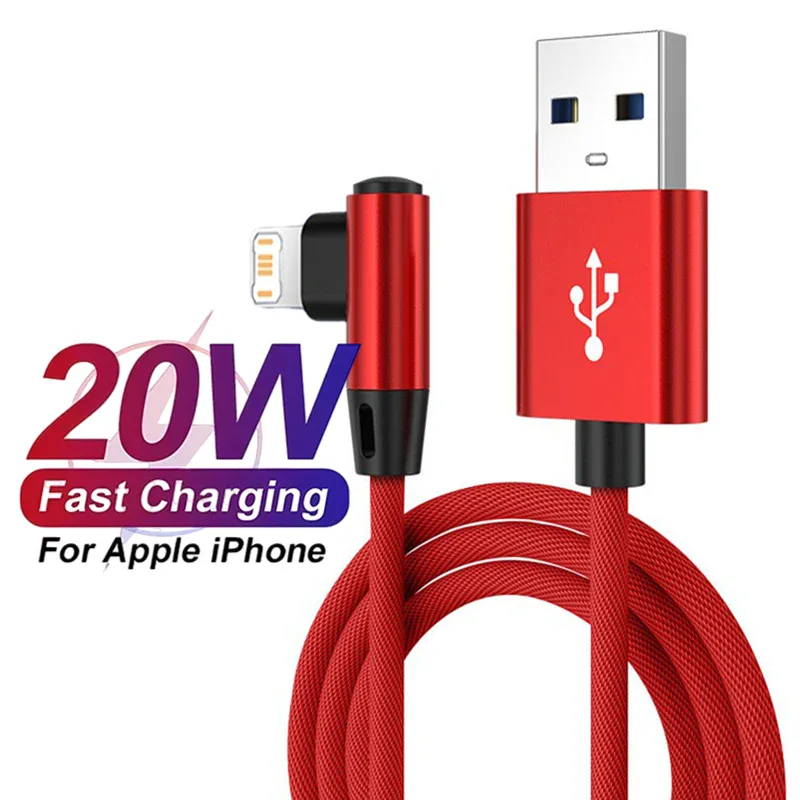
90° angled Lightning cable for fast charging iPhone
From £7.01
 Choisir
Vowenx
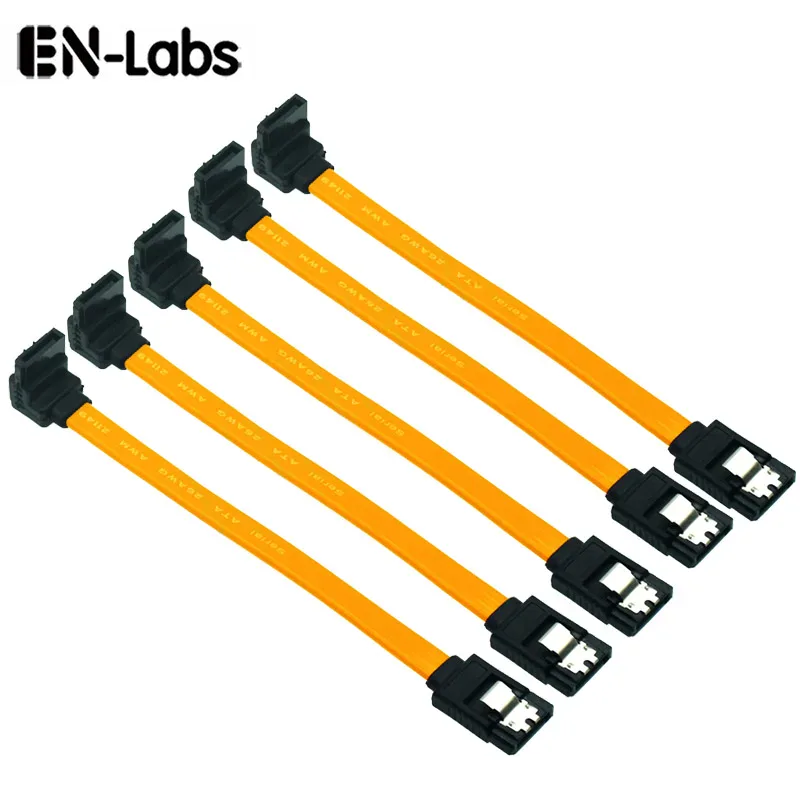
Set of 5 SATA 3.0 6 Gbps cables with locking mechanism
From £15.16
 Choisir
Vowenx
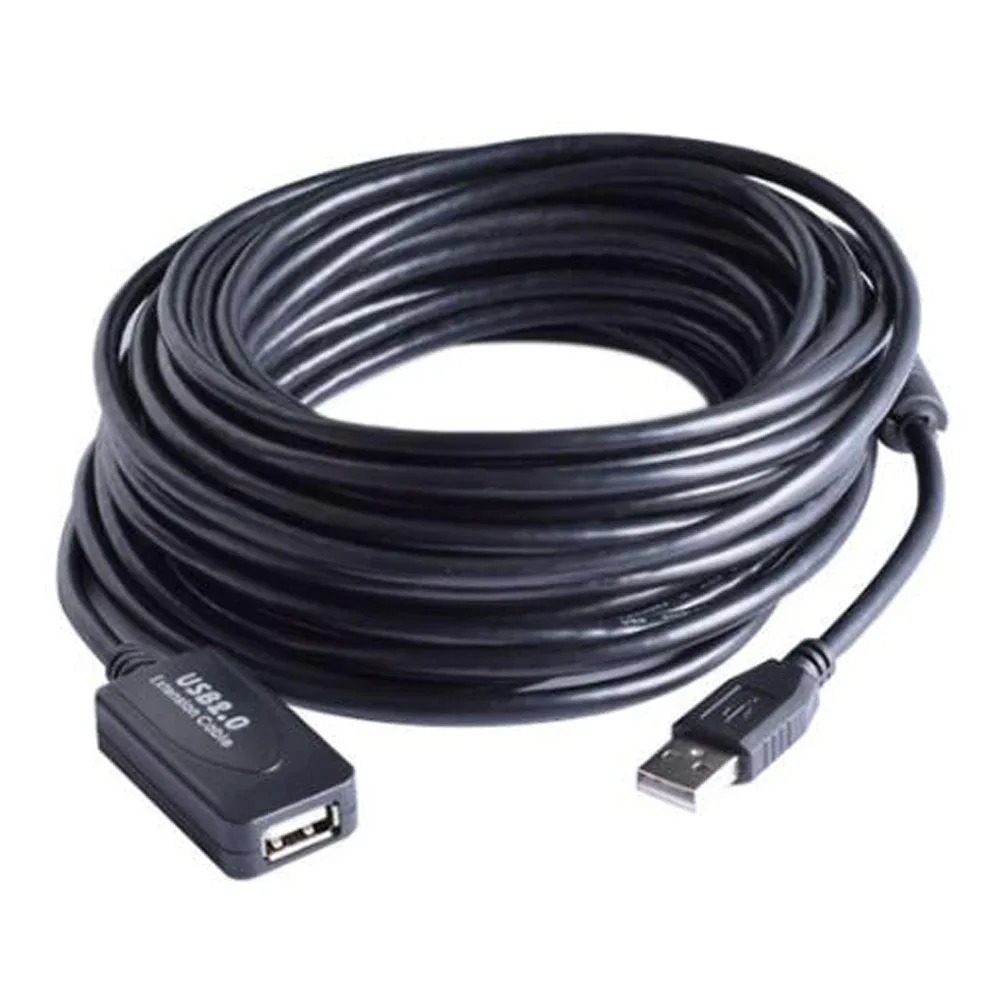
Active USB 2.0 male-to-female extension cable with repeater
From £24.51
 Choisir
Vowenx
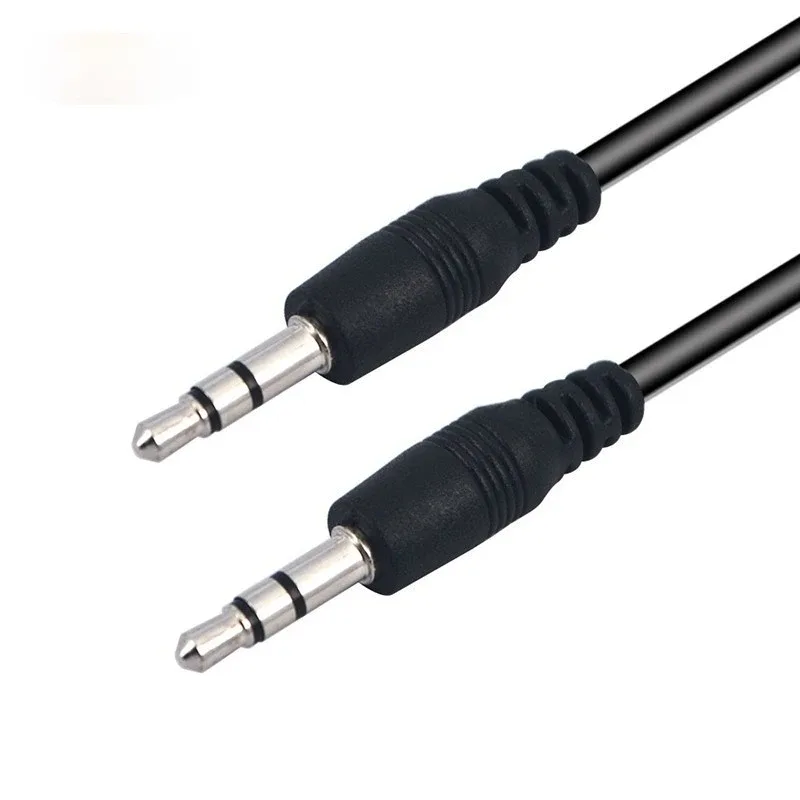
3.5 mm male-to-male AUX audio jack cable
From £4.26
 Choisir
Vention
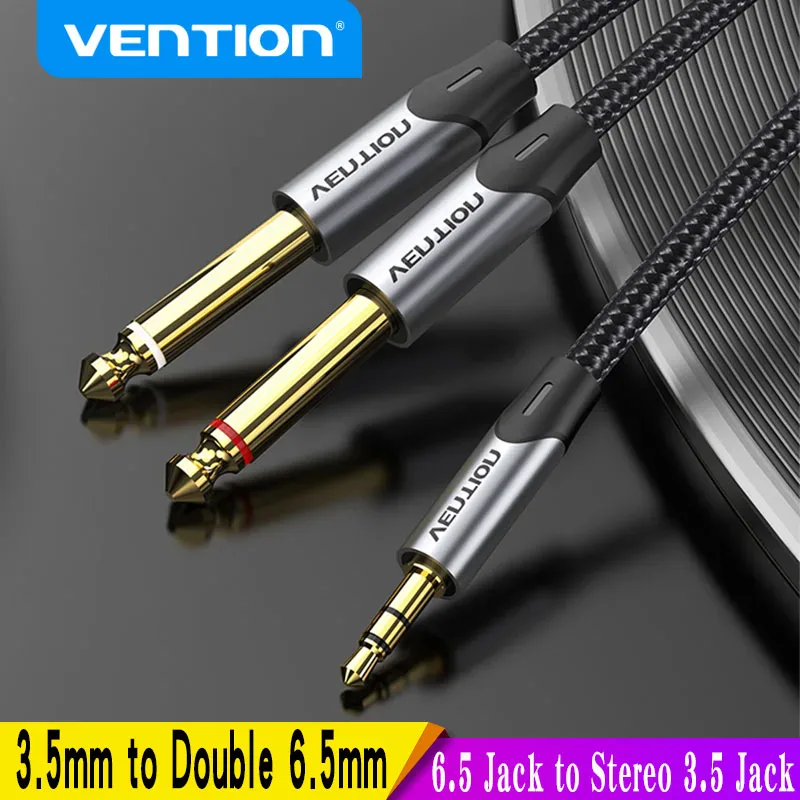
3.5 mm jack cable to dual 6.35 mm audio
From £14.60
 Choisir
Vention
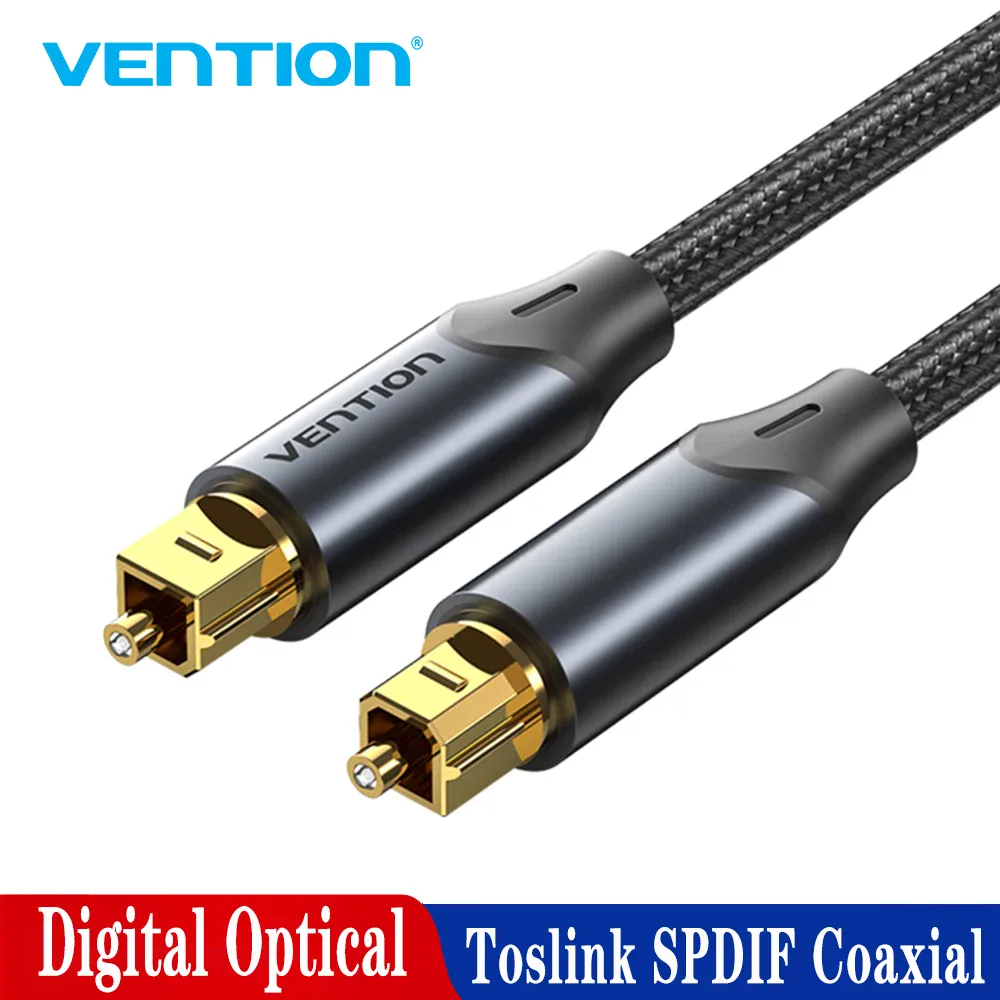
Braided digital Toslink optical audio cable
From £15.73
 Choisir
Vowenx
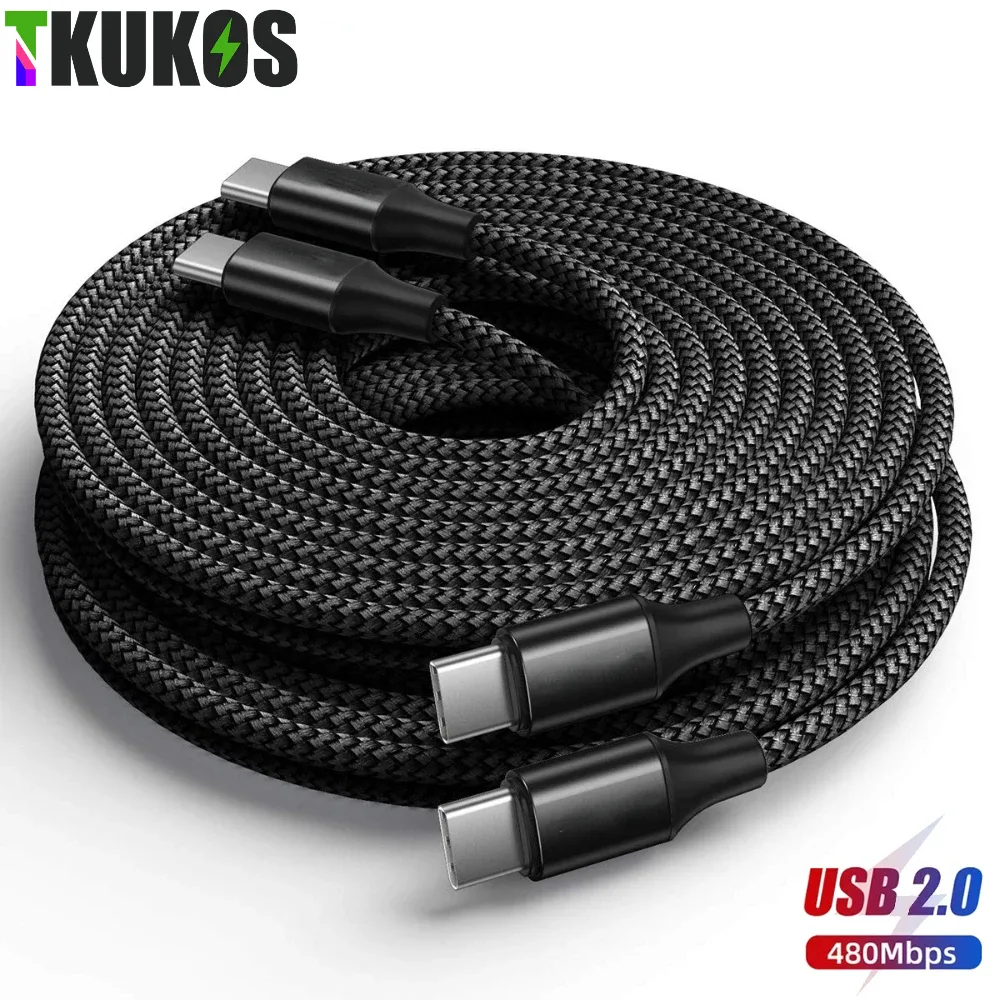
Extra-long USB-C to USB-C braided cable 3 to 8 m
From £17.78
 Choisir
Vowenx
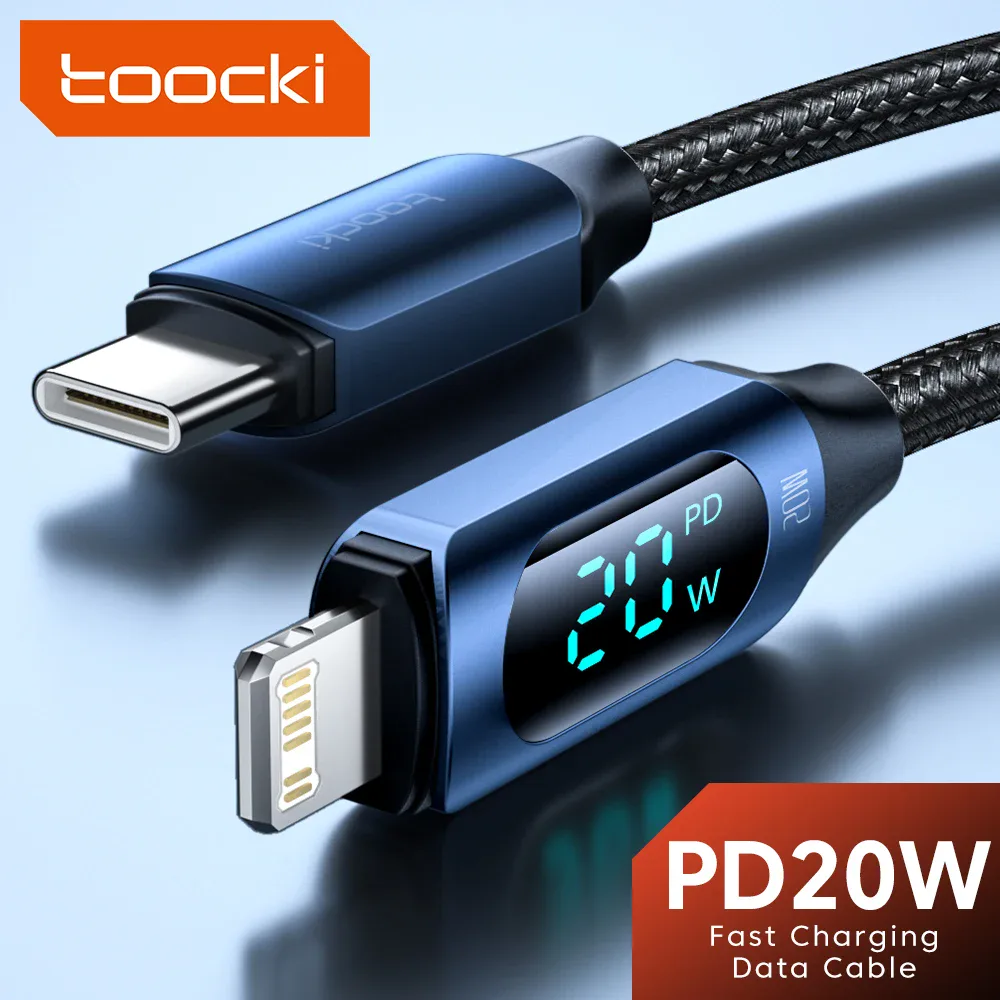
USB-C to Lightning fast charging cable with digital display
From £9.55
 Choisir
Vowenx
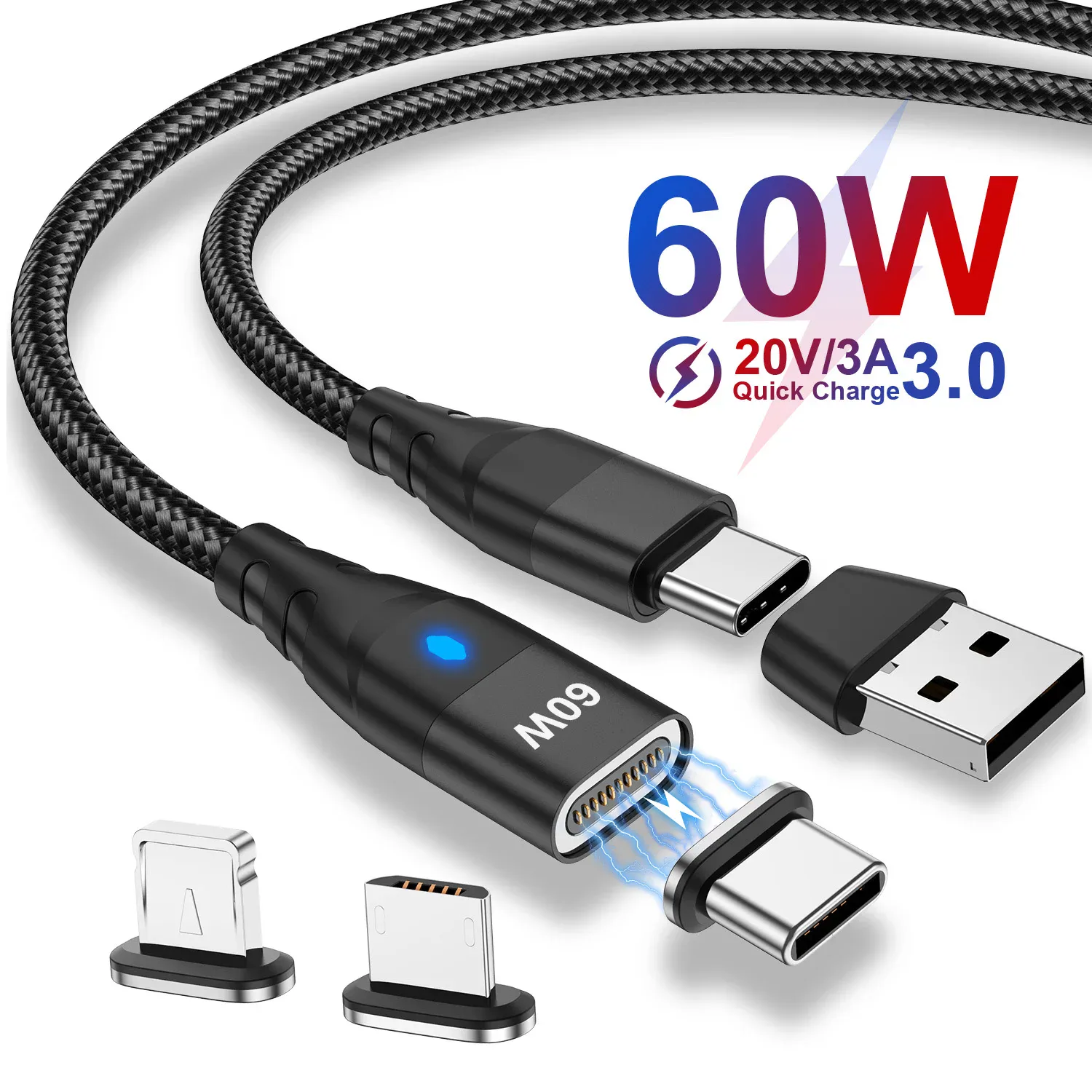
Magnetic USB-C 3-in-1 fast charging 27W cable
From £6.17
 Choisir
Vowenx
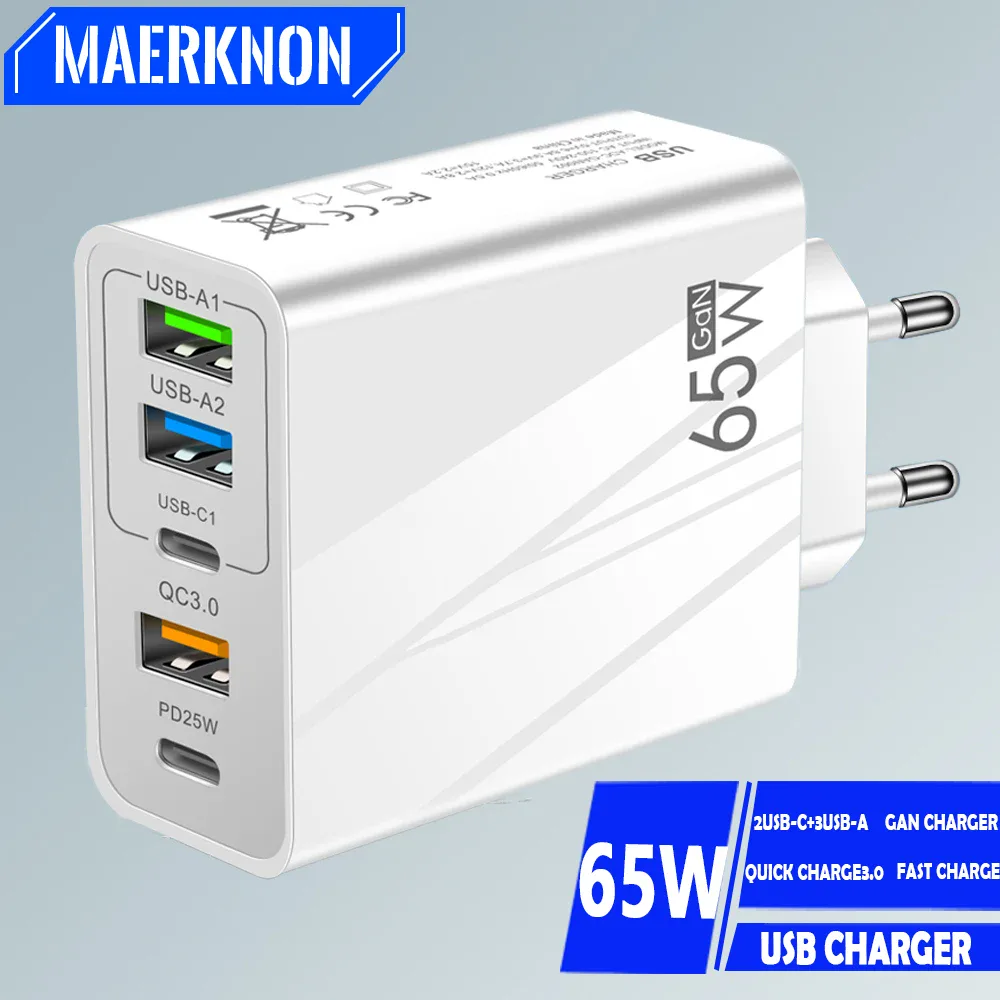
65W GaN USB-C Fast Charging Multiport Wall Charger
From £12.17
 Choisir
Vowenx
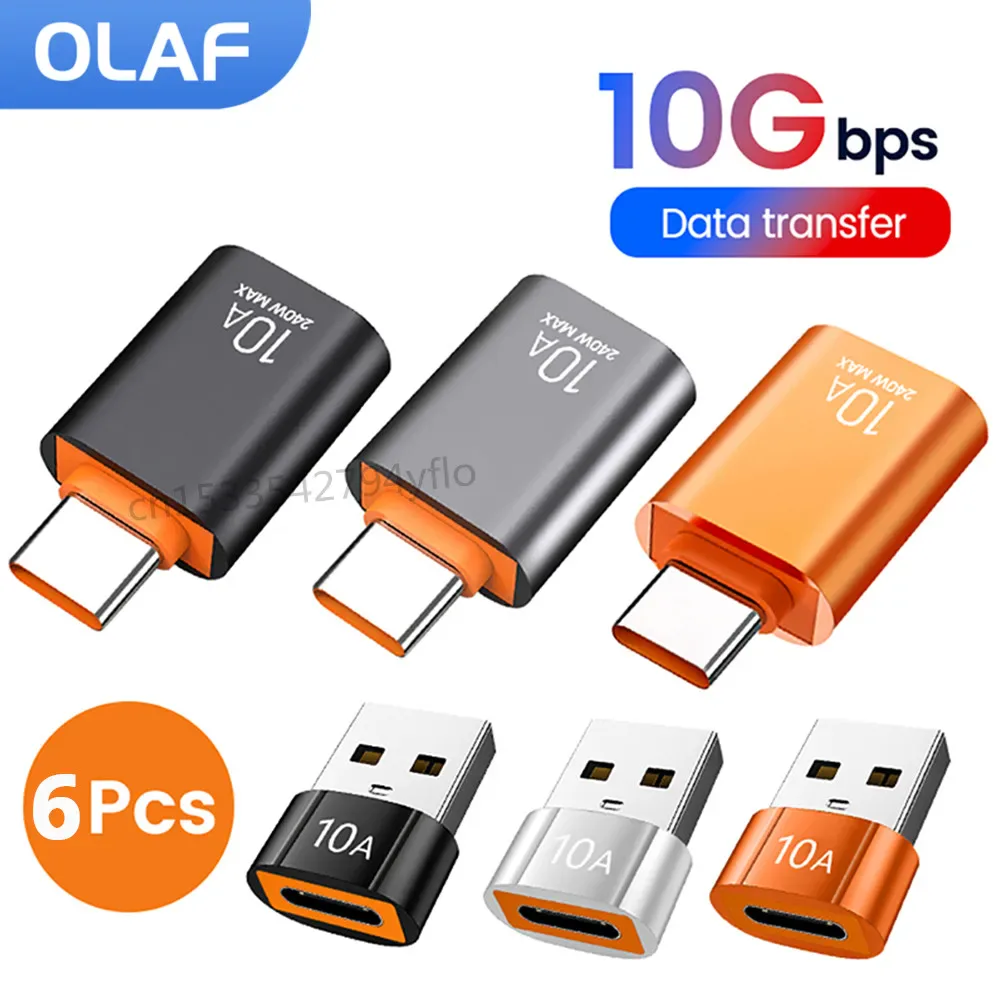
USB 3.0 OTG Adapter USB-C or USB-A 5 Gbit/s
From £6.08
 Choisir
Vowenx
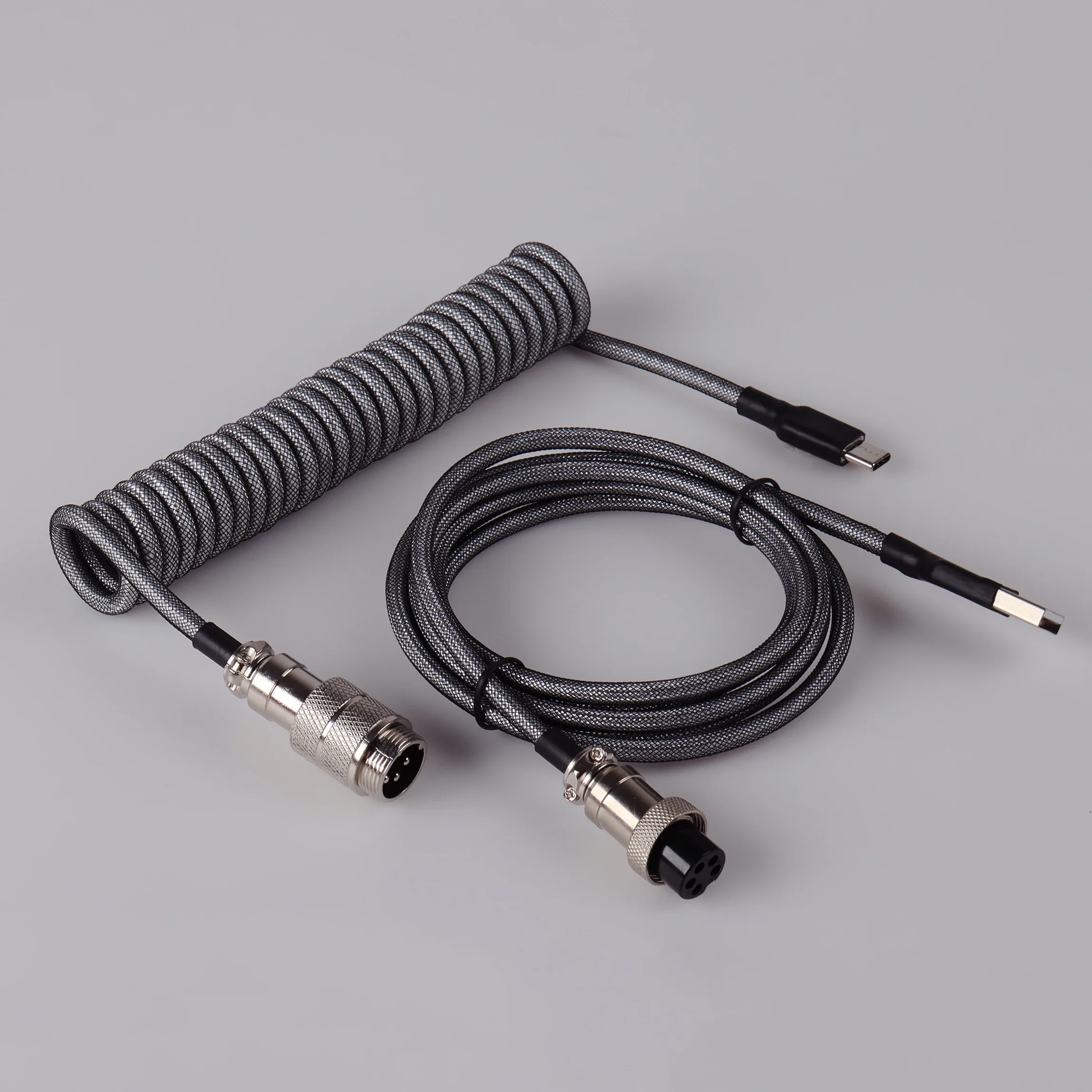
Spiral USB-C cable for mechanical keyboard with aviation connector
From £44.15
 Choisir
Vowenx
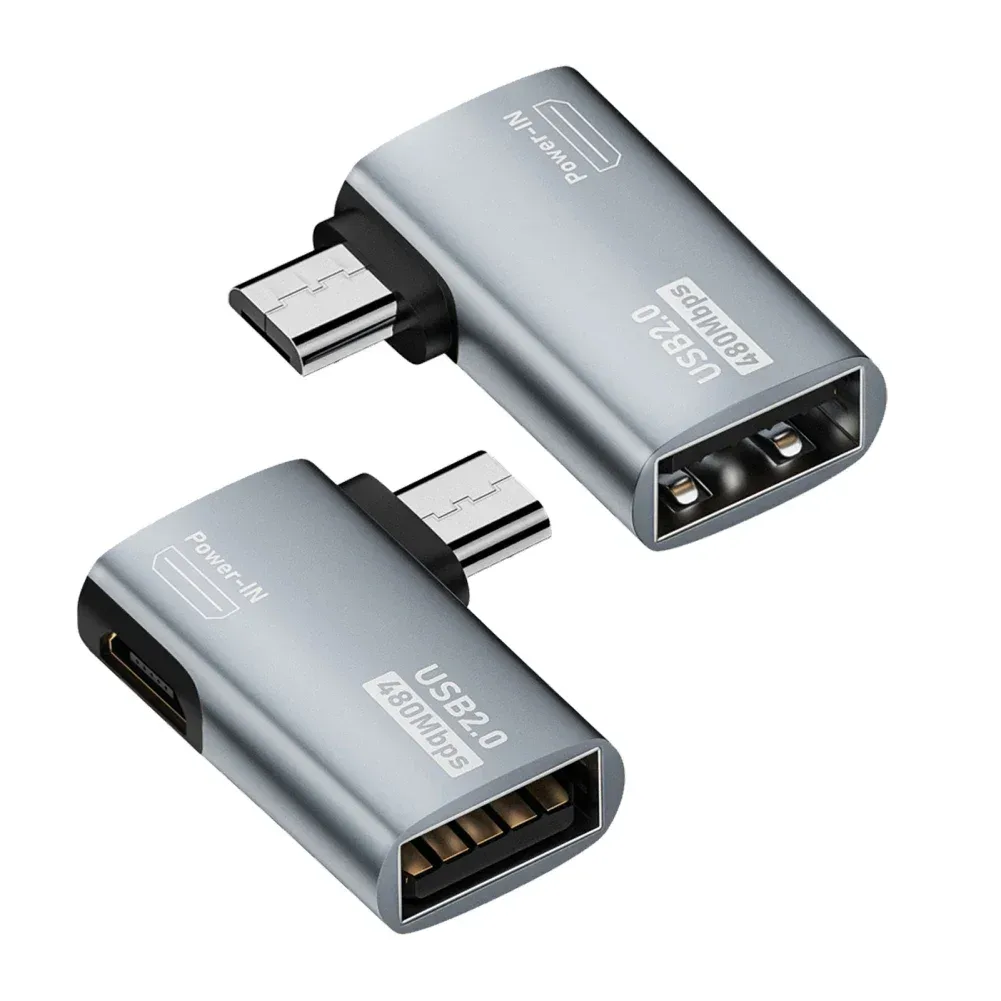
OTG Adapter Micro USB to USB-A 90° Angled
From £8.70
 Choisir
Vowenx
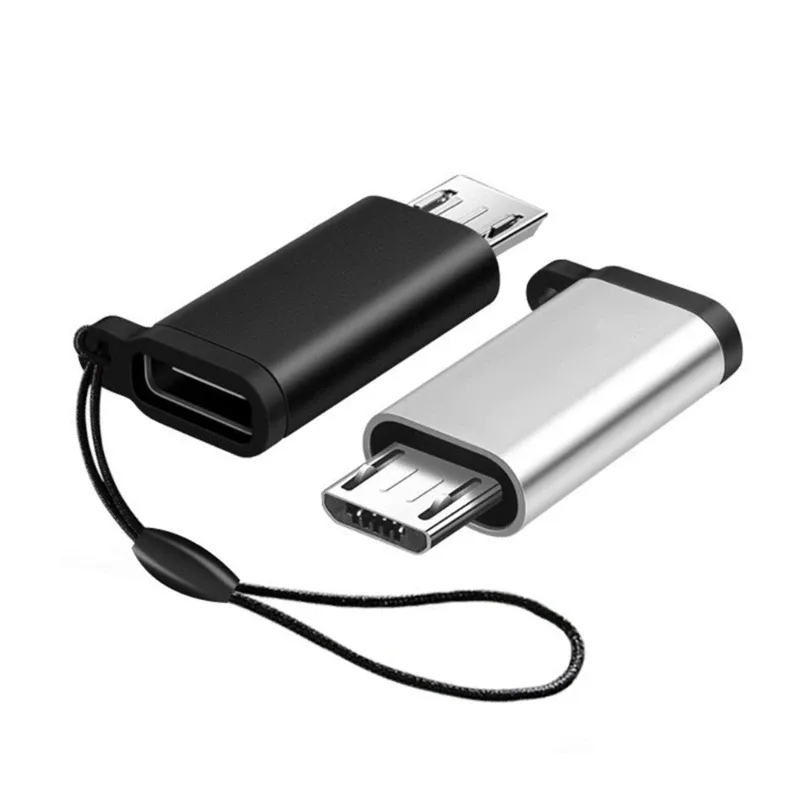
USB-C Female to Micro USB Male Aluminium Adapter
From £8.37
 Choisir
Vowenx
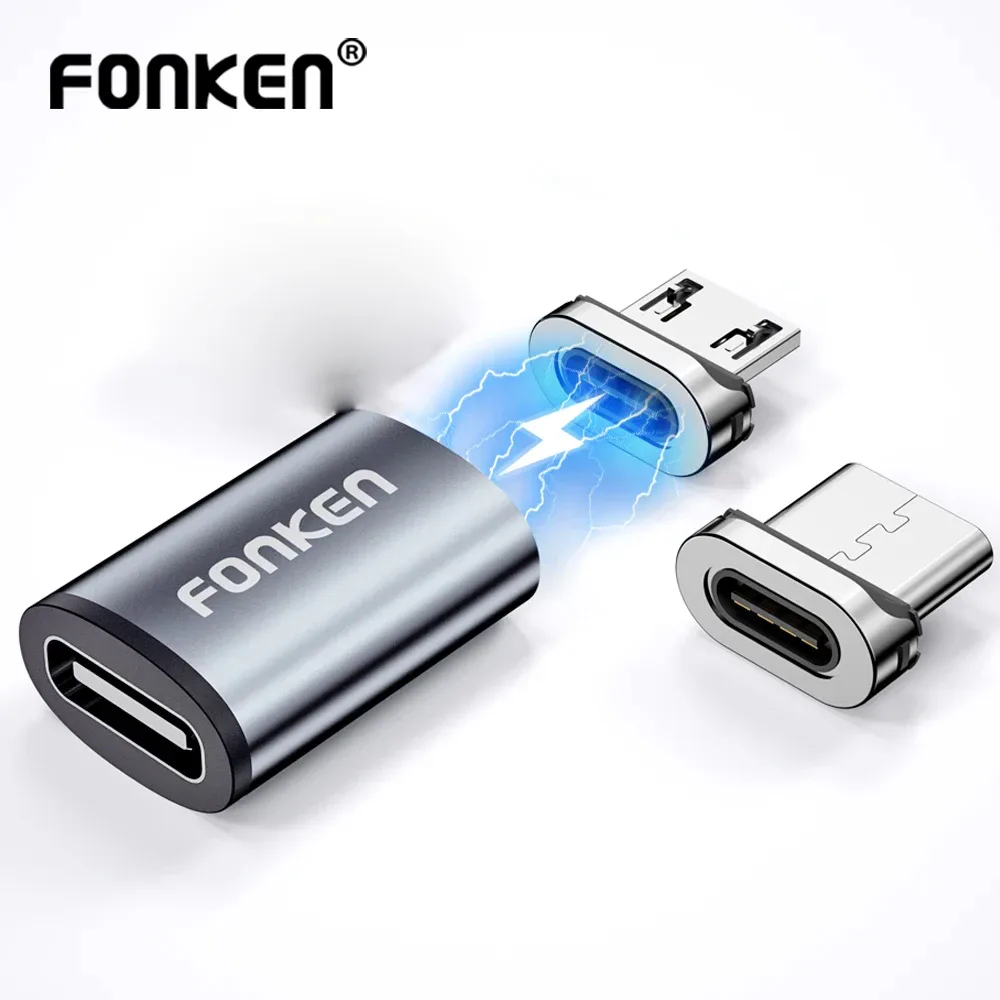
Magnetic adapter for USB-C, Micro or Lightning cable
From £6.83
 Choisir
Vowenx
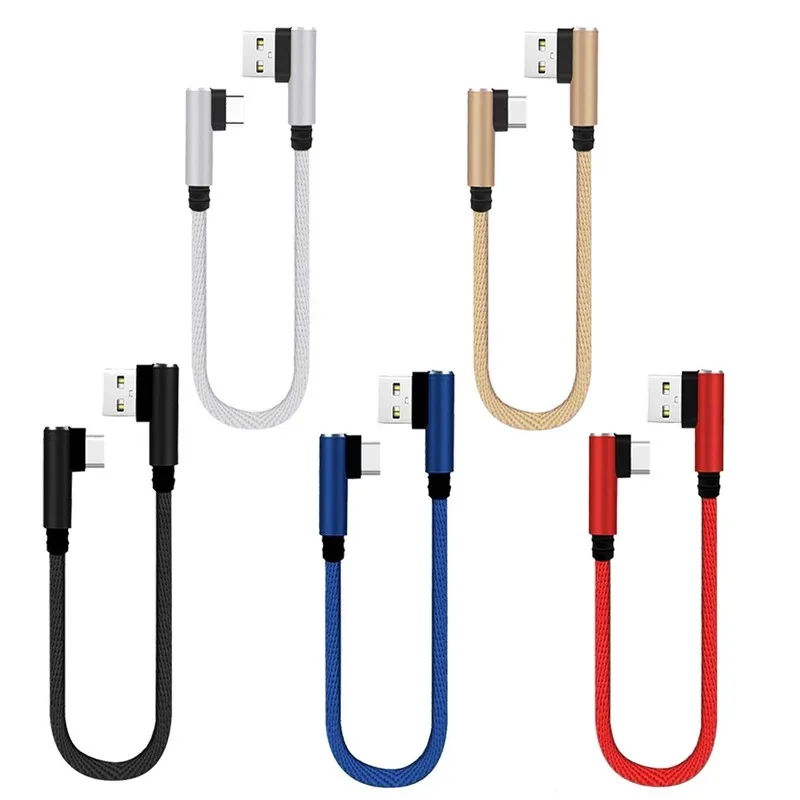
Short 25 cm angled charging cable for gaming
From £6.84
 Choisir
Vowenx
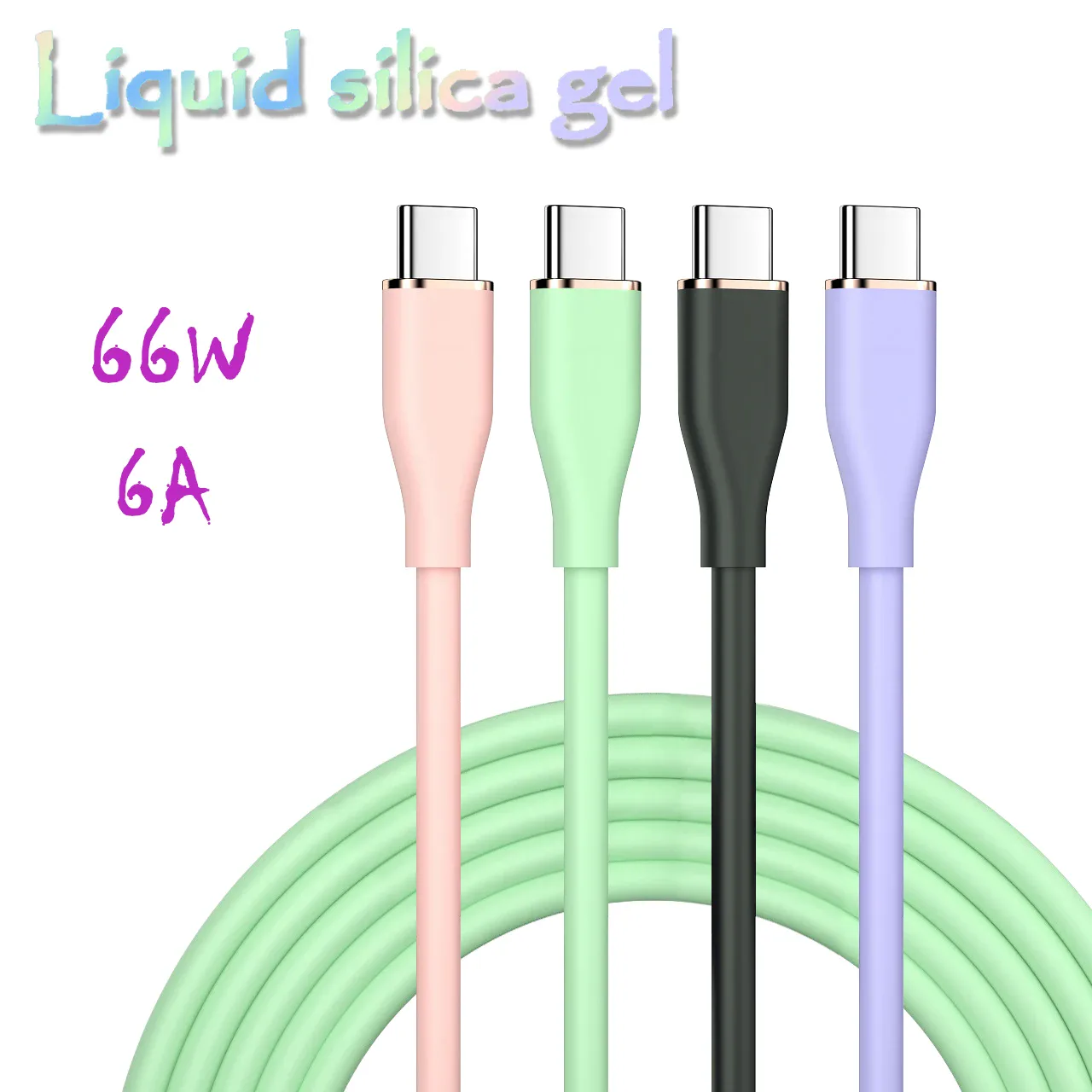
USB-C fast charging cable 66W liquid silicone 6A
From £8.99
 Choisir
TEUCER
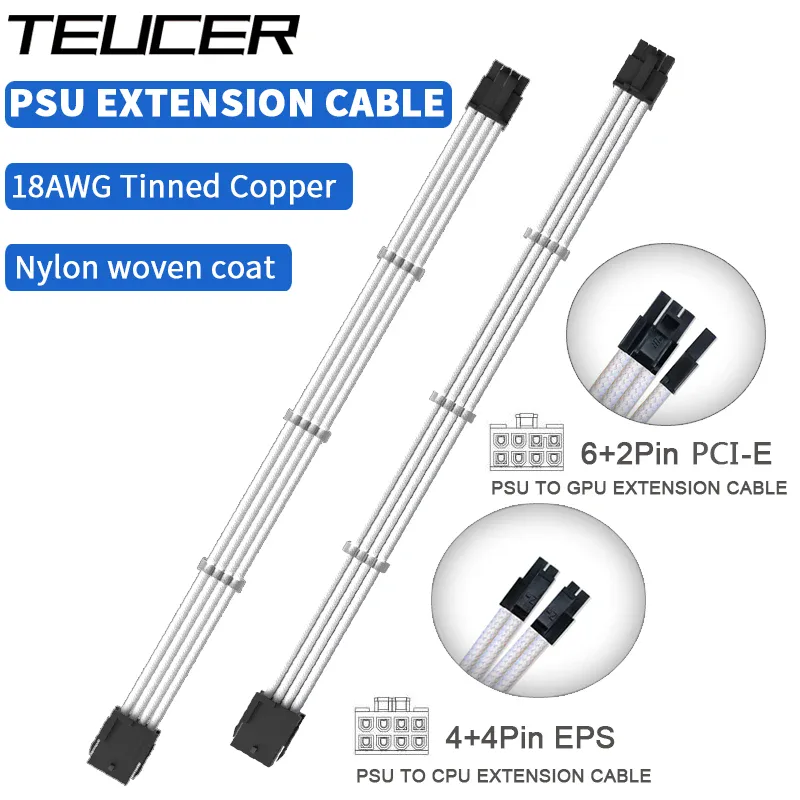
PC ATX EPS PCI-E power extension cable
From £15.73
 Choisir
Vowenx
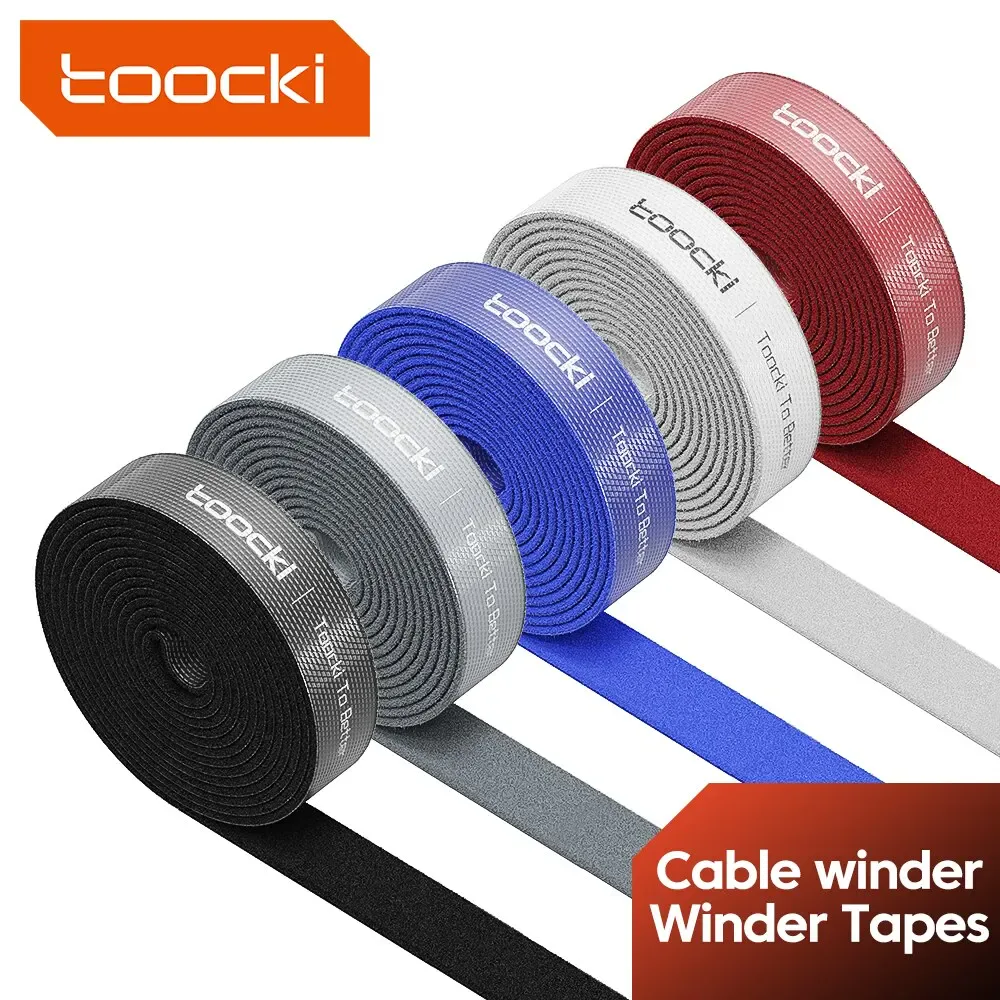
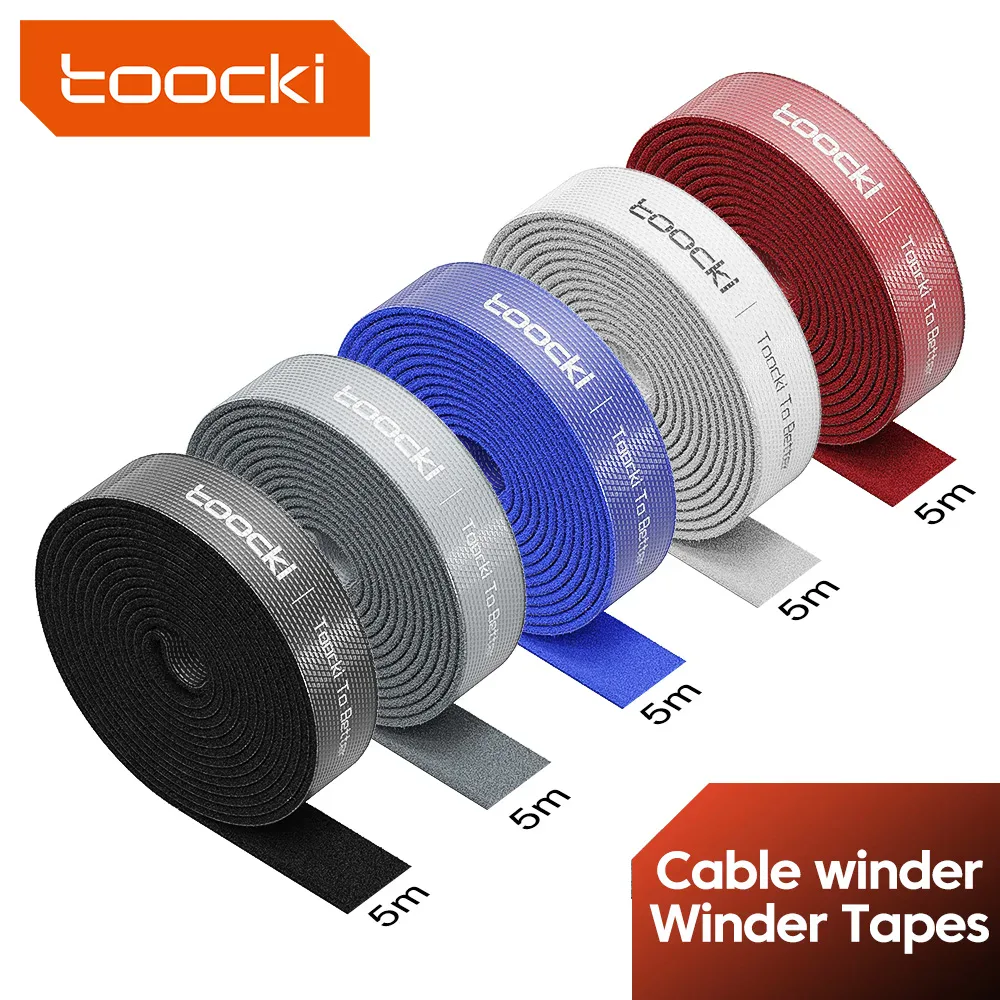
Velcro roll to cut for cable management
From £6.08
 Choisir
Vowenx
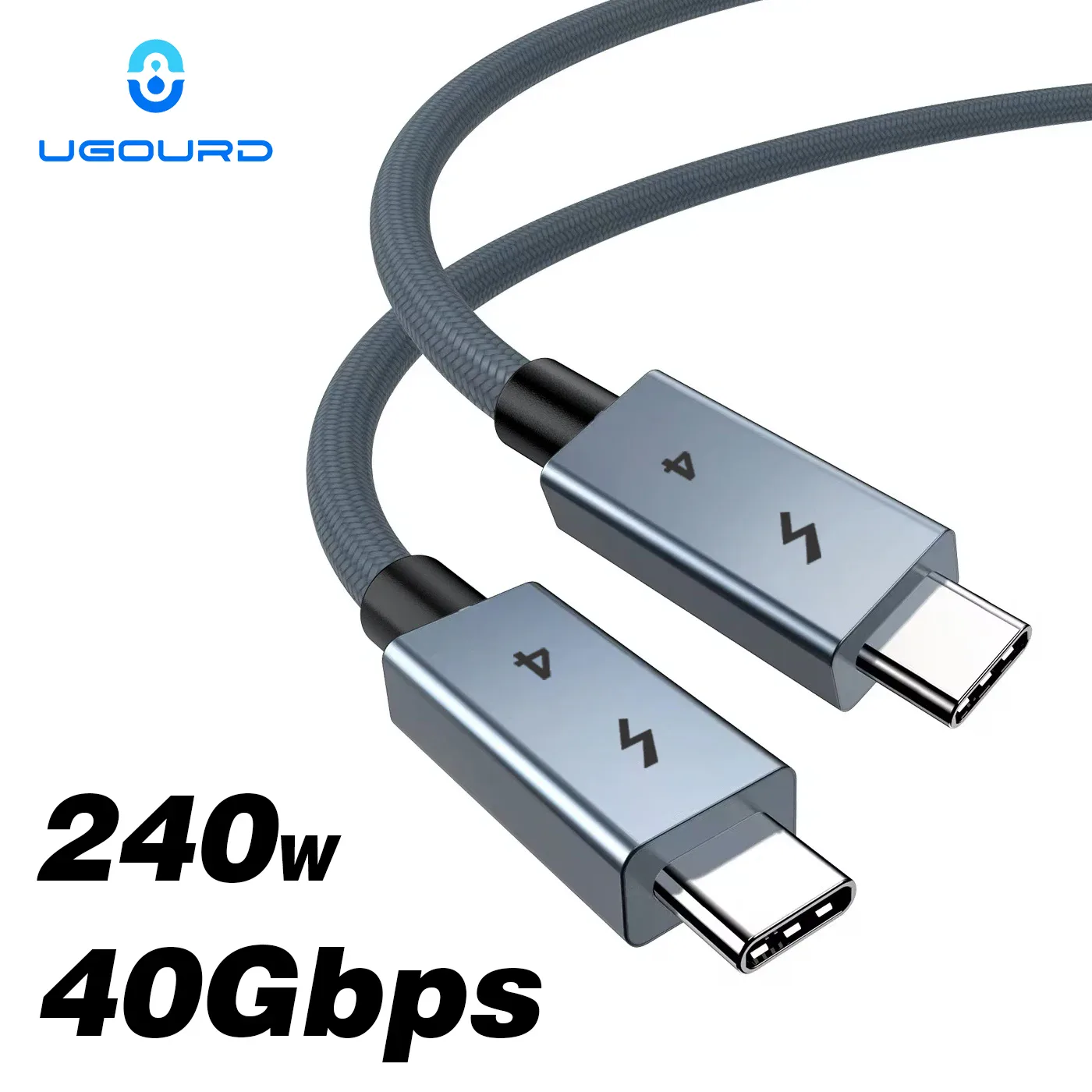
USB-C Thunderbolt 4 cable, 240 W charging and 40 Gbps
From £11.80
 Choisir
Vowenx
Velcro cable management tape, cut-to-size, nylon
From £6.08
 Choisir
Vowenx
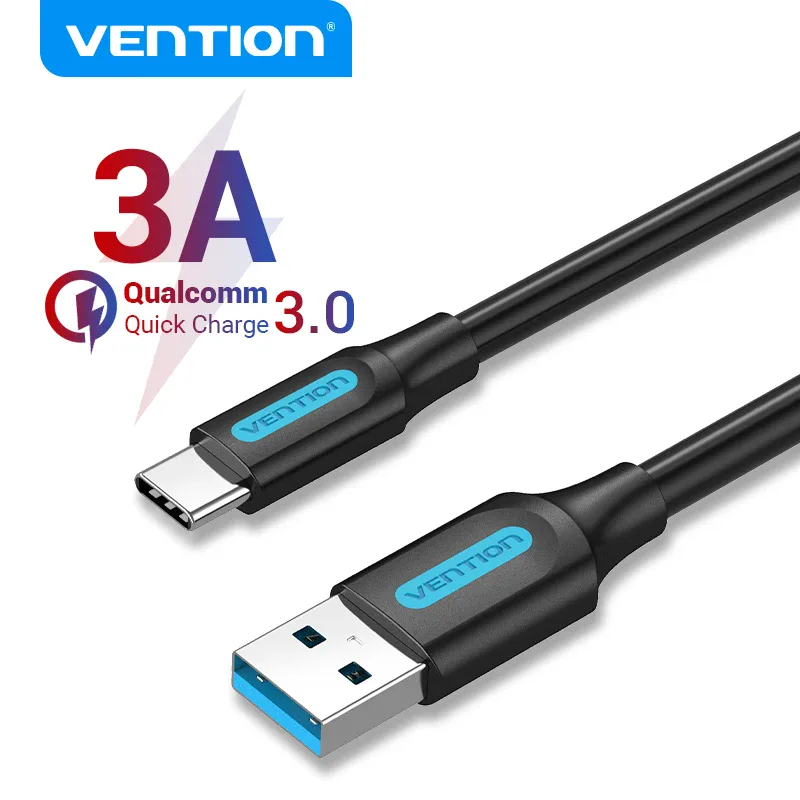
USB-A to USB-C 3A fast charging and USB 3.0 cable
From £9.37
 Choisir
Vowenx
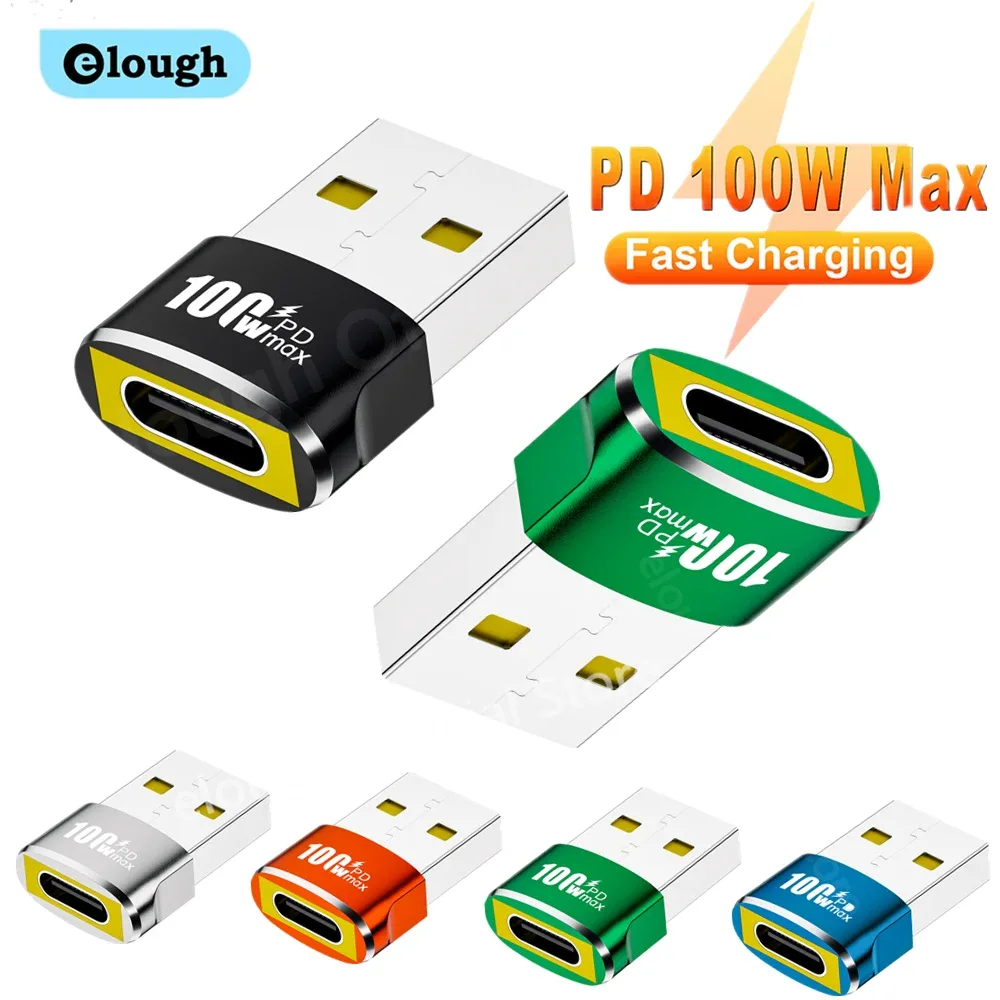
USB-A to USB-C Female OTG Adapter
From £5.91
 Choisir
Vention
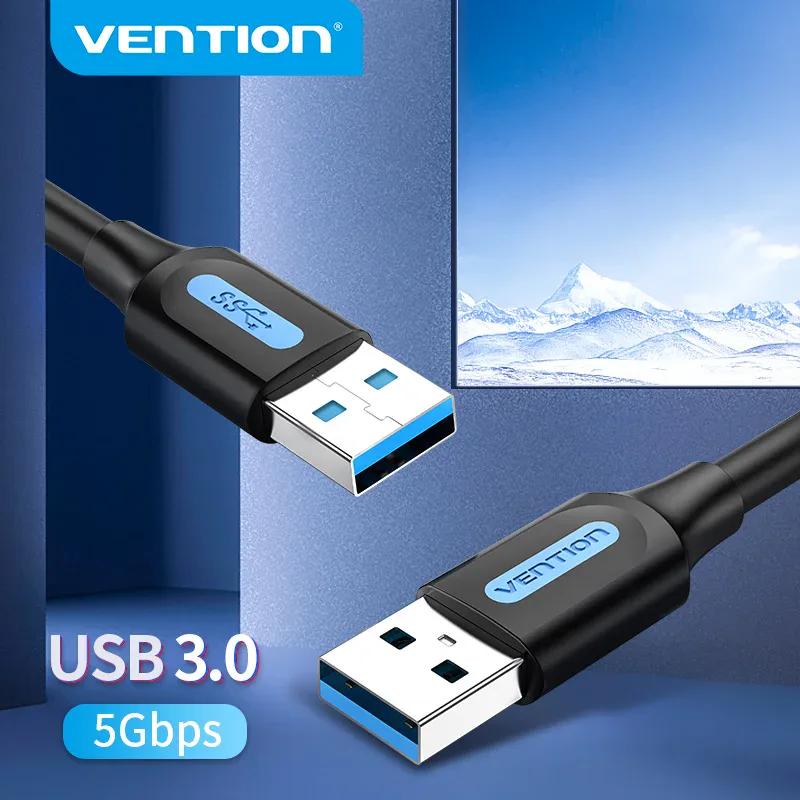
USB-A male to male USB 3.0 5 Gbps cable
From £8.02
 Choisir
UGREEN
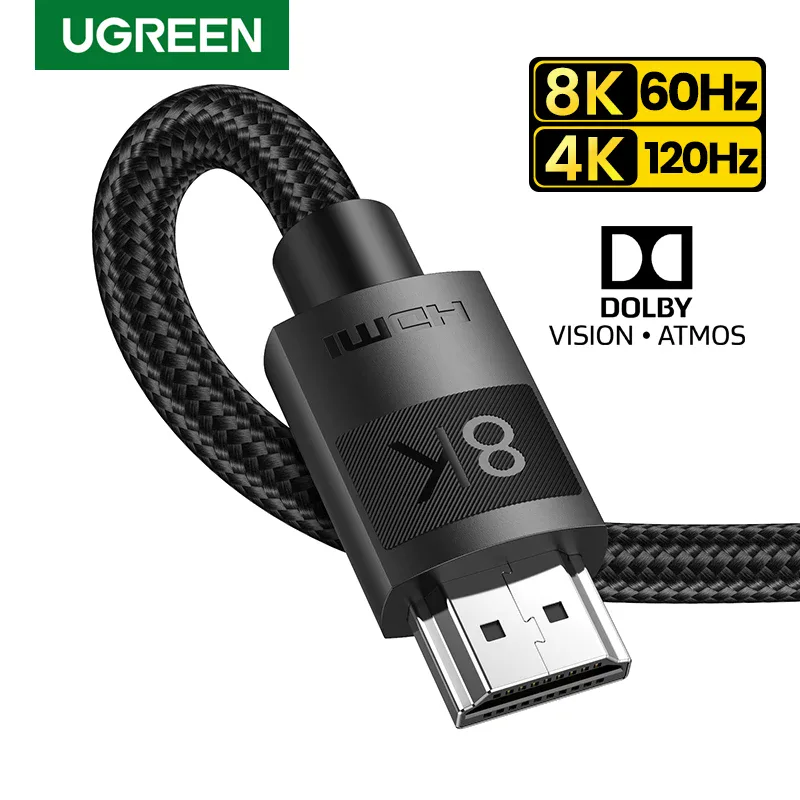
HDMI 2.1 ultra high-speed 8K 48 Gbps cable
From £15.54
 Choisir
Vowenx
Fruit-shaped silicone cable protection
From £7.91
 Choisir
Vowenx
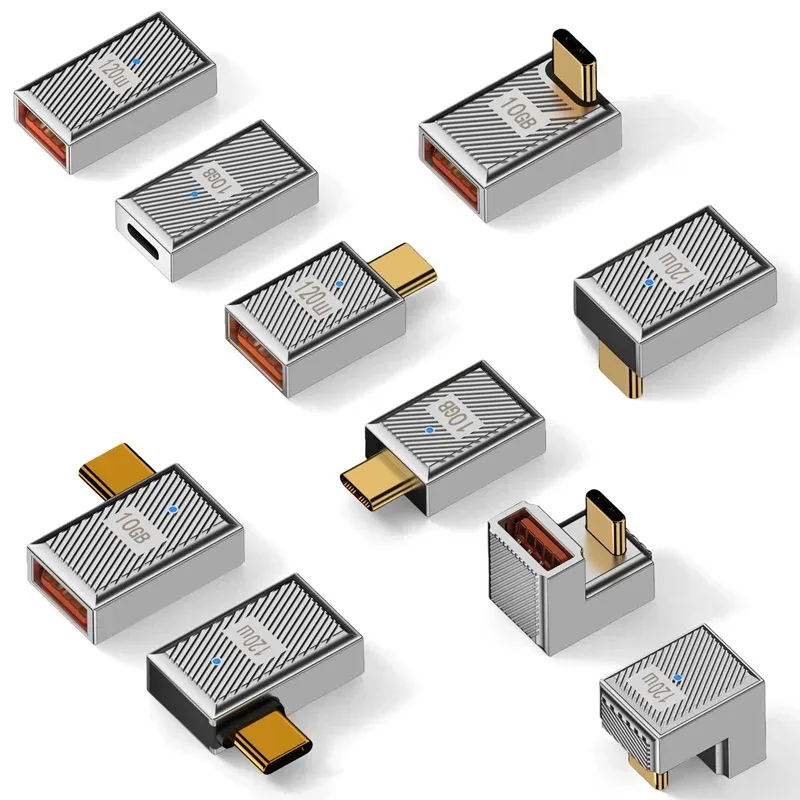
OTG USB-C Adapter 120W Charging and Data
From £8.48
 Choisir
Vowenx
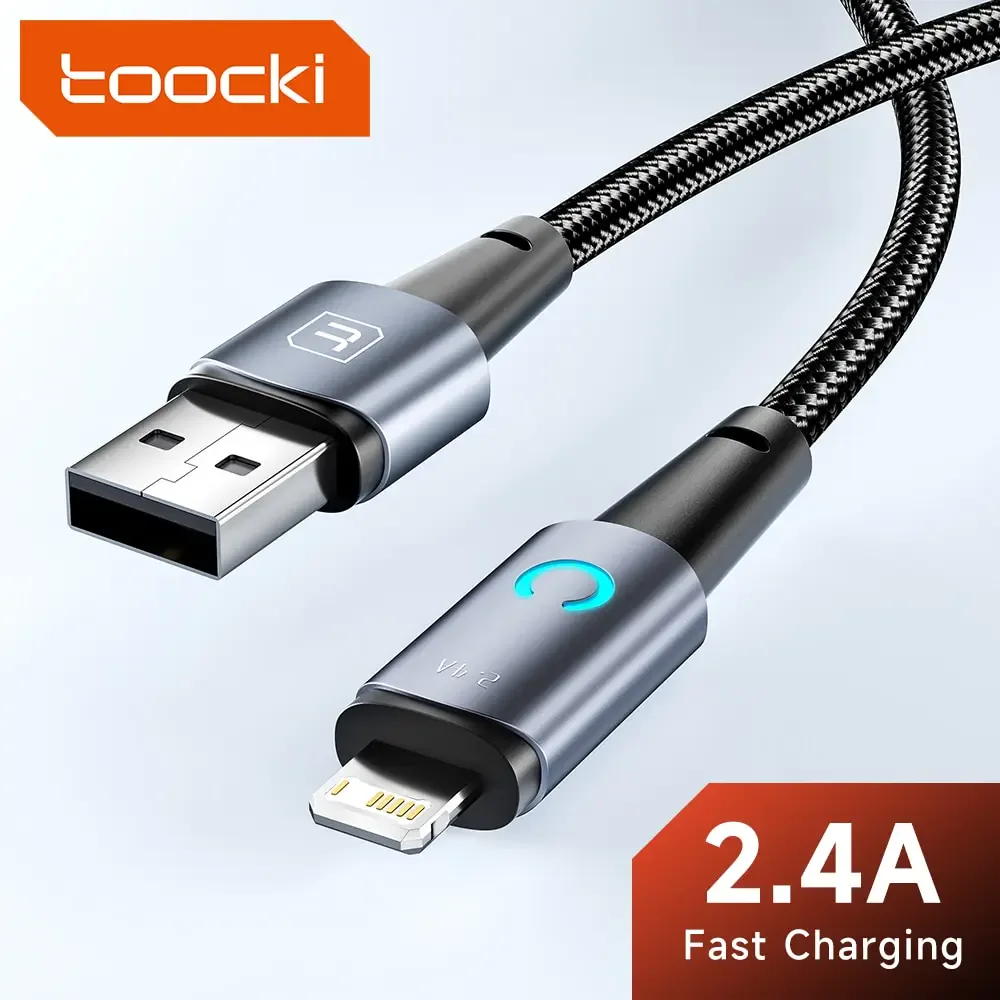
LED charging cable with Lightning, Micro USB, or USB-C
From £7.36
 Choisir
Vowenx
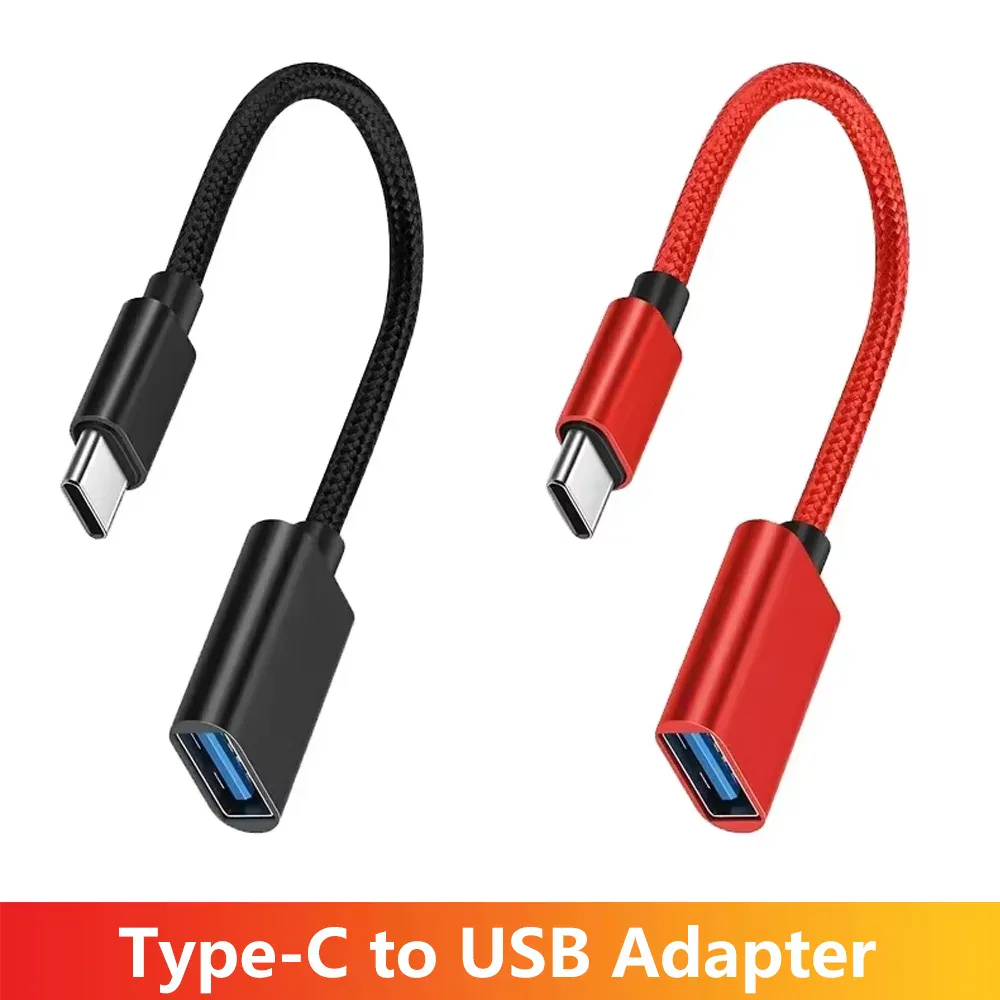
OTG Adapter USB-C to USB-A Female USB 2.0
From £5.85
 Choisir
Vowenx
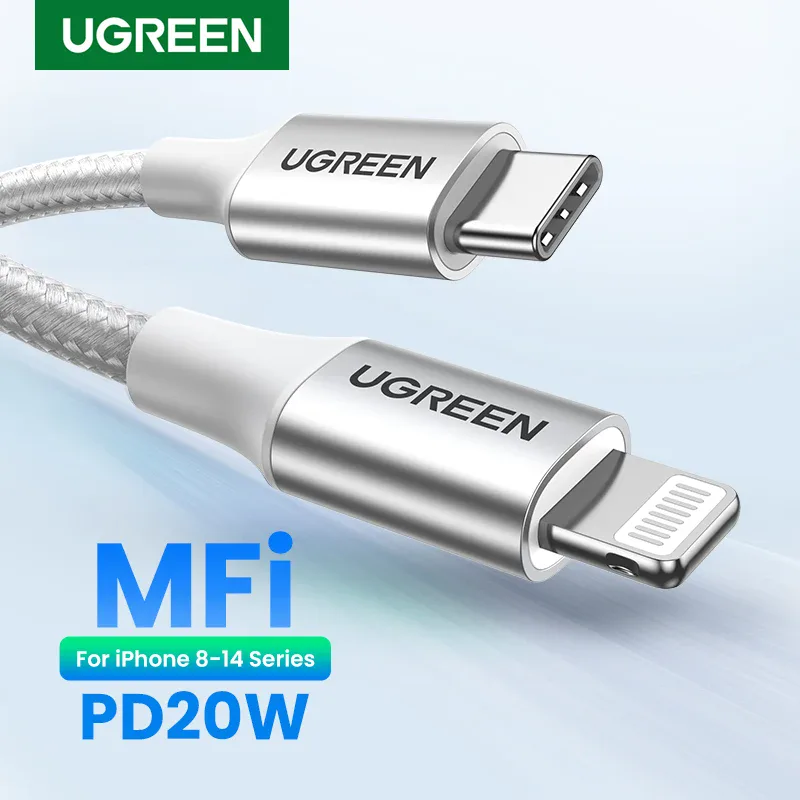
USB-C to Lightning MFi-certified PD charging cable
From £38.73
 Choisir
Vowenx
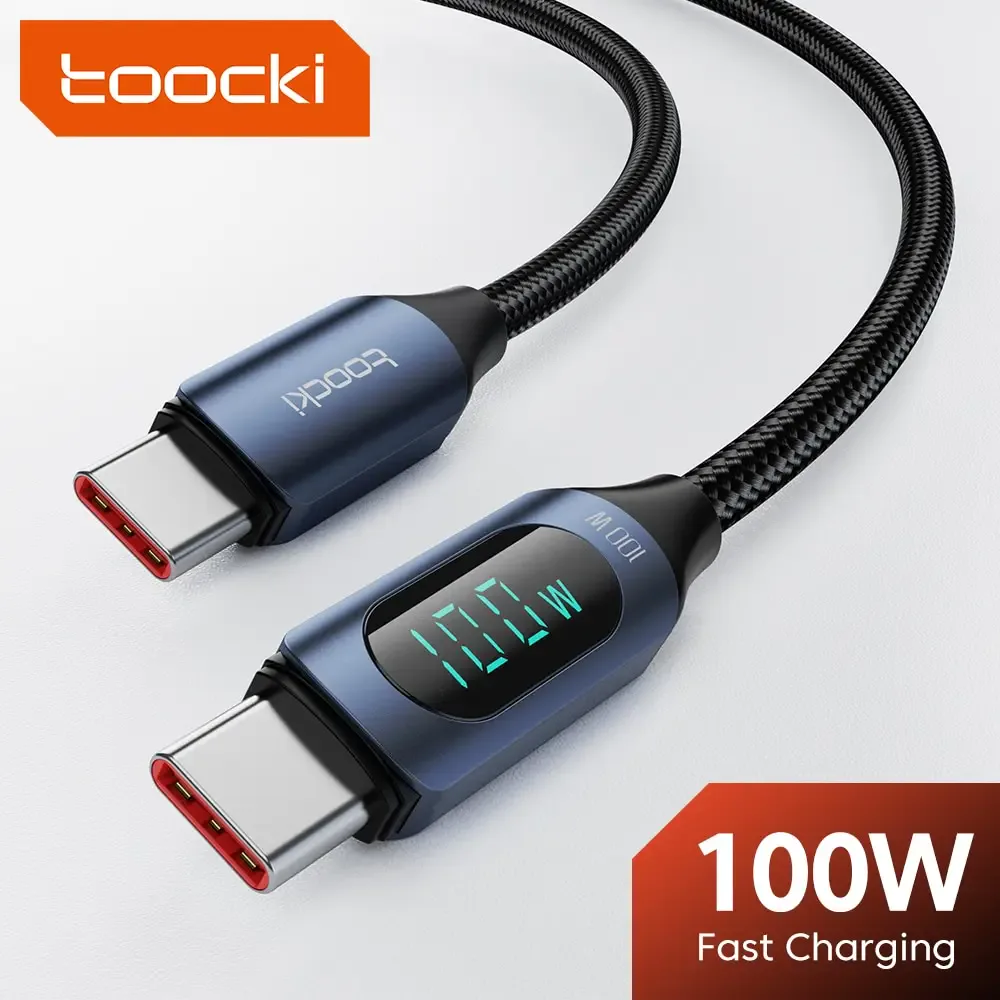
USB-C Cable with Digital Power Display
From £9.55
 Choisir
Vowenx
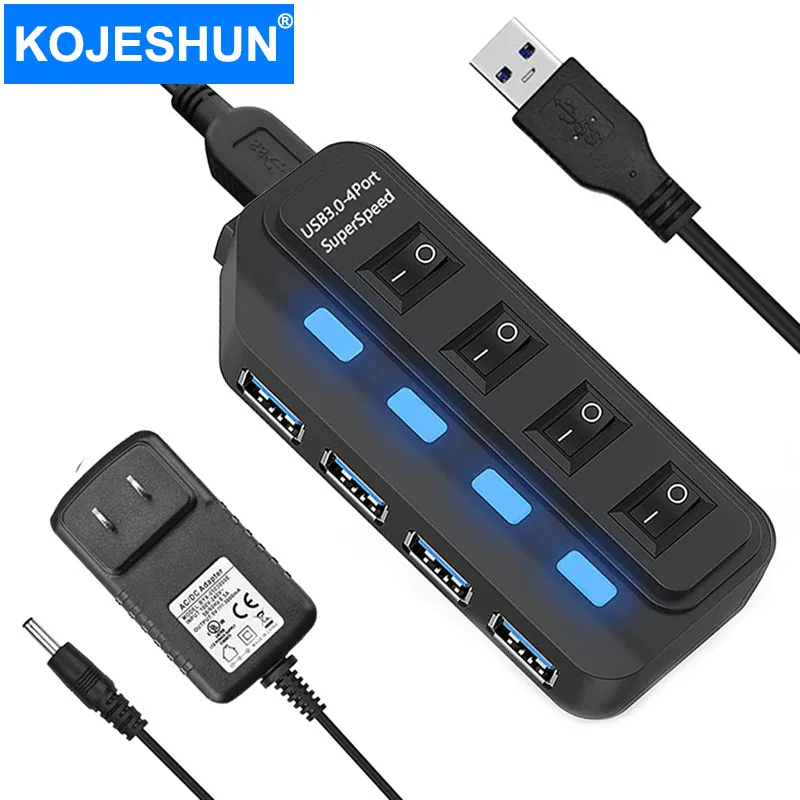
USB 3.0 hub with 4 ports at 5 Gbps and a 60 cm cable
From £17.60
 Choisir
Vowenx
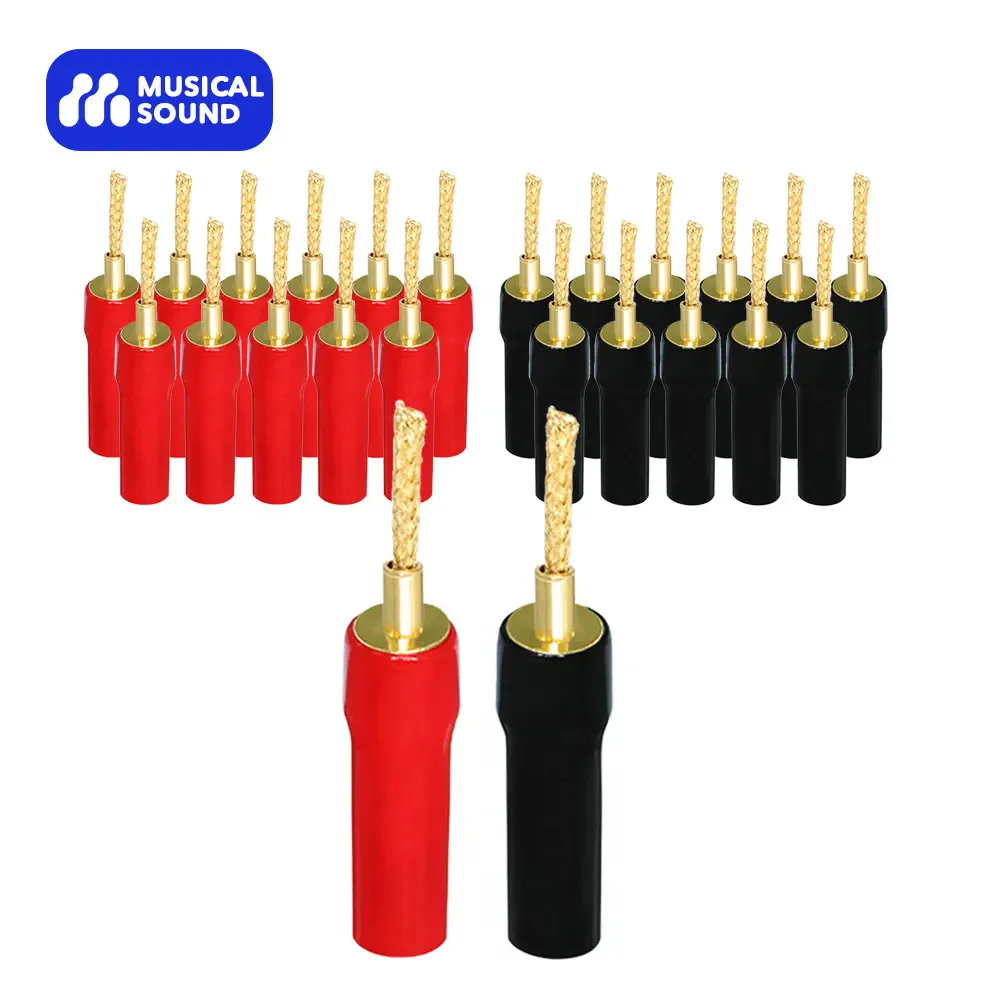
Gold-plated banana plugs for HiFi speaker cables
From £6.39
 Choisir
Vowenx
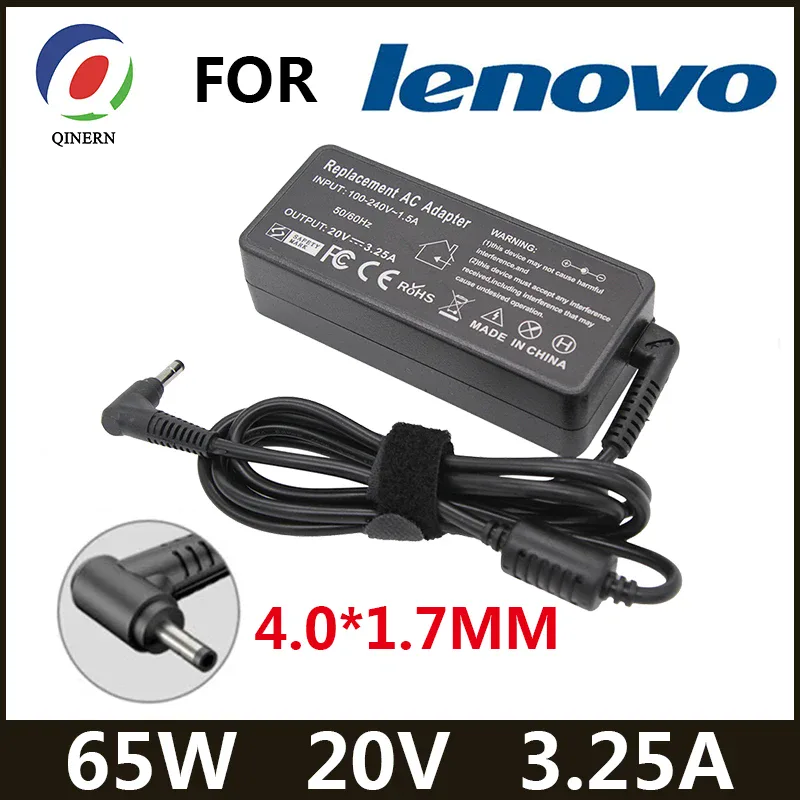
65W 20V charger for Lenovo IdeaPad Yoga portable
From £28.25
 Choisir
Vowenx
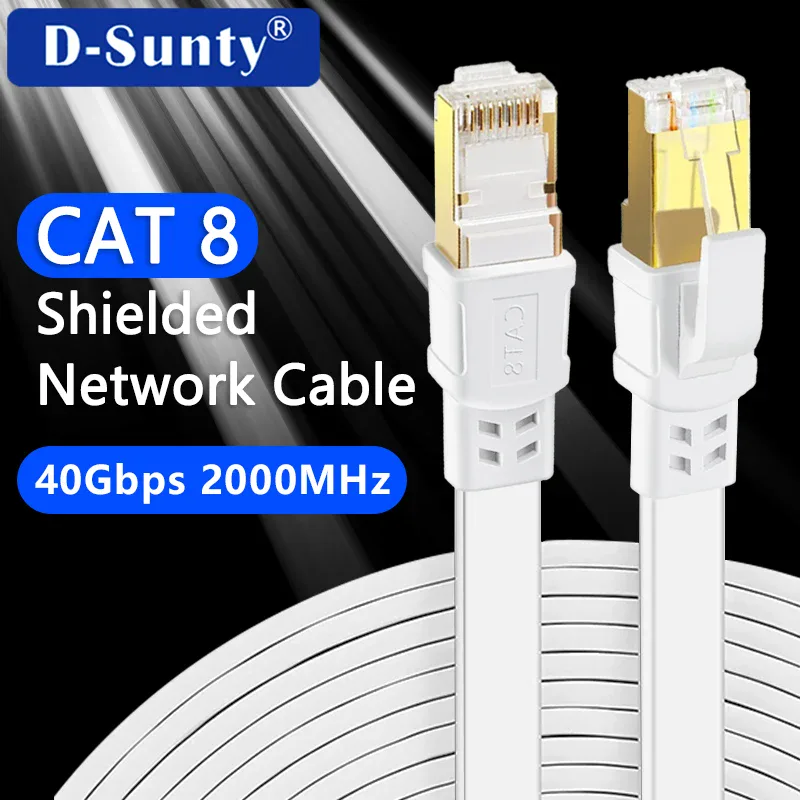
Cat 8 Shielded Ethernet Cable RJ45 40 Gbps
From £9.55
 Choisir
Vowenx
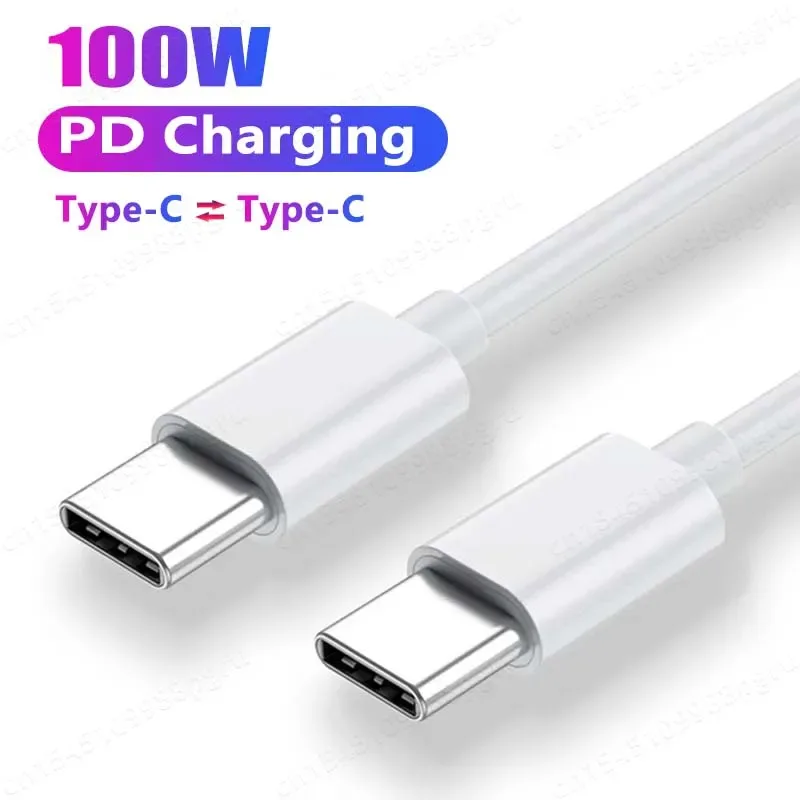
USB-C to USB-C cable with 100W PD fast charging
From £6.32
 Choisir
Vowenx
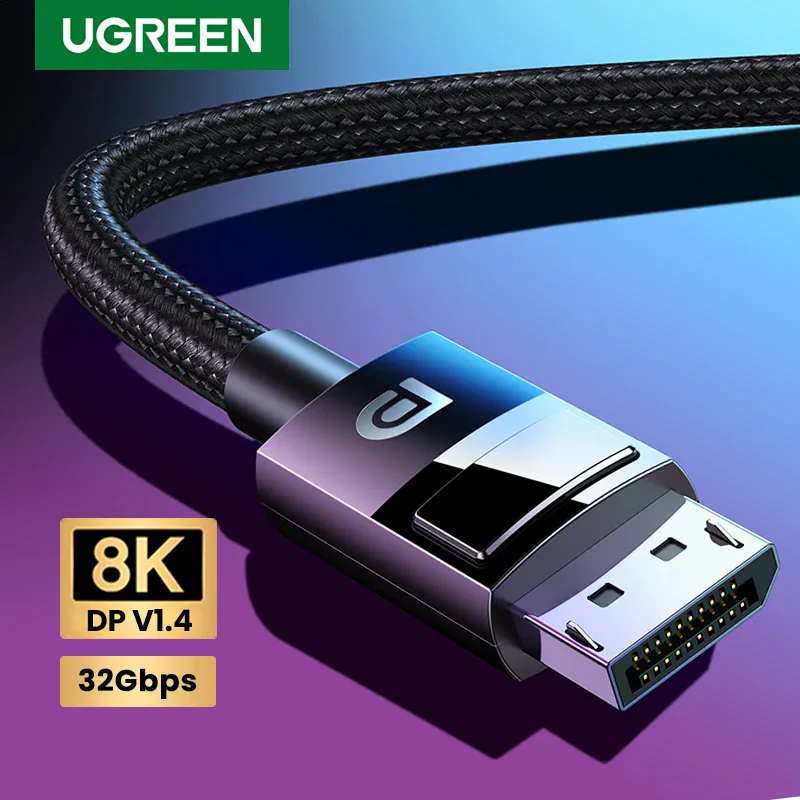
DisplayPort 1.4 8K 4K 144Hz cable for gaming monitor
From £22.83
 Choisir
Vowenx
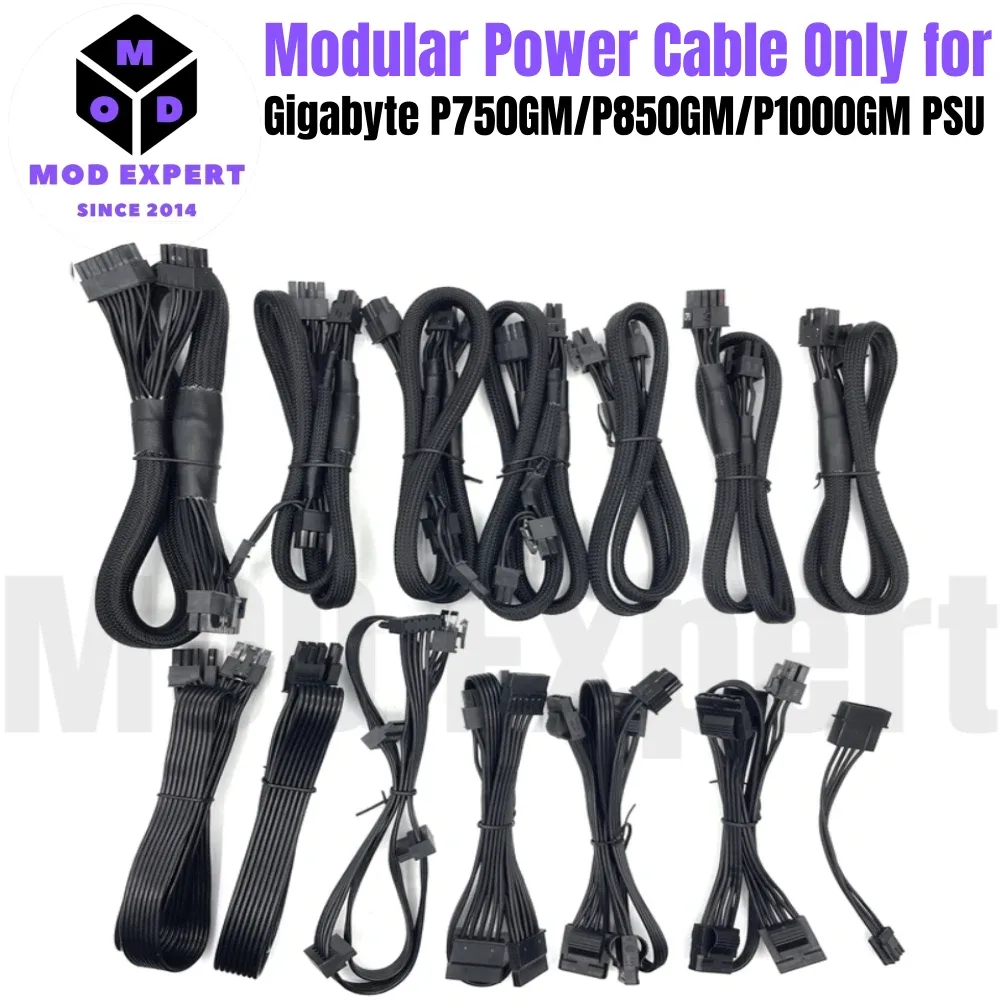
Modular cables for Gigabyte P-GM power supply
From £23.21
 Choisir
Vowenx
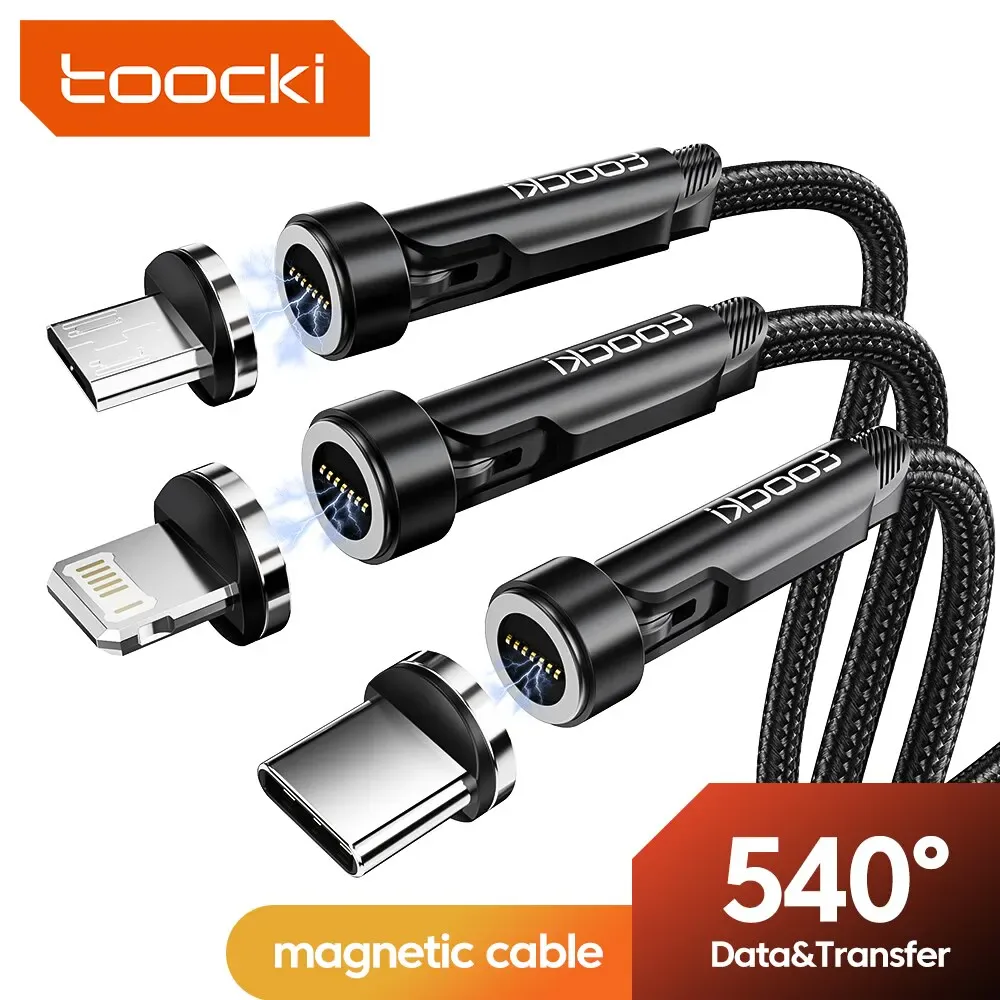
540° rotating magnetic charging cable
From £10.49
 Choisir
Vowenx
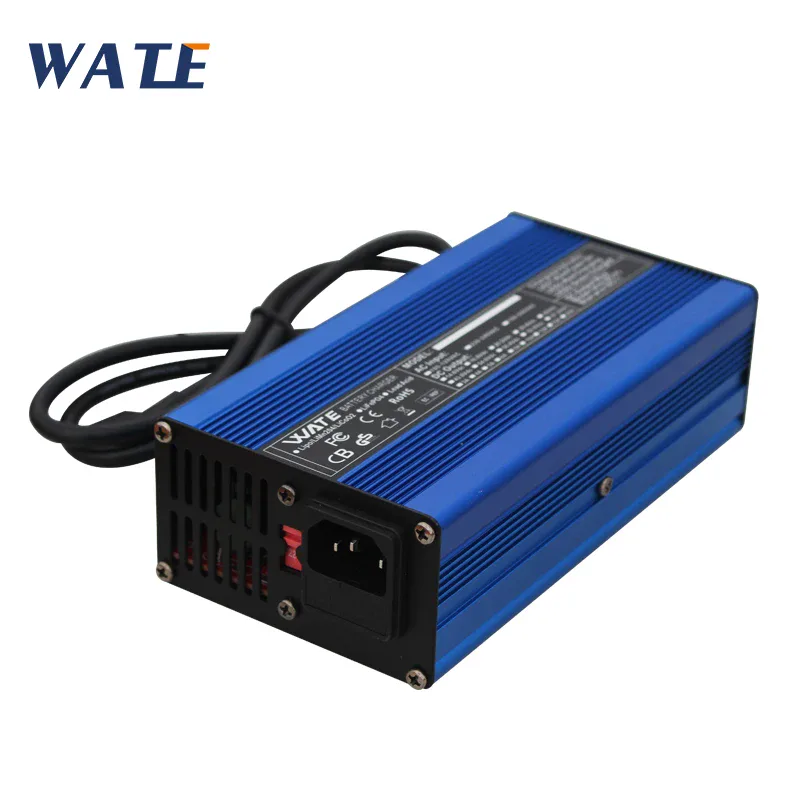
LiFePO4 battery charger 8S 29.2V 10A 240W
£39.19
 Choisir
Vowenx
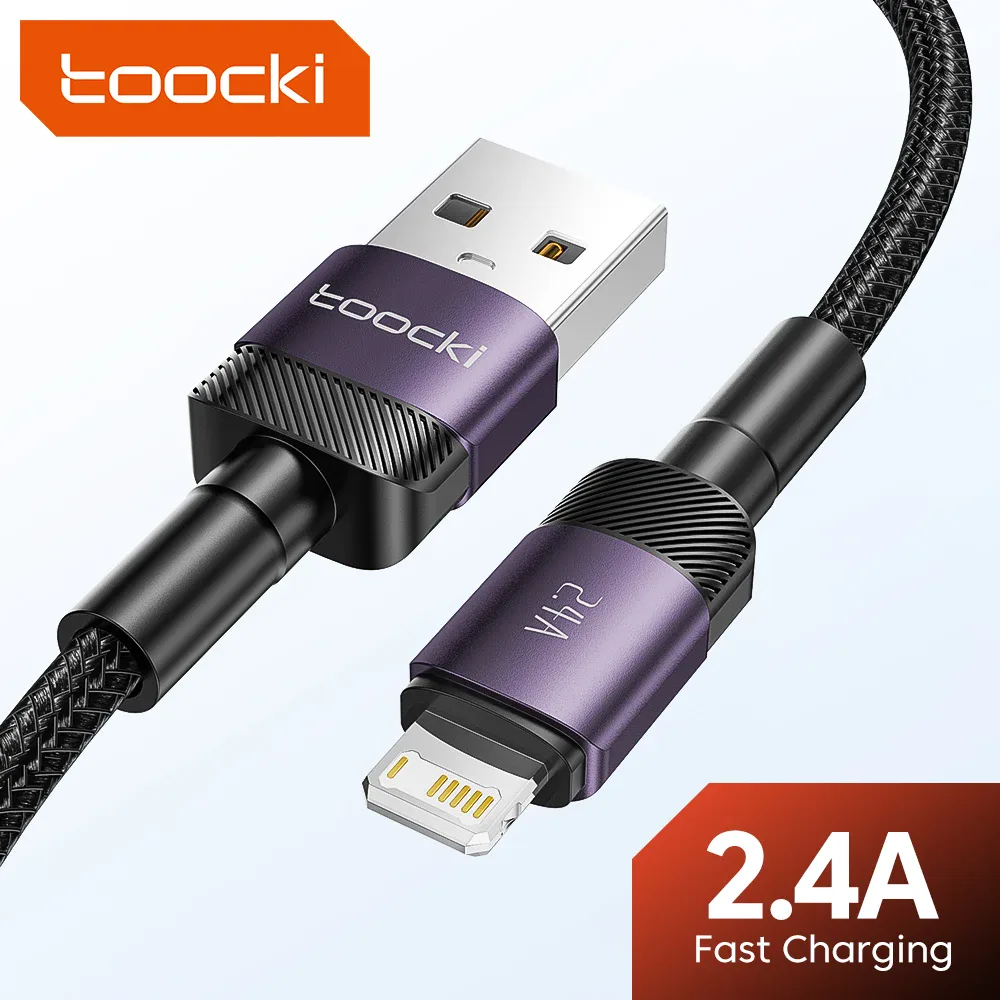
USB Lightning fast charging cable for iPhone
From £7.22
 Choisir
Vowenx
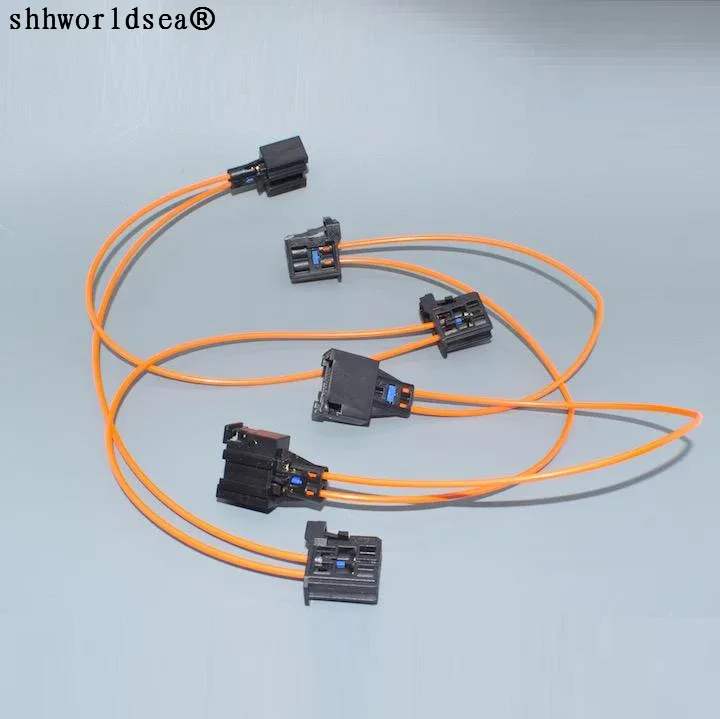
MOST multimedia optical fiber connector for car
From £21.90
 Choisir
Vowenx
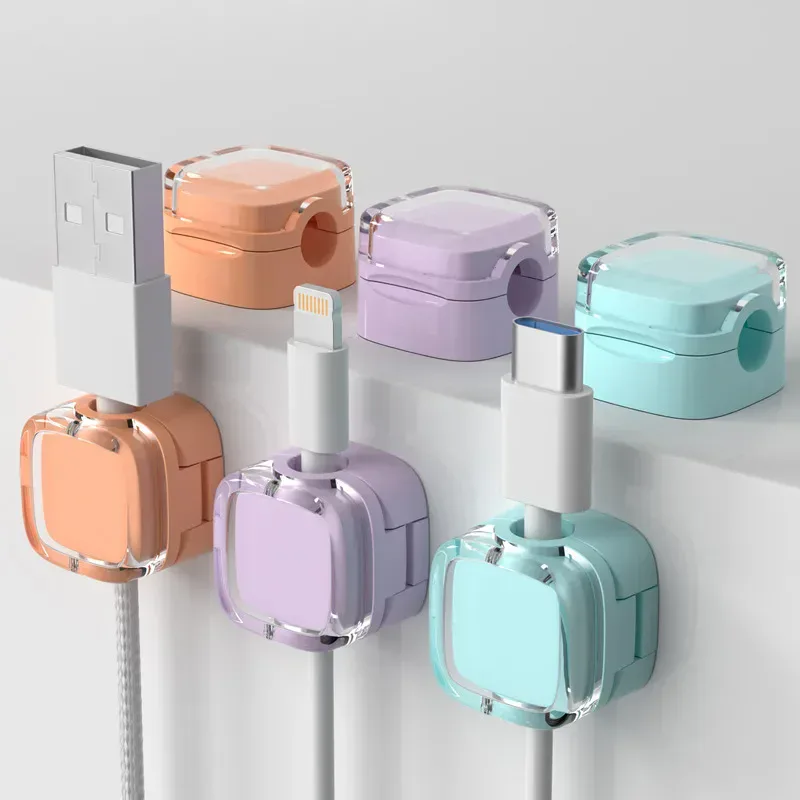
Magnetic cable management clips, pack of 6
From £9.93
 Choisir
Vowenx
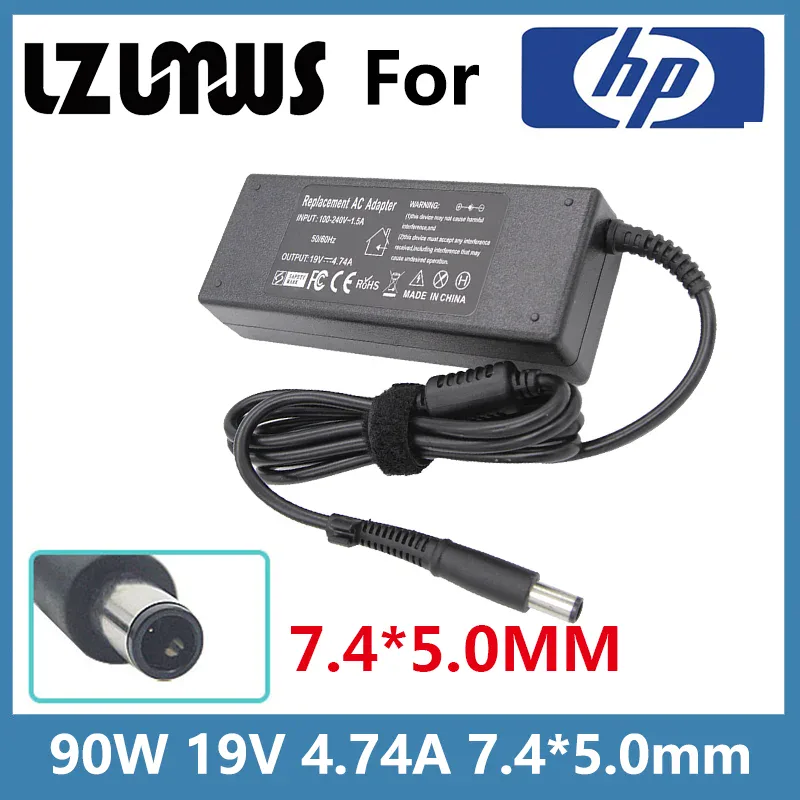
90W 19V 4.74A charger with 7.4x5.0 mm connector for HP
From £26.76
 Choisir
Vowenx
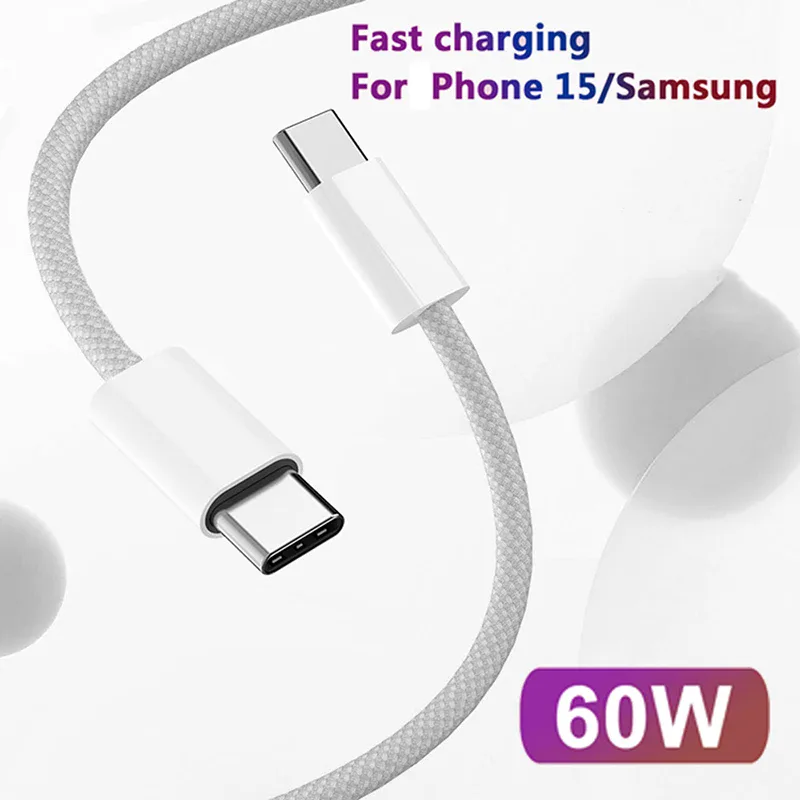
Braided USB-C to USB-C 60W fast charging cable
From £6.21
 Choisir
UGREEN
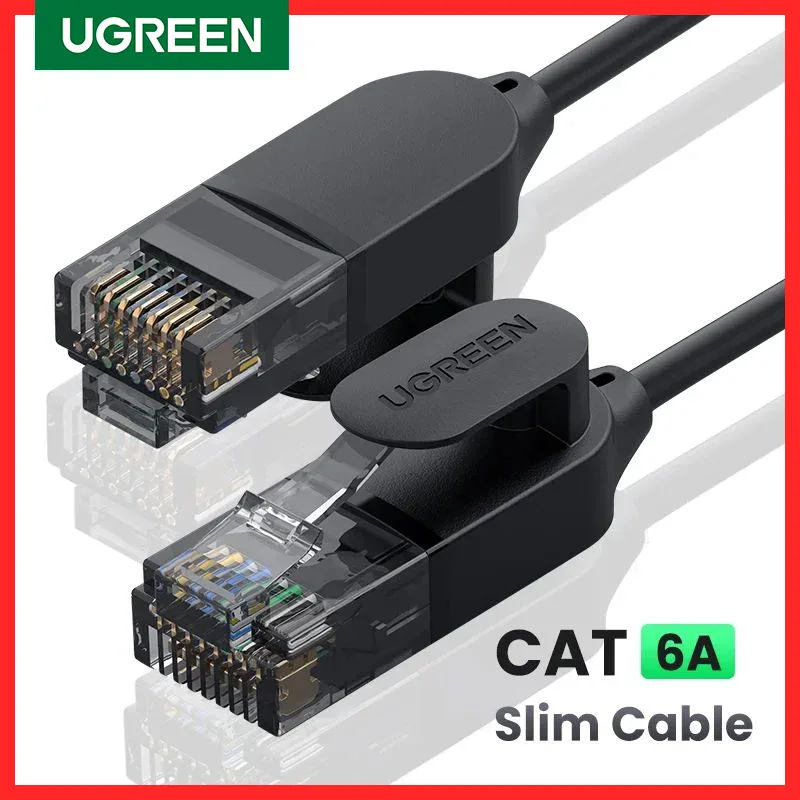
Cat 6A Ethernet Cable 10 Gbps ultra-thin and flexible
From £10.49
 Choisir
Vowenx
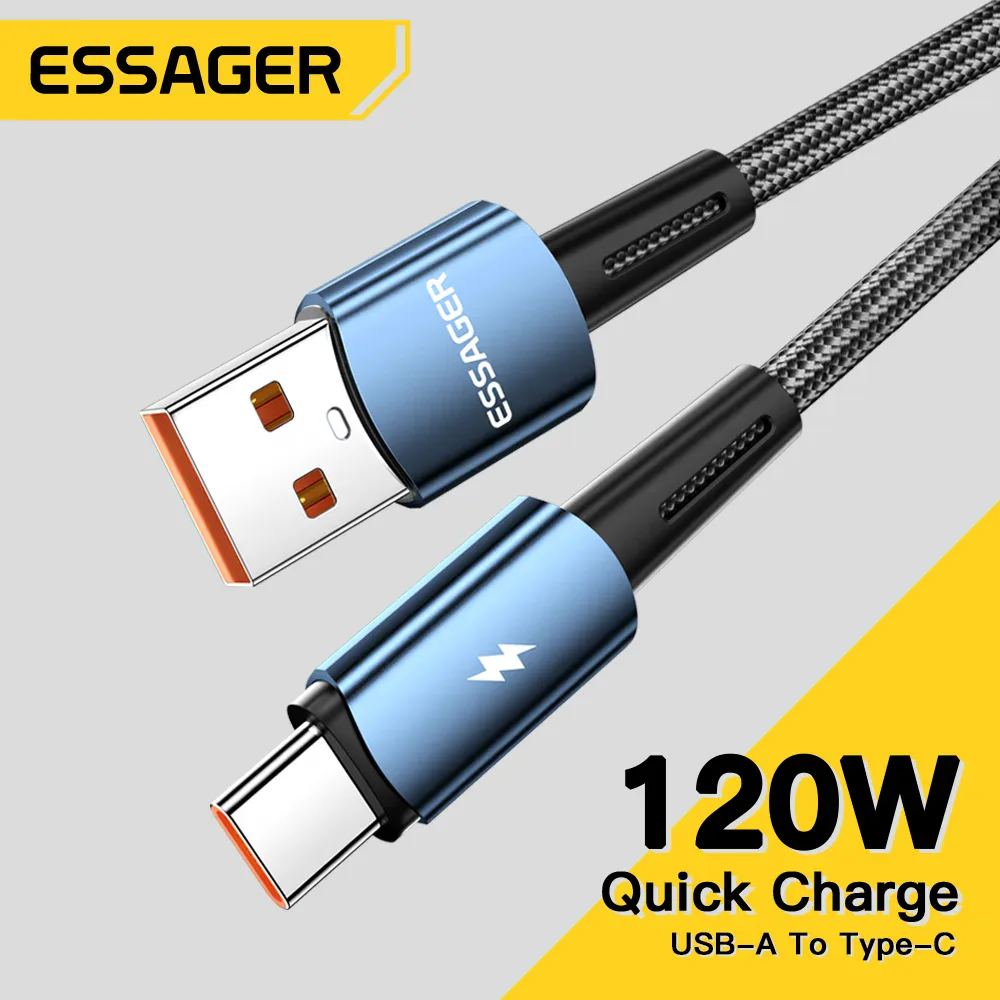
USB-C cable 120W ultra-fast charging for Xiaomi
From £10.86
How to choose your cables and chargers ?
Start with the connector: USB-C, Lightning, HDMI, jack or RJ45 must match both your devices. For charging, check the power in watts and prioritize USB Power Delivery (PD); for Apple devices, a MFi certified cable. For transfer, bandwidth matters: USB 2.0, USB 3.x (several Gbps) or Thunderbolt 4 (40 Gbps), and for video, HDMI 2.1 (48 Gbps, 8K). Hubs and OTG adapters expand your ports. Regarding durability, OFC copper and braided sheathing make the difference. Finally, choose a suitable length to avoid any signal loss.
Select your category according to your need :
- Charge and transfer from a phone → USB cables (charging & data)
- Power your devices → Chargers & power supplies: fast PD charging.
- Expand your ports → Hubs, OTG & USB adapters
- Connect audio → Audio cables & adapters
- Connect a screen or TV → Video/TV cables & adapters: HDMI 4K/8K.
- Connect to the network → Network cables & connectors
- Wire the inside of a PC → Internal cables & PC power supply
- Organize your cables → Cable management & accessories
Technical criteria to check
| Technical criterion | Why is it important ? |
|---|---|
| Connector | USB-C, Lightning, HDMI, jack, RJ45: must match both devices. |
| Charging (W + USB-PD) | Sufficient power; Power Delivery ensures fast charging; MFi for Apple. |
| Bandwidth | USB 2.0/3.x, Thunderbolt 40 Gbps, HDMI 2.1 (8K): choose according to usage. |
| Length | Suitable for your need, without signal loss. |
| Quality | OFC copper and braided sheathing ensure durability and good signal. |
Frequently asked questions about cables and chargers
Which cable to quickly charge my phone?
Choose a cable adapted to the connector (USB-C, or USB-C to Lightning certified MFi for Apple) and a USB Power Delivery (PD) charger. It is the combination of PD and a good cable that allows fast charging.
What is the difference between USB 2.0, 3.0 and Thunderbolt?
Bandwidth increases: USB 2.0 tops out at 480 Mbps, USB 3.x reaches several Gbps and Thunderbolt 4 goes up to 40 Gbps. For large transfers or a screen, prefer USB 3.x or Thunderbolt.
Which HDMI cable for 4K or 8K?
For 4K at 120 Hz or 8K, choose an "ultra high speed" HDMI 2.1 cable (48 Gbps). An older HDMI cable limits the displayed resolution and refresh rate.
Related categories
Frequently asked questions
What cable to quickly charge my phone?
Choose a cable compatible with the connector (USB-C, or an MFi-certified USB-C to Lightning cable for Apple) and a USB Power Delivery (PD) charger. It is the combination of PD and a good cable that enables fast charging.
What is the difference between USB 2.0, 3.0, and Thunderbolt?
The data transfer rate increases: USB 2.0 tops out at 480 Mbps, USB 3.x reaches several Gbps, and Thunderbolt 4 goes up to 40 Gbps. For large transfers or a monitor, prefer USB 3.x or Thunderbolt.
Which HDMI cable for 4K or 8K?
For 4K at 120 Hz or 8K, choose an HDMI 2.1 "ultra high speed" cable (48 Gbps). An older HDMI cable limits the resolution and refresh rate displayed.