Internal PC cables: modular power supply, ATX & SATA
Assemble and ensure the reliability of your PC at Vowenx: modular power cables, ATX, EPS and PCIe extensions, RS232 and SATA cables. A selection for a clean build at the right price.
« Perfect for an HP Microserver N54L. It fits smoothly and easily into the bay. The only “but” (not the power supply’s fault) is that it only has 2 Molex connectors, whereas the original power supply has 5. You’ll need a »
« just right for this mini case I'm putting together, works great »
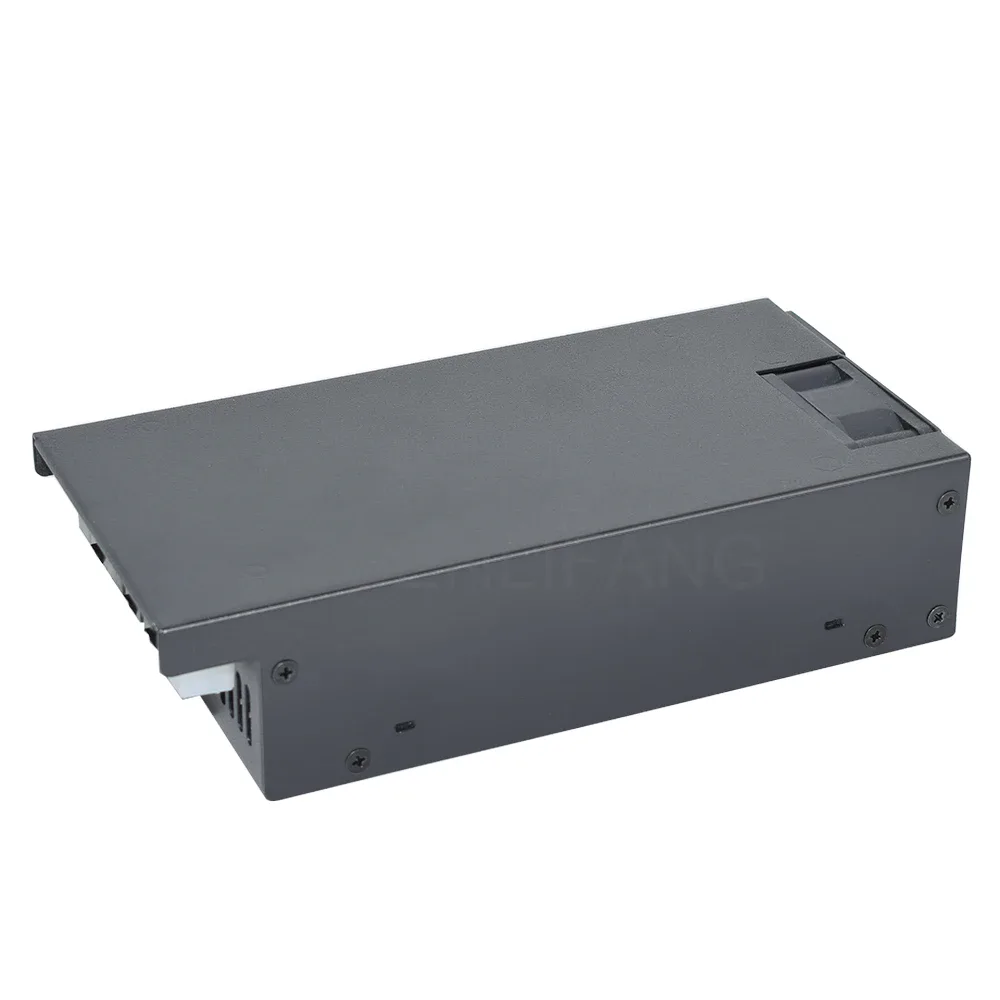 Choisir
SENLIFANG
Modular power supply 400W 600W 1U SENLIFANG
From £71.87
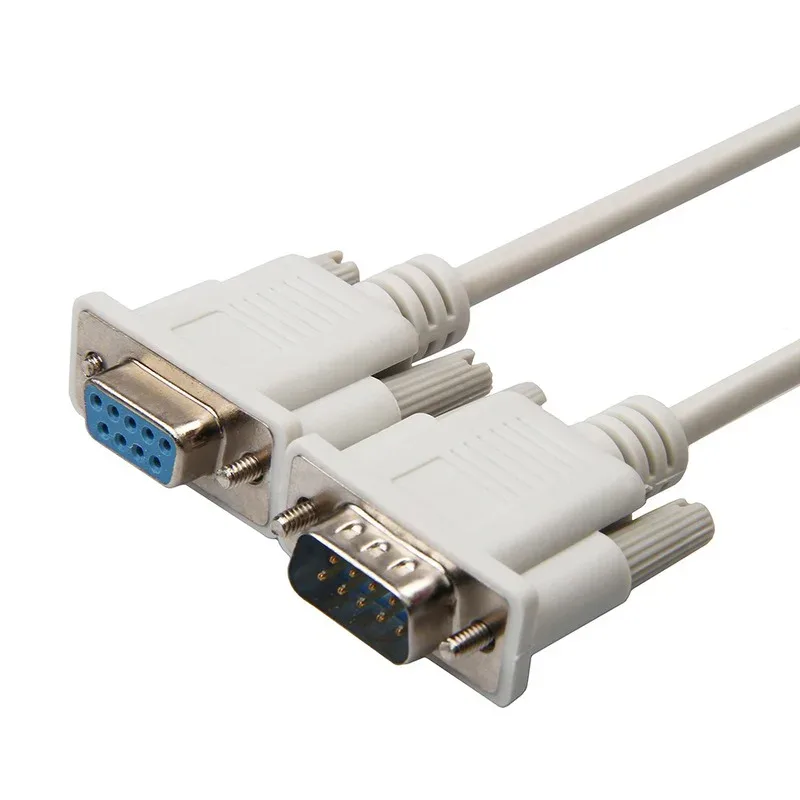 Choisir
Vowenx
RS232 serial cable DB9 9-pin male-female (extension)
From £10.91
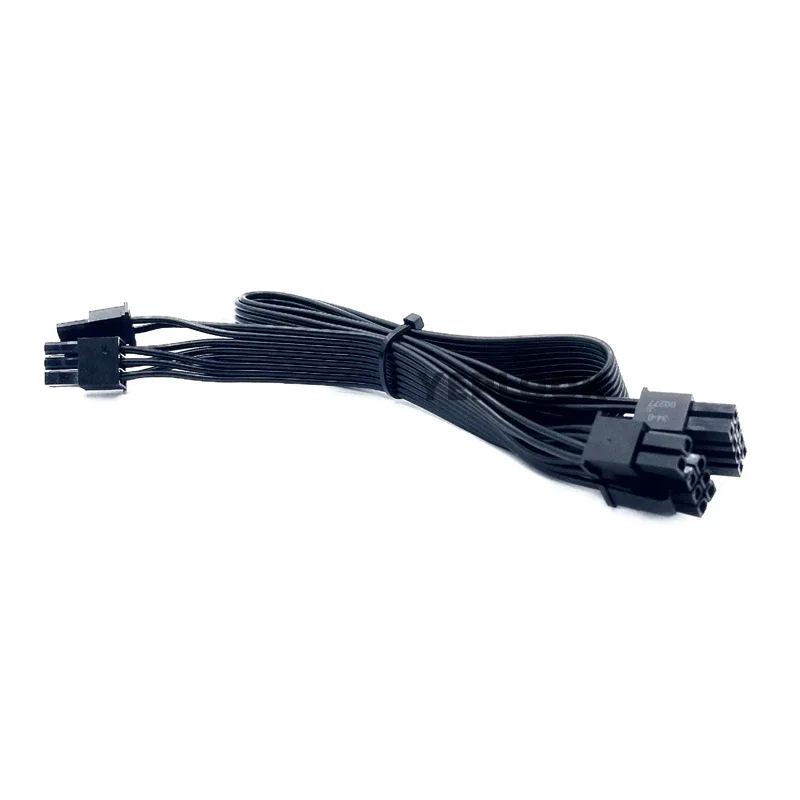 Choisir
Vowenx
Modular cables for Gigabyte P-GM power supply
From £16.98
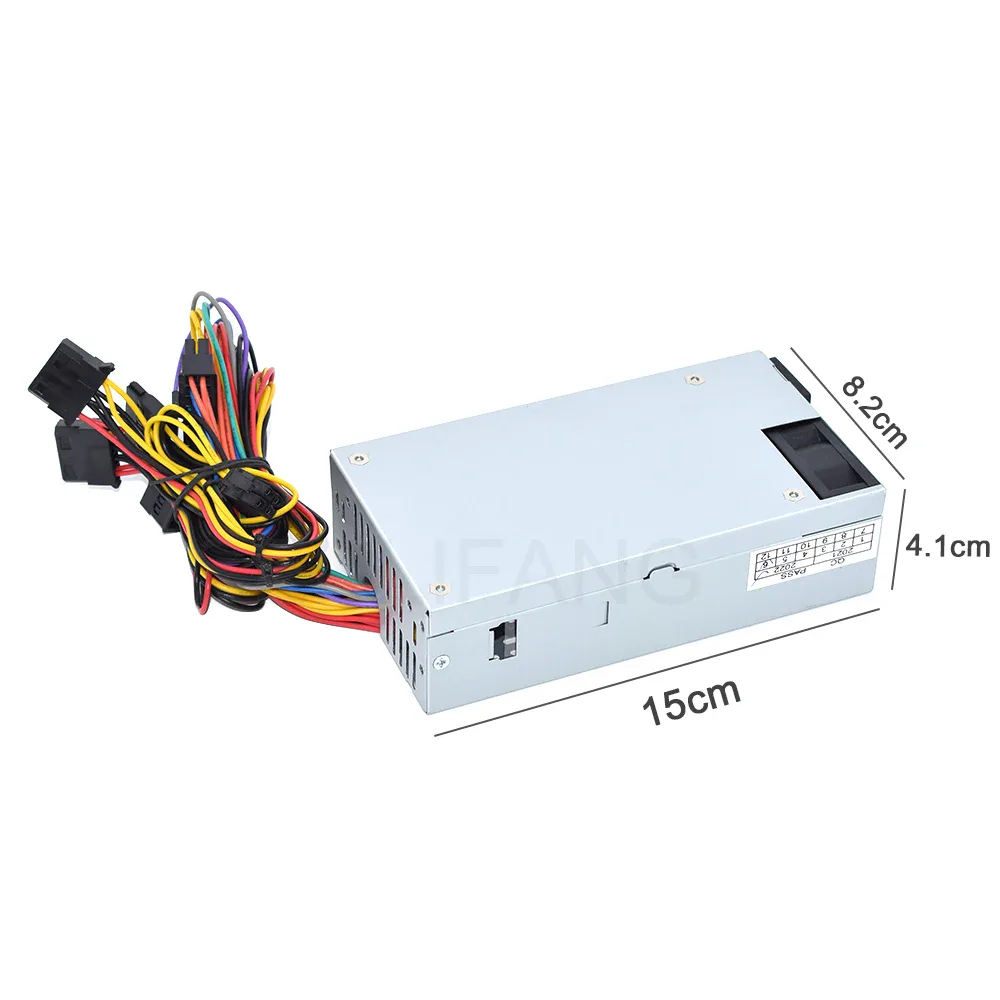
julongfengbao
Mini 1U Power Supply FSP ATX 250W FSPATX250W 220V
£41.06
 Choisir
Vowenx
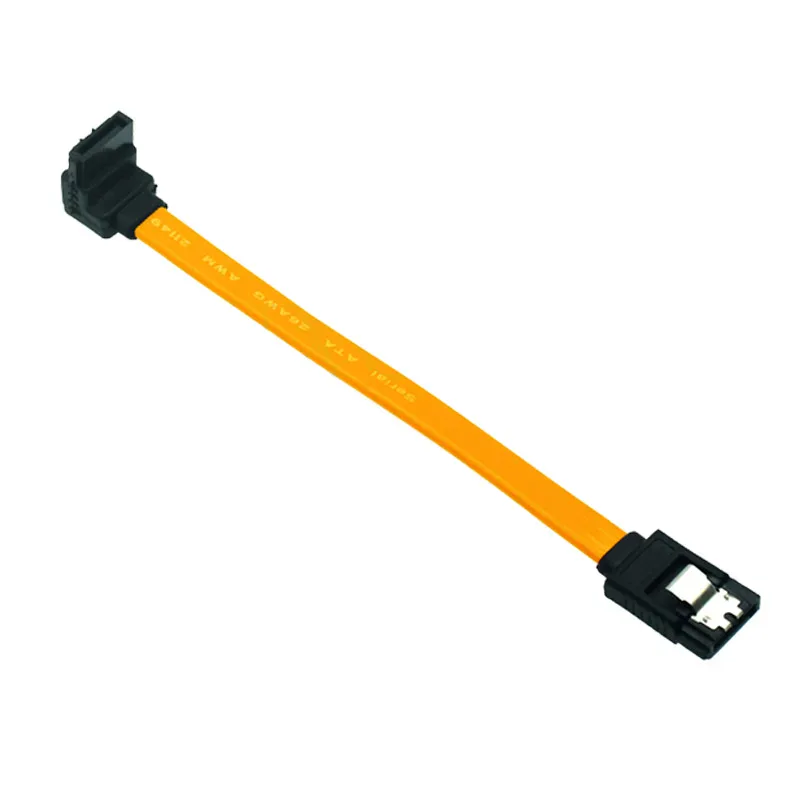
Set of 5 SATA 3.0 6 Gbps cables with locking mechanism
From £18.14
 Out of stockOut of stock
TEUCER
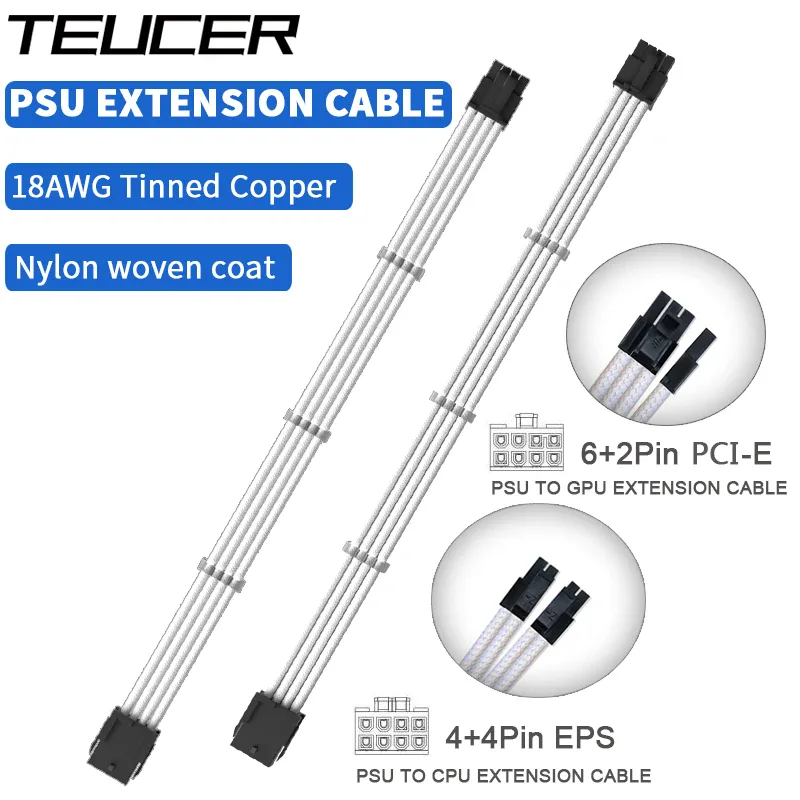
PC ATX EPS PCI-E power extension cable
From £16.33
How to choose your PC internal cables well?
Attention: modular cables are not universal — the pinout differs depending on the power supply brand and model, and an incompatible cable can damage the hardware. Identify the connector to be powered: 24-pin ATX (motherboard), EPS (CPU), PCIe 6+2 pin (graphics card), SATA (drives). Extension cables neatly extend towards the rear of the
case. The
RS232 (DB9)- is used for serial hardware. Prefer sleeved cables for a neat build and good airflow. Always check compatibility with your power supply.
- Related categories: Cable management
- → Cable management & accessories Network cables
- → Network cables & connectors All cables
All cables & connectivity
| PSU compatibility | |
| Pinout specific to each brand/model. | Connector |
| ATX 24, EPS, PCIe 6+2, SATA. | Extension |
| Neat extension towards the rear of the case. | RS232 (DB9) |
| For serial hardware. | Sleeving |
Frequently asked questions
Are modular power cables universal?
No, not at all: the pinout varies depending on the power supply brand and model. Plugging in a cable intended for another PSU can destroy components. Use only cables compatible with your power supply.
Which cable to power a graphics card?
Graphics cards use PCIe 6 or 6+2 pin connectors (or 12VHPWR on recent models). Check the number of connectors required by your card and compatibility with your power supply.
What is an EPS cable? The EPS cable (4+4 pin) powers the processor from the power supply to the motherboard. Do not confuse it with PCIe: the pinout differs, even if the connectors look similar.