Vowenx · Network & Wi-Fi
Internal USB 9-pin Bluetooth cable for PC WiFi card
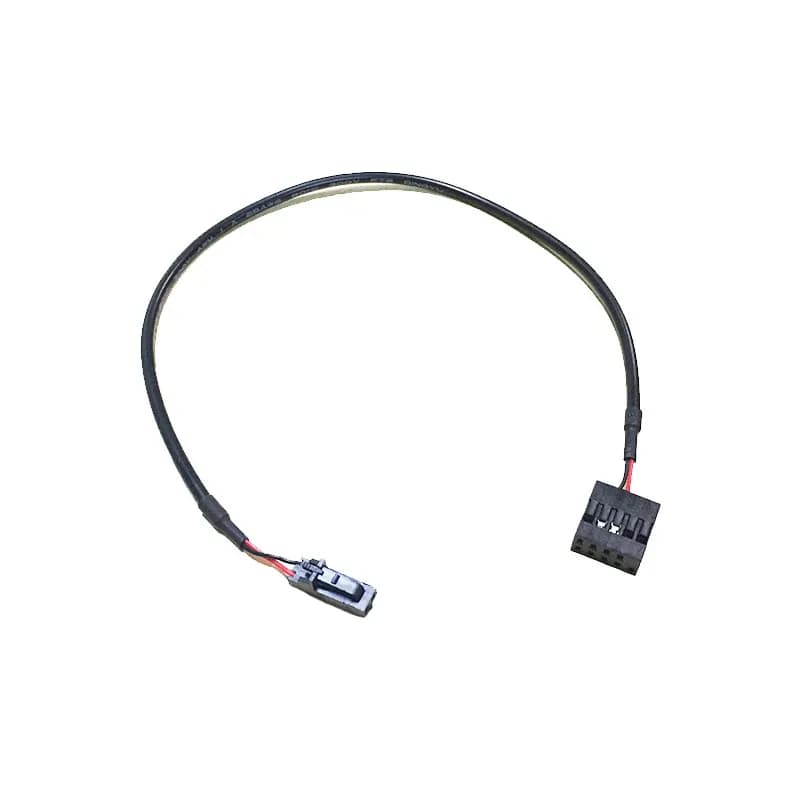
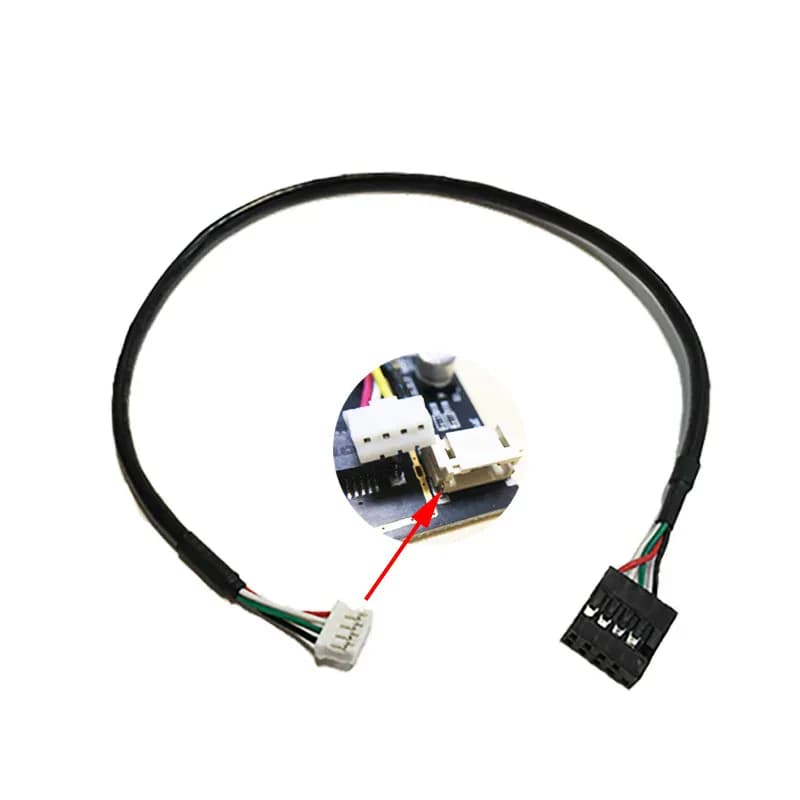
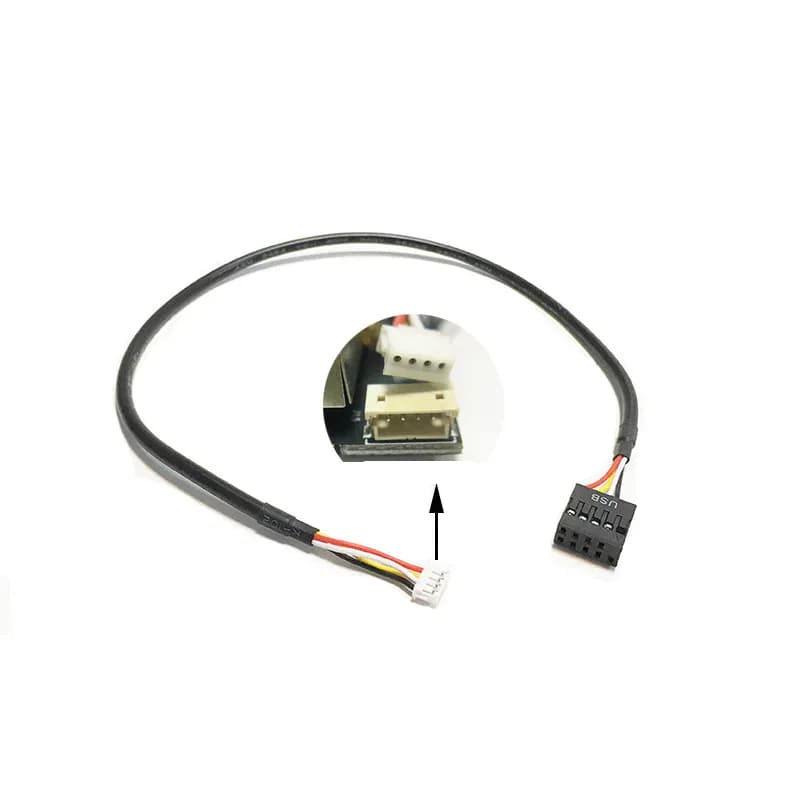
A PCIe WiFi card with Bluetooth requires a cable to connect its Bluetooth function to the motherboard. This internal cable connects the card's connector (PH2.0, ZH1.5 or Dupont) to the 9-pin USB header, to activate the PC's Bluetooth.
Note de 4.5/5 basée sur 15 avis clients.Quantity
- 8 to 10 day delivery
- Secure payment
- 14-day returns
- 24/7 support
Product details
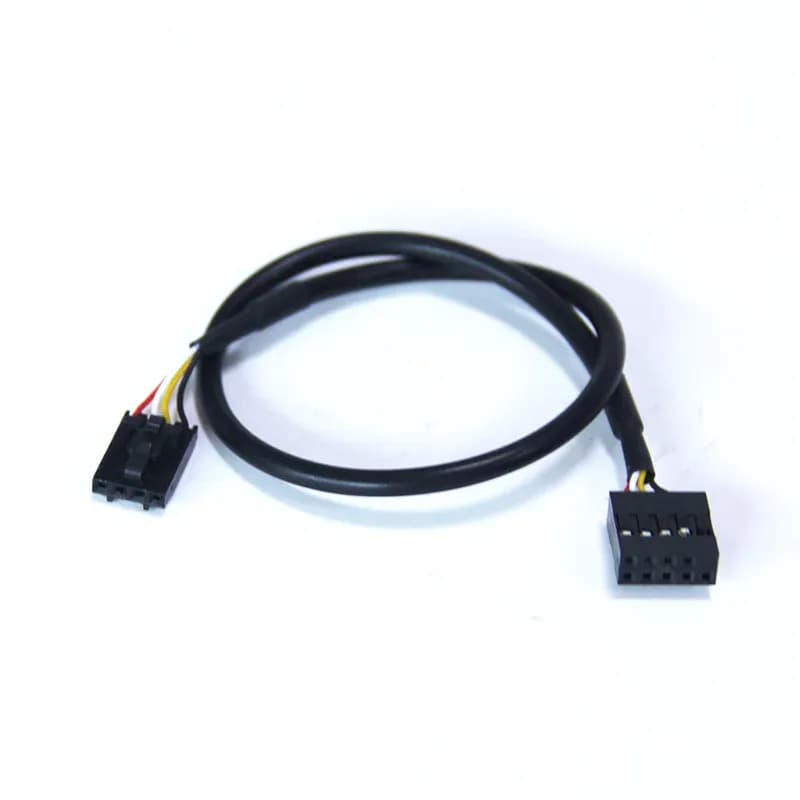
In use, this internal cable enables the Bluetooth functionality of a desktop PC WiFi card. Many PCIe network cards (such as Intel AX200/AX210) integrate Bluetooth, but it only works if the small Bluetooth connector on the card is connected to the internal USB header on the motherboard: this is precisely the role of this cable. On one side, there is a 9-pin USB connector (the PC's internal USB 2.0 header); on the other, the card connector — PH2.0 mm, ZH1.5 mm, or Dupont 2.54 mm (2 or 4 pins), depending on the model. At 30 cm long, it fits easily into the case. Important: your network card must have Bluetooth functionality, and you must choose the corresponding connector. No more inactive Bluetooth on your WiFi card; now you can have a PC that is finally pairable, provided you identify the correct connector.
Compatibility and uses
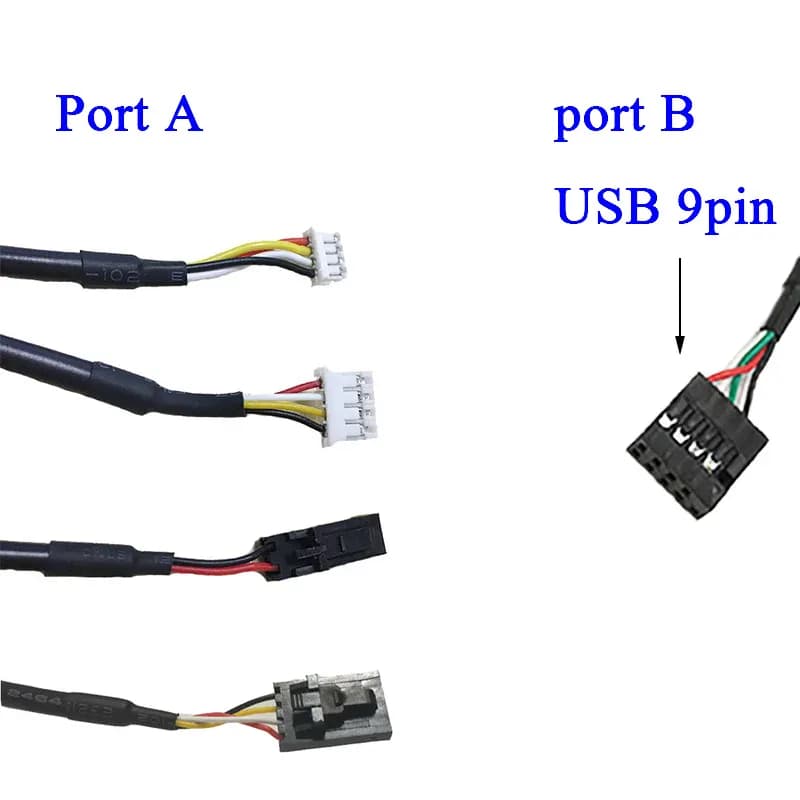
This internal cable connects the Bluetooth connector of a desktop PC WiFi/Bluetooth network card (PCIe, Intel AX200/AX210 type and equivalents) to the 9-pin USB 2.0 header on the motherboard. On the card side, it is available in PH2.0 mm, ZH1.5 mm, or Dupont 2.54 mm (2 or 4 pins): identify your card's connector and specify it when ordering. Length 30 cm. Important: your network card must have Bluetooth functionality (this cable does not add it connects it). Check the connector type before ordering.
Technical specifications
- Brand: Vowenx
- Type: Internal Bluetooth cable (PC WiFi card)
- Motherboard port: 9-pin USB 2.0
- Network card port: PH2.0 mm / ZH1.5 mm / Dupont 2.54 mm (2/4 pins)
- Length: 30 cm
- Usage: Enable Bluetooth on a PCIe WiFi card
- Prerequisites: Network card with Bluetooth functionality
- Compatibility: Intel AX200/AX210 and equivalents
- Packaging: 1 cable
- Weight: 0.028 kg
Usage advice
Our team's advice: identify your card's connector (PH2.0, ZH1.5, or Dupont); the cable connects Bluetooth, it does not create it.
Presentation
Even if a PCIe Bluetooth WiFi card is installed, its Bluetooth remains inactive without this cable: it connects the card's connector to the internal USB header on the motherboard. Available in PH2.0, ZH1.5, or Dupont depending on the model, 30 cm long. Provided the card has Bluetooth functionality.
Key features
- Activates Bluetooth: Connects the WiFi card to the PC's USB header.
- 3 connectors: PH2.0, ZH1.5, or Dupont depending on the card.
- 9-pin USB: Standard internal USB 2.0 header.
- 30 cm: Fits easily into the case.
Who is it for?
For anyone installing a PCIe WiFi/Bluetooth card in a desktop PC. And for anyone who has lost the Bluetooth cable for their network card.
Frequently asked questions
Customer reviews
Loading reviews…
Frequently asked questions
What is this cable used for?
Connect the Bluetooth of a PCIe WiFi card to the motherboard's USB header.
Does it have Bluetooth?
No: the network card must already have Bluetooth functionality.
Which connectors on the card side?
PH2.0 mm, ZH1.5 mm or Dupont 2.54 mm (2/4 pins).
Which port on the motherboard?
A 9-pin USB 2.0 header.
What length?
30 cm.
For which cards?
Intel AX200/AX210 type PCIe cards and equivalent.