Phone spare parts: screen, ribbon cable & SIM tray
Repair and extend the life of your mobile device at Vowenx: replacement AMOLED screens, button flex cables, SIM trays, and components. A selection by model to repair rather than discard, at the right price.
« looks good »
« good product »
How to choose your spare parts?
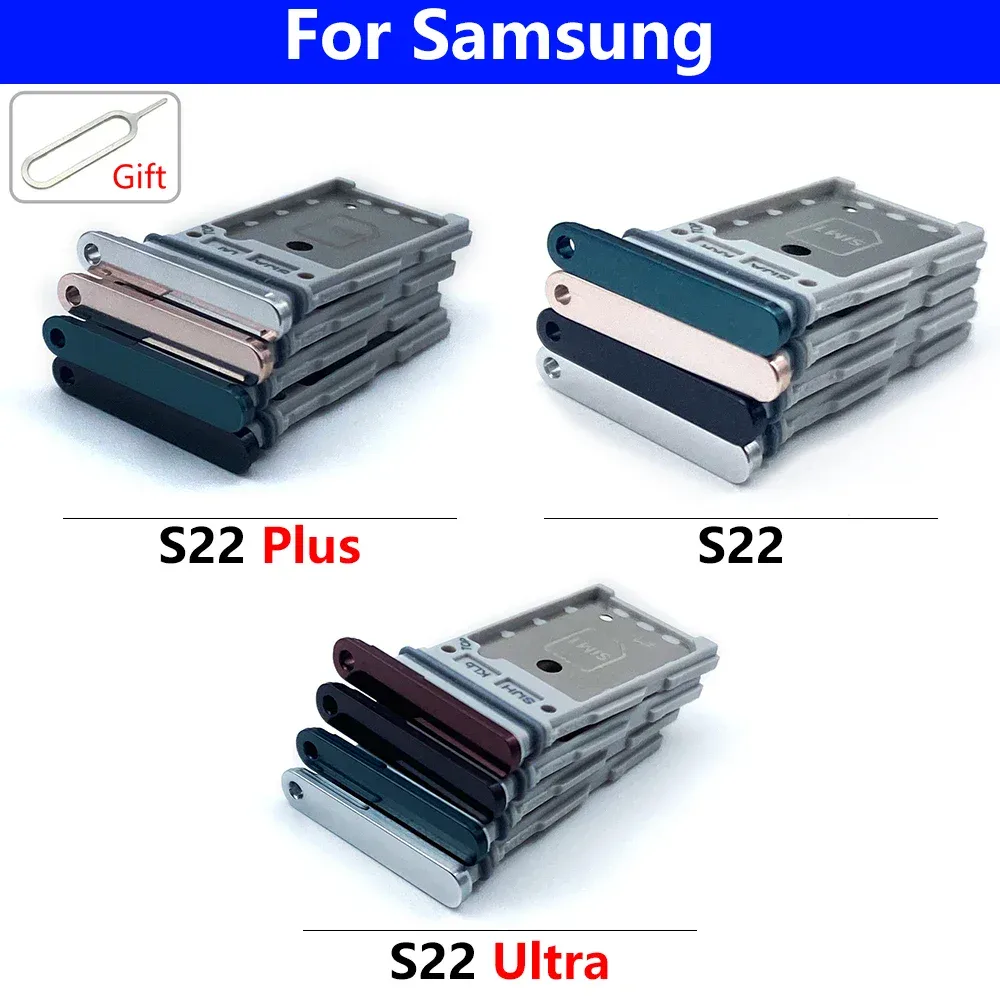
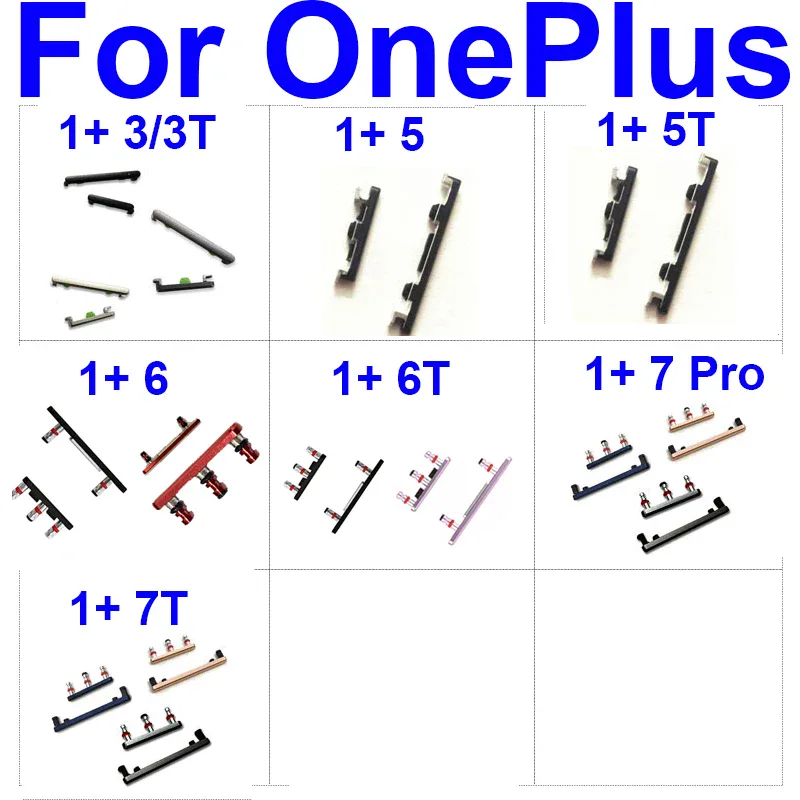
The compatibility with the exact model is absolute: a screen, a flex cable or a SIM tray differs from one generation to another. For the screen, distinguish the original technology: an AMOLED panel delivers deep blacks and vivid colors, whereas an LCD is more economical but less contrasted — prefer the original technology. The flex cables (volume/power buttons, charging connector) are replaced to restore failing functions. The repair requires suitable tools (spatulas, screwdrivers, suction cup) and caution with the fragile flex cables and the battery. If in doubt, call in a professional.
Related categories:
- Touch-sensitive styluses → Touch-sensitive styluses
- Screen protections → Screen protections
- All telecommunications → All telecommunications & accessories
The criteria to check before purchasing
| Criterion | Why is it important? |
|---|---|
| Compatibility | Part specifically designed for the exact model. |
| Screen Type | AMOLED (contrast) or LCD (economical). |
| Flex cables | Buttons, charging: functions restored. |
| Tools | Spatulas, screwdrivers, and suction cup required. |
| Precaution | Fragile flex cables and battery. |
Frequently Asked Questions
How to find the right part for my phone?
Identify the exact model and generation of the device: screens, flex cables, and SIM trays are specific. Compare the part reference with that of your phone to avoid any incompatibility during installation.
AMOLED or LCD for a replacement screen?
If the original screen is AMOLED, prefer an AMOLED panel to maintain deep blacks and colors. A LCD is cheaper but offers lower contrast and may alter the original rendering.
Do you need special tools to repair a phone?
Yes: plastic spudgers, mini screwdrivers, suction cups, and sometimes a hairdryer to loosen the adhesive. Work carefully, disconnect the battery, and handle the flex cables delicately to avoid further damage.