Laptop bags & cases: panniers & protection
Carry your computer safely at Vowenx: 13 to 15-inch padded nylon sleeves and bags for MacBook and portable PCs. A protective and practical selection, at the right price.
« Product received as described, the seller messaged me to confirm the laptop model to make sure it fit. Highly recommended. »
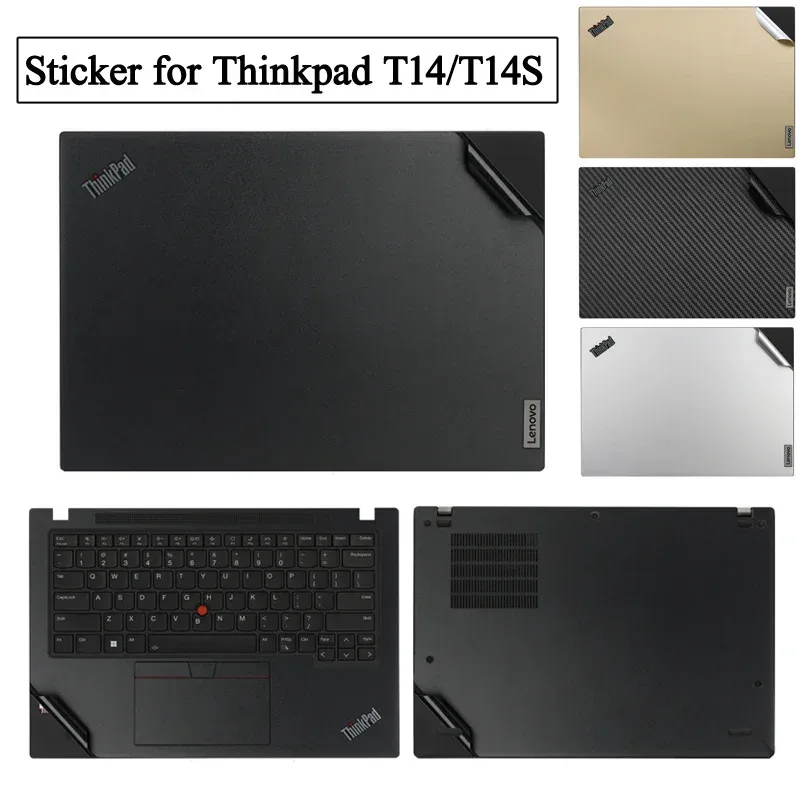
« Excellent laptop skin. Cut perfectly for my t14s. The seller was amazing to make sure I gave the right laptop model, and provided a very helpful video for applying the sticker. Thank you so much for a perfect product »
 Choisir
Vowenx
Pre-cut anti-fingerprint film for ThinkPad T14/T14s
£37.42
Vowenx
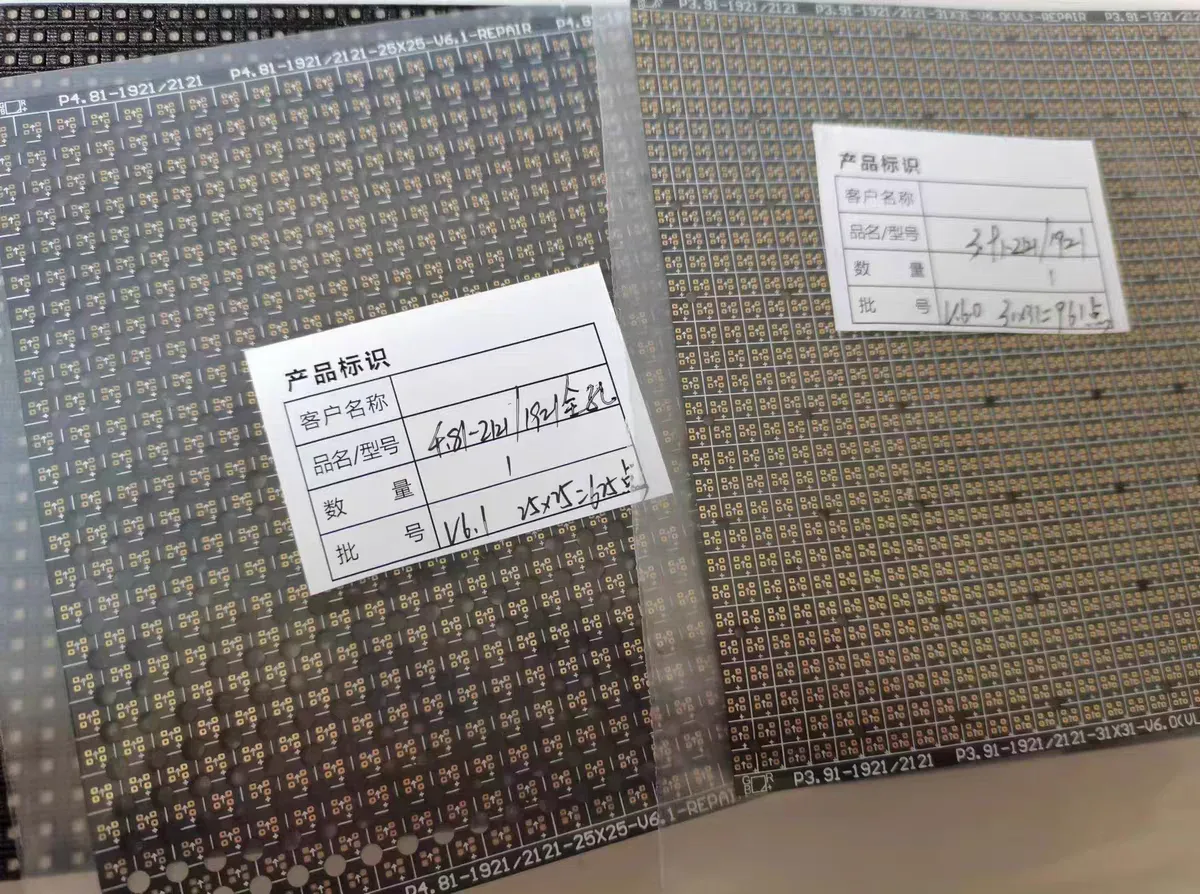
Circuit maintenance paper for LED screen repair
£43.03
 Choisir
Vowenx
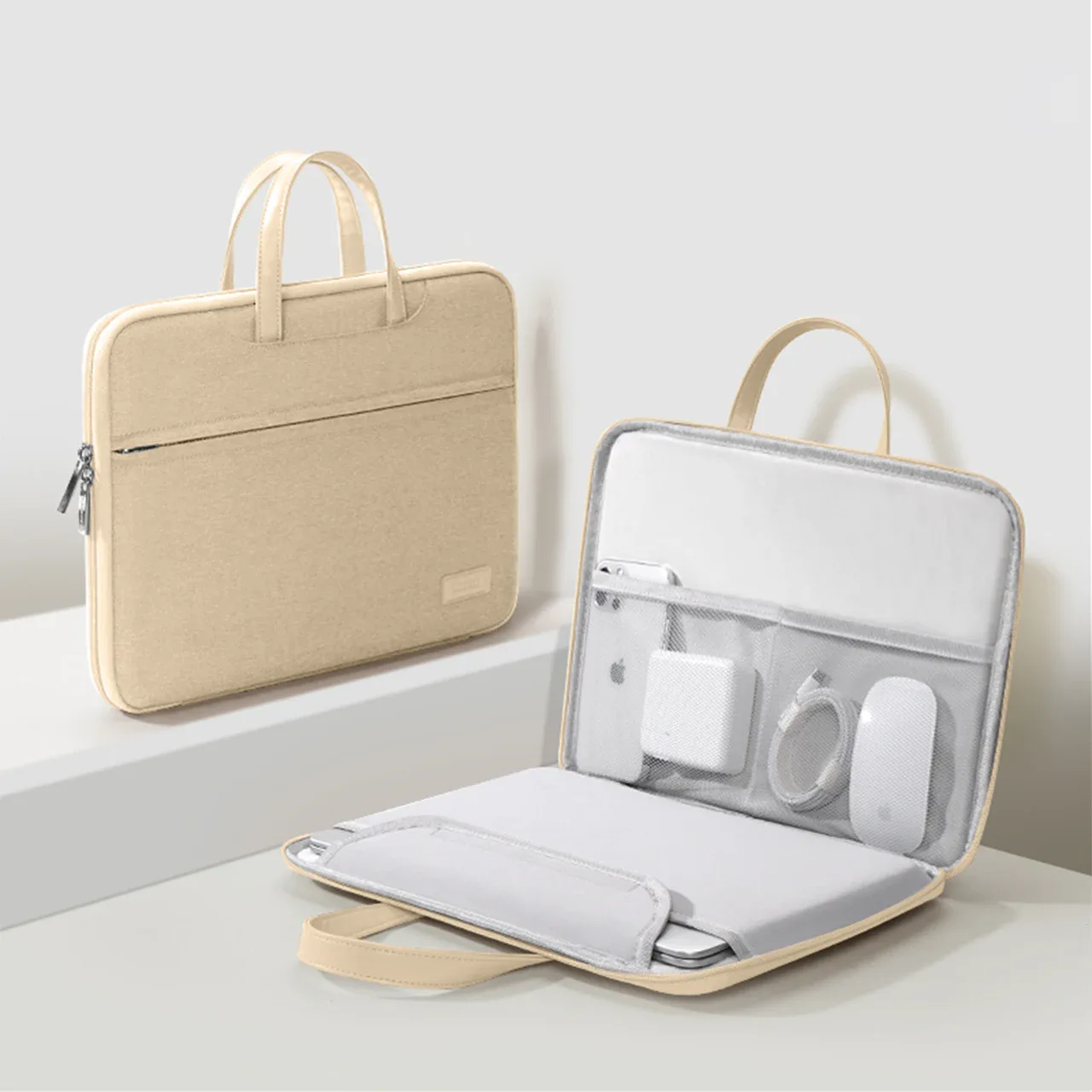
nylon laptop bag for 13 to 16-inch portable
From £35.55
 Choisir
Vowenx
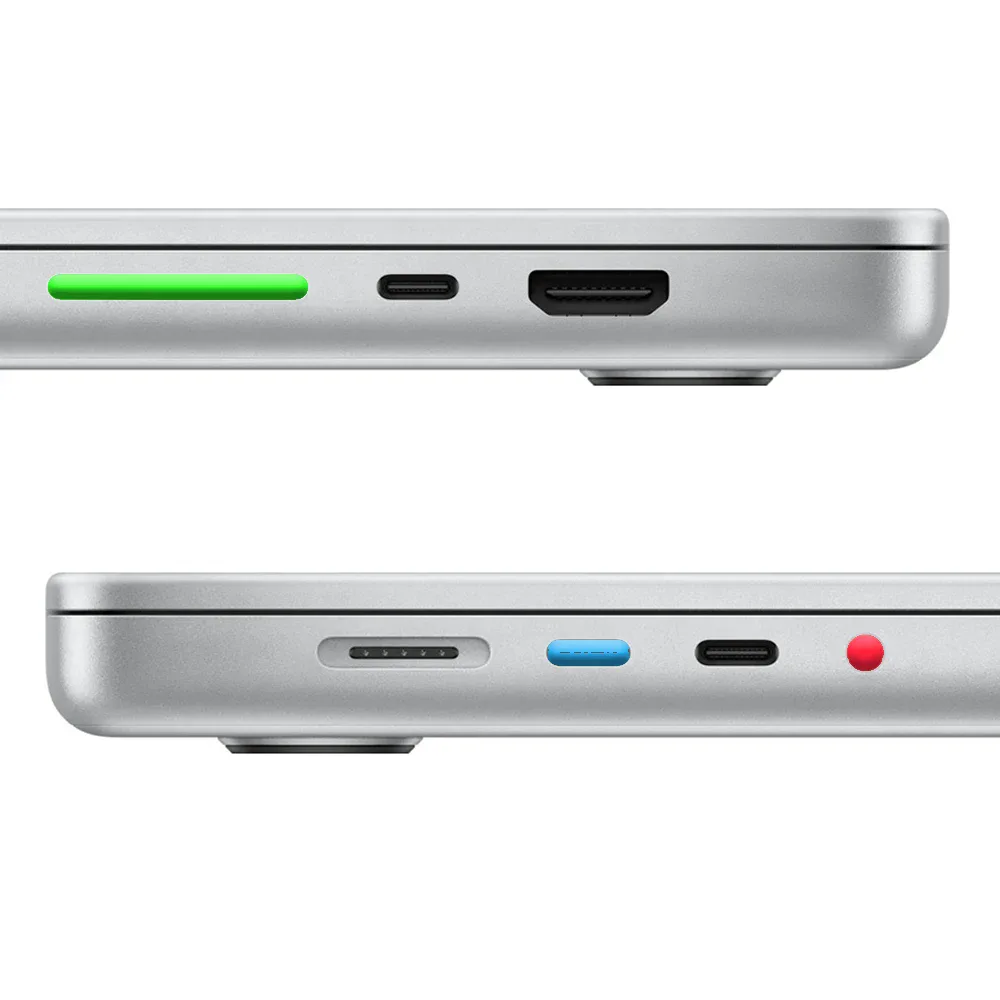
Silicone dust plugs for MacBook ports
From £8.75
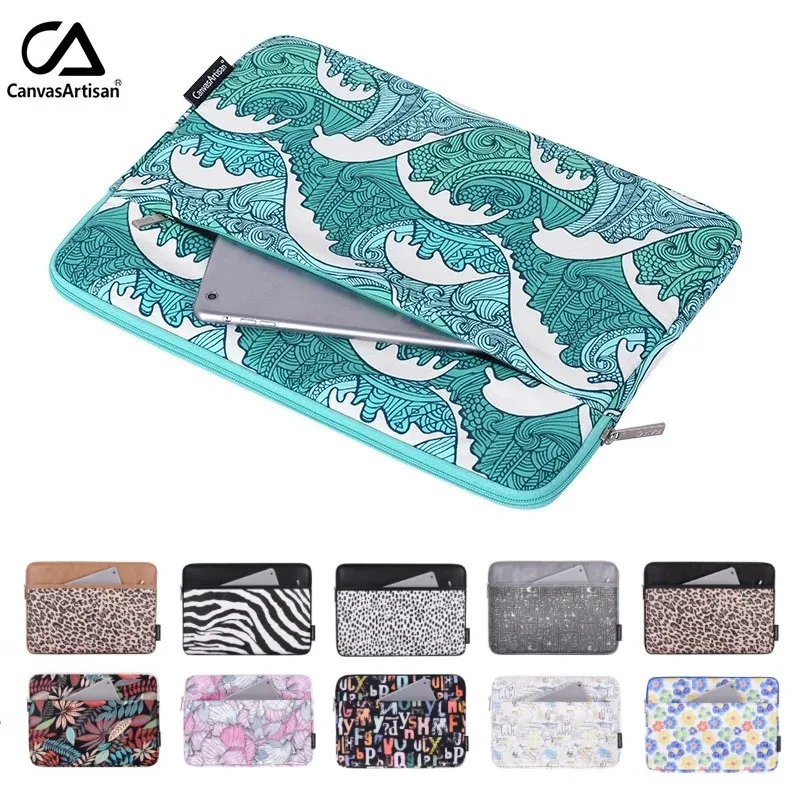
Vowenx
Lined case for portable with zipper
£26.57
How to choose the right computer bag?
The size in inches is the first criterion: a 13, 14, or 15-inch sleeve must match the diagonal of your screen (and the thickness of the device). Distinguish between the sleeve (thin protection, to be slipped into a bag) and the bag (standalone carrying, with handles and compartments). The padding and a rigid shell cushion shocks; a nylon water-repellent material protects against rain. Check compatibility with your model (e.g., MacBook Air/Pro) and storage for the charger and accessories. A good fit prevents the device from moving inside the sleeve.
Related categories:
- Storage and drives → Storage & drives
- Peripherals → Mice, keyboards & mats
- All IT → All IT
Criteria to check before purchasing
| Criterion | Why is it important? |
|---|---|
| Size in inches | 13, 14, or 15 depending on the screen. |
| Sleeve or bag | Thin protection or standalone carrying. |
| Padding | Cushions shocks, with an additional rigid shell. |
| Material | Water-repellent nylon against rain. |
| Storage | For charger and accessories. |
Frequently asked questions
What size sleeve for my portable computer?
Choose the sleeve based on the screen diagonal (13, 14, 15 inches) and the thickness of the device. A size that is too large allows the computer to move; too small, and it won't fit. Check the exact dimensions.
Sleeve or bag, which to choose?
The sleeve protects against scratches and minor shocks and can be slipped into an existing bag. The bag is carried on its own, with handles and compartments for the charger. Choose based on your daily mode of transport.
How to protect my computer while traveling?
Use a padded sleeve in your size, ideally with a shell or reinforced corners, and a water-repellent material. Store accessories separately to avoid them pressing against the screen, and close the sleeve securely.
Related categories
Frequently asked questions
What size of case for my laptop?
Choose the case based on the screen diagonal (13, 14, 15 inches) and the thickness of the device. A case that is too large allows the computer to move; one that is too small will not fit. Check the exact dimensions.
Saddlebag or pannier, which to choose?
The cover protects against scratches and minor bumps and fits into an existing bag. The saddlebag can be carried on its own, with handles and compartments for the charger. Choose according to your daily mode of transport.
How to protect my computer while traveling?
Use a padded case in your size, ideally with a shell or reinforced corners, and a water-repellent material. Store accessories separately to avoid them pressing against the screen, and close the case securely.