Video cables: HDMI 2.1 8K, DisplayPort & Micro HDMI
Enjoy an ultra-sharp image at Vowenx: HDMI 2.1 8K cables, DisplayPort 1.4, microphone HDMI and TV adapters. A selection for 4K, 8K and high-frequency gaming, at the right price.
« quality is always outstanding »
« works well. just pay attention to the size when buying. 1m is usually too small for most usage scenarios. »
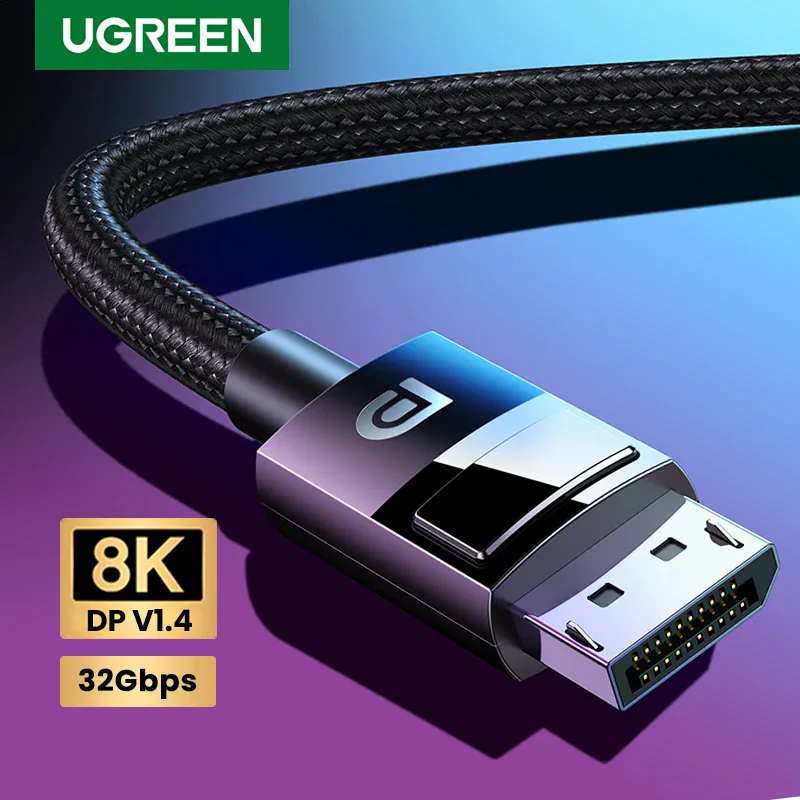
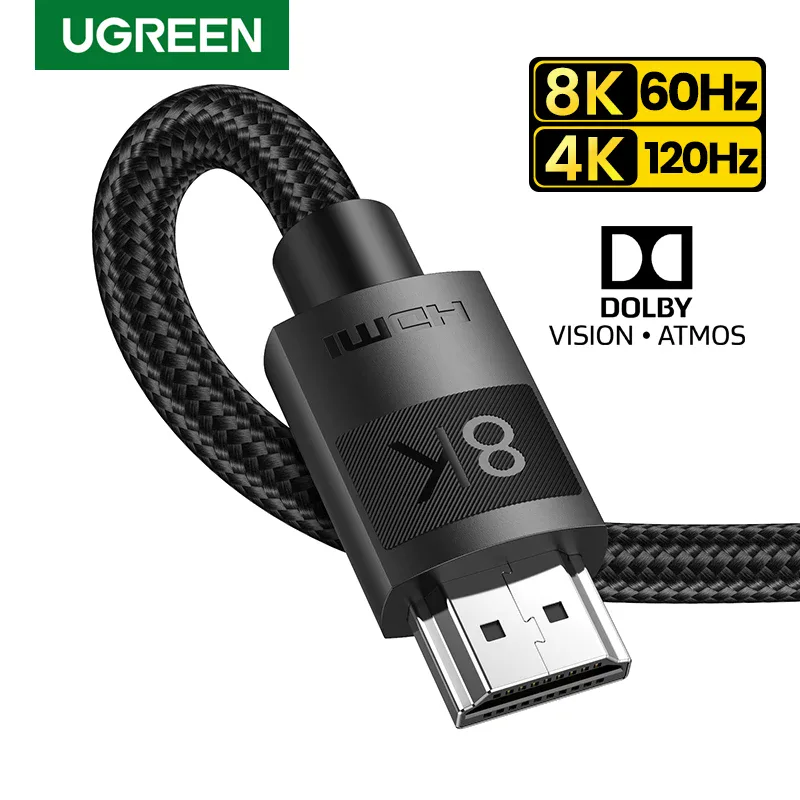
How to choose your video cable?
The choice depends on the target resolution and refresh rate. The HDMI 2.1 (up to 48 Gbps) supports 8K and 4K at 120 Hz, ideal for recent consoles and home cinema. The DisplayPort 1.4 excels on PC (8K, 4K at 144 Hz). Check the stated bandwidth, essential for high refresh rates. The microphone HDMI is found on cameras and small cards. Pay attention to the length: beyond a few meters, a certified (or active/optical) cable prevents signal loss and flickering.
Related categories:
- Hubs and adapters → Hubs, OTG & adapters
- Audio cables → Audio cables & adapters
- All cables → All cables & connectors
The criteria to check before purchasing
| Criterion | Why is it important? |
|---|---|
| Standard | HDMI 2.1 (48 Gbps) or DisplayPort 1.4. |
| Resolution | 4K, 4K 120 Hz or 8K depending on the cable. |
| Bandwidth | Wrench for high refresh rates. |
| Connector | HDMI, microphone HDMI or DisplayPort. |
| Length | Certified/active beyond a few meters. |
Frequently Asked Questions
What is HDMI 2.1 used for?
HDMI 2.1 provides up to 48 Gbps of bandwidth: it supports 8K and 4K at 120 Hz, VRR, and ALLM. It is recommended for recent consoles, high-end TVs, and smooth gaming.
HDMI or DisplayPort for PC gaming?
On PC, DisplayPort 1.4 handles high refresh rates (4K at 144 Hz) and G-Sync/FreeSync very well. HDMI 2.1 remains excellent, especially on TVs. Choose based on the ports of your graphics card and screen.
What is the maximum length for an HDMI cable?
With passive copper, reliability is maintained up to approximately 3 to 5 meters at high resolution. Beyond that, opt for a certified, active, or optical (fiber) cable to avoid signal loss and flickering.