USB Cables: USB-C, Lightning MFi & Fast Charging
Charge and transfer at full speed at Vowenx: USB-C, MFi-certified Lightning and microphone-USB cables, with fast charging and in every length. A reliable selection for all your devices, at a fair price.
« Very good. »
« I've bought these a few times. I prefer them to braided cables because they are softer and more flexible. They also support fast charging on all my devices. »
 Choisir
Vowenx
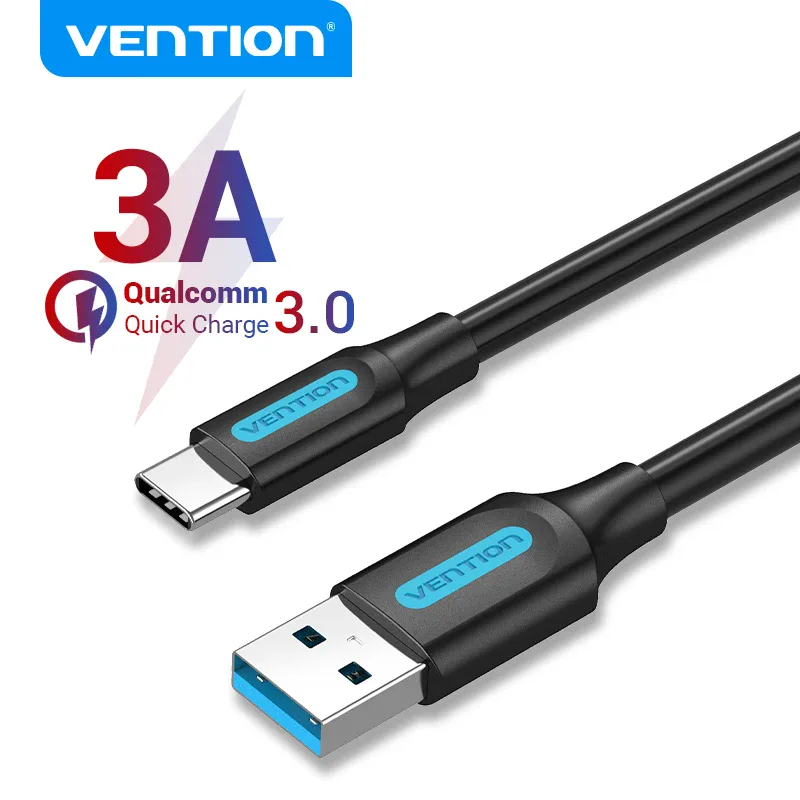
USB-A to USB-C 3A fast charging and USB 3.0 cable
From € 11,02
 Choisir
Vowenx
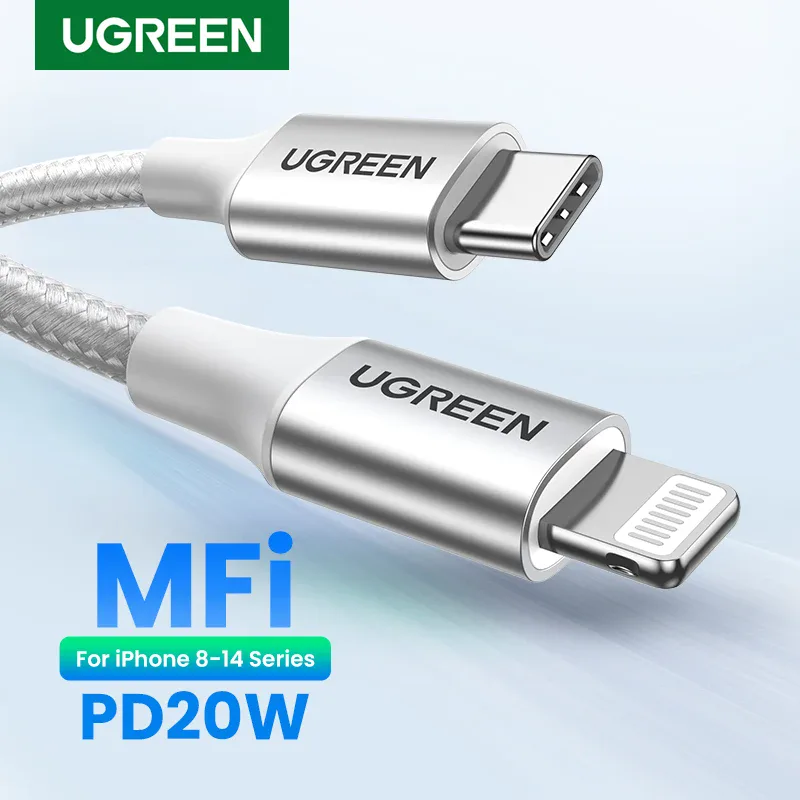
USB-C to Lightning MFi-certified PD charging cable
From € 45,57
 Choisir
Vowenx
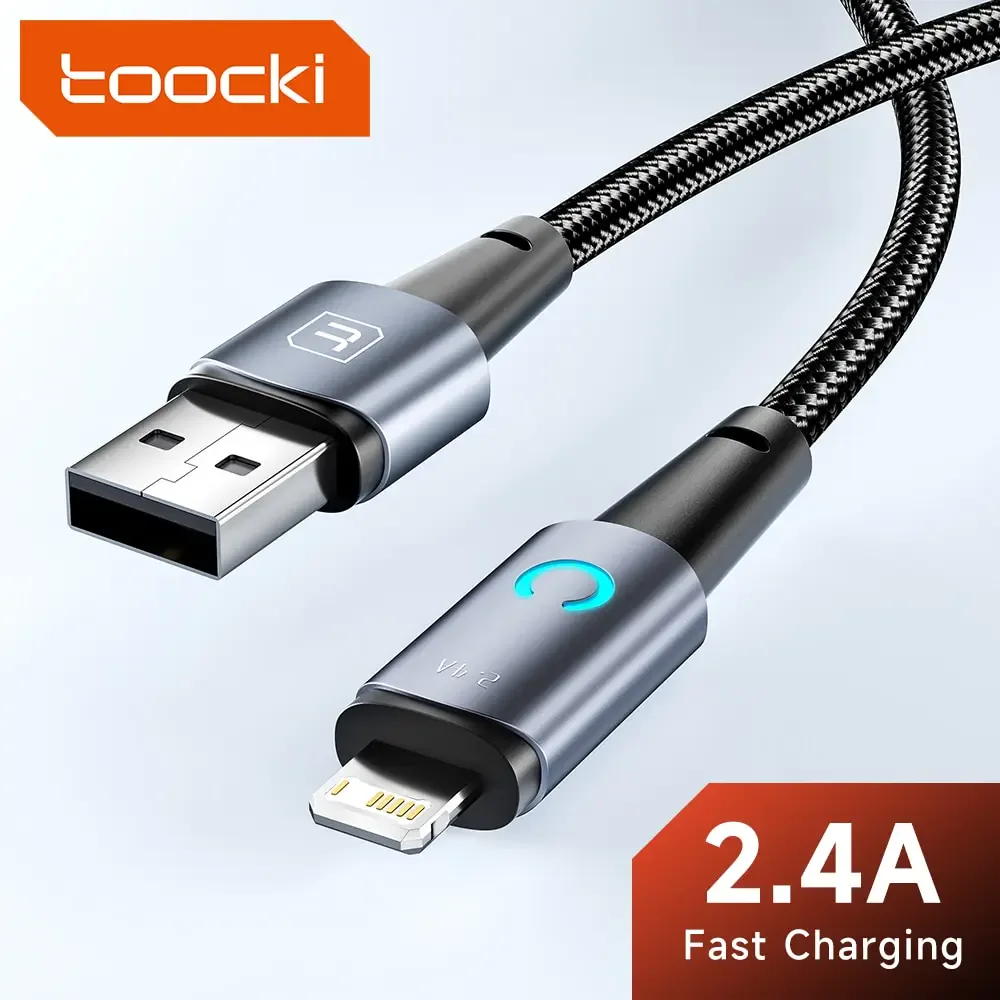
LED charging cable with Lightning, Micro USB, or USB-C
From € 8,66
 Choisir
Vowenx
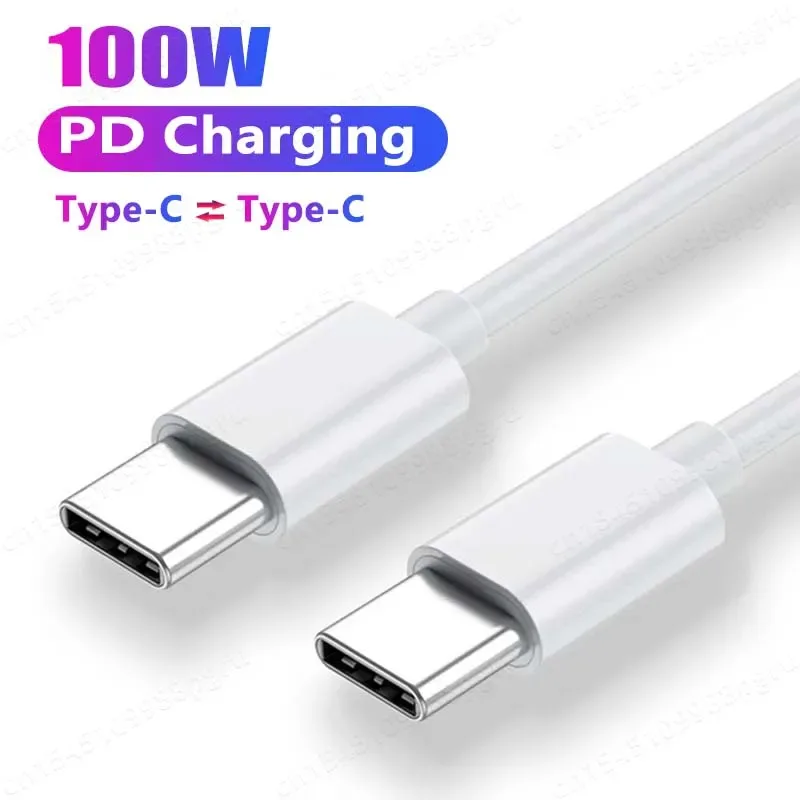
USB-C to USB-C cable with 100W PD fast charging
From € 7,43
 Choisir
Vowenx
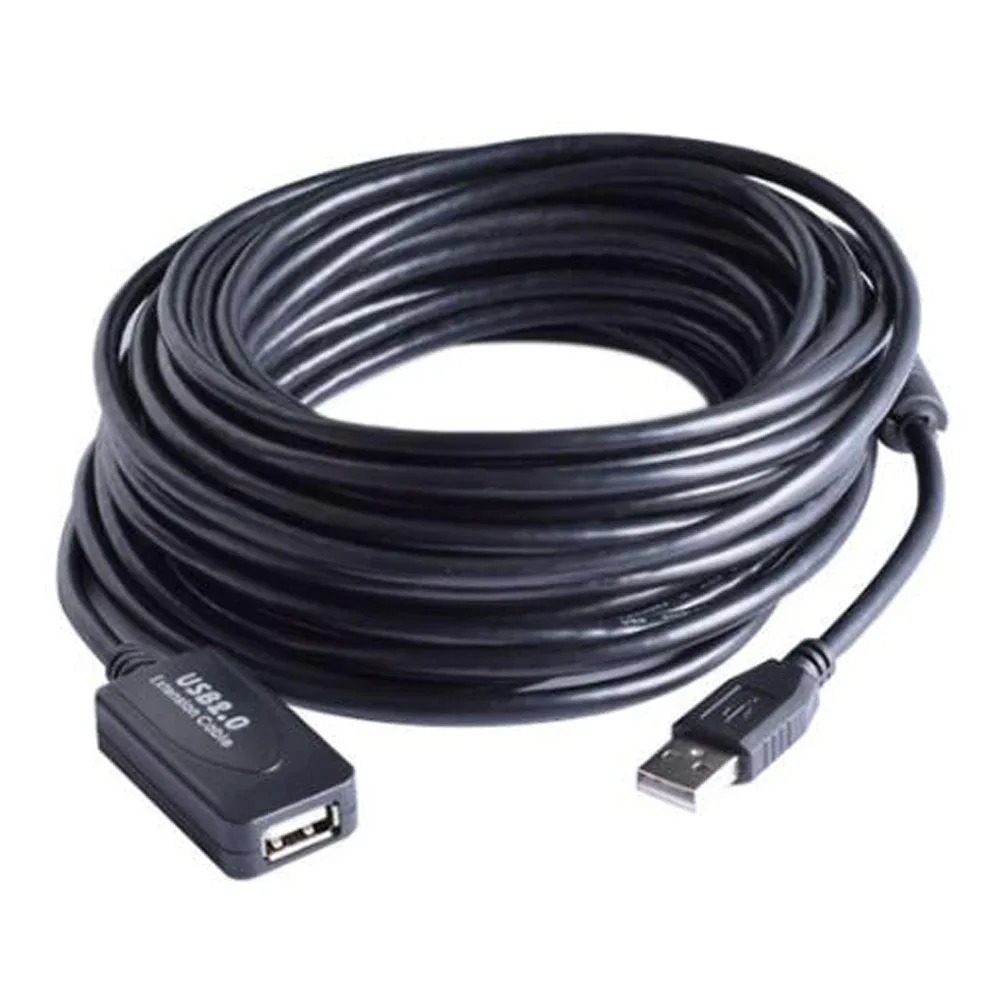
Active USB 2.0 male-to-female extension cable with repeater
From € 28,84
 Choisir
Vowenx
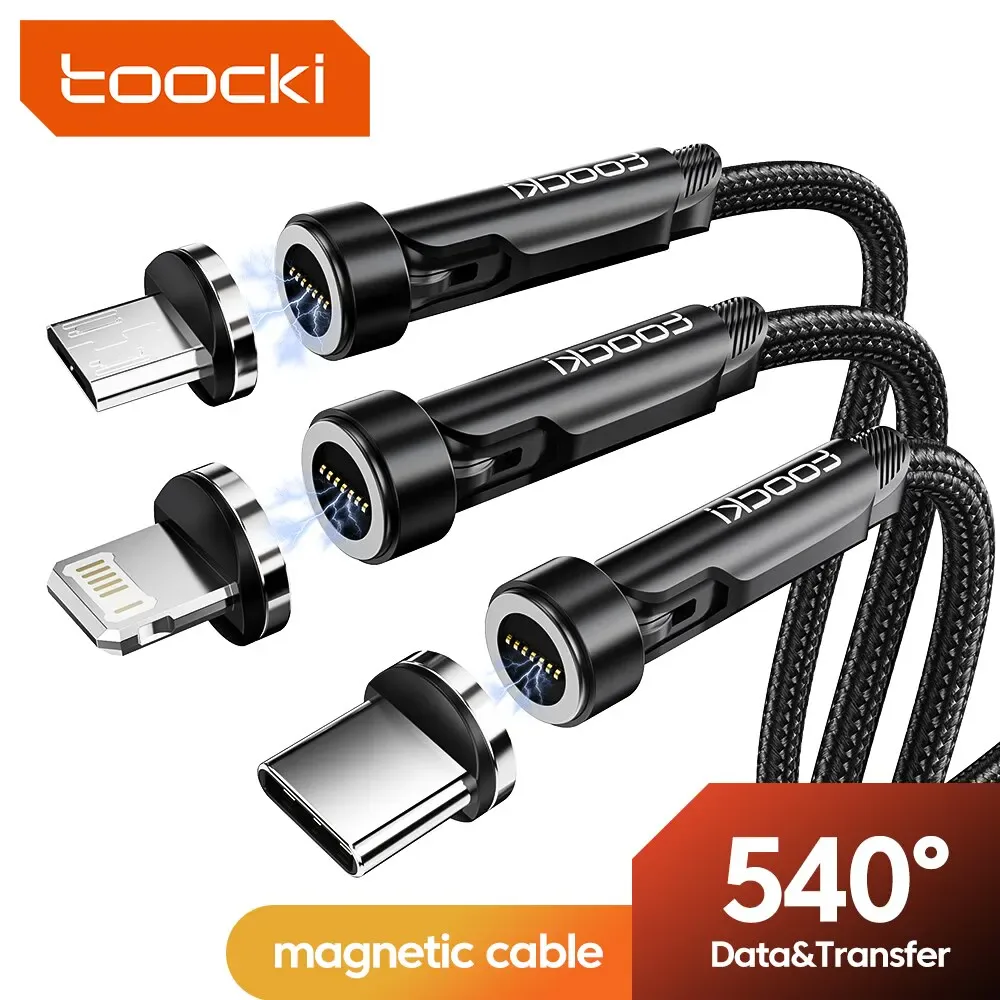
540° rotating magnetic charging cable
From € 12,34
 Choisir
Vowenx
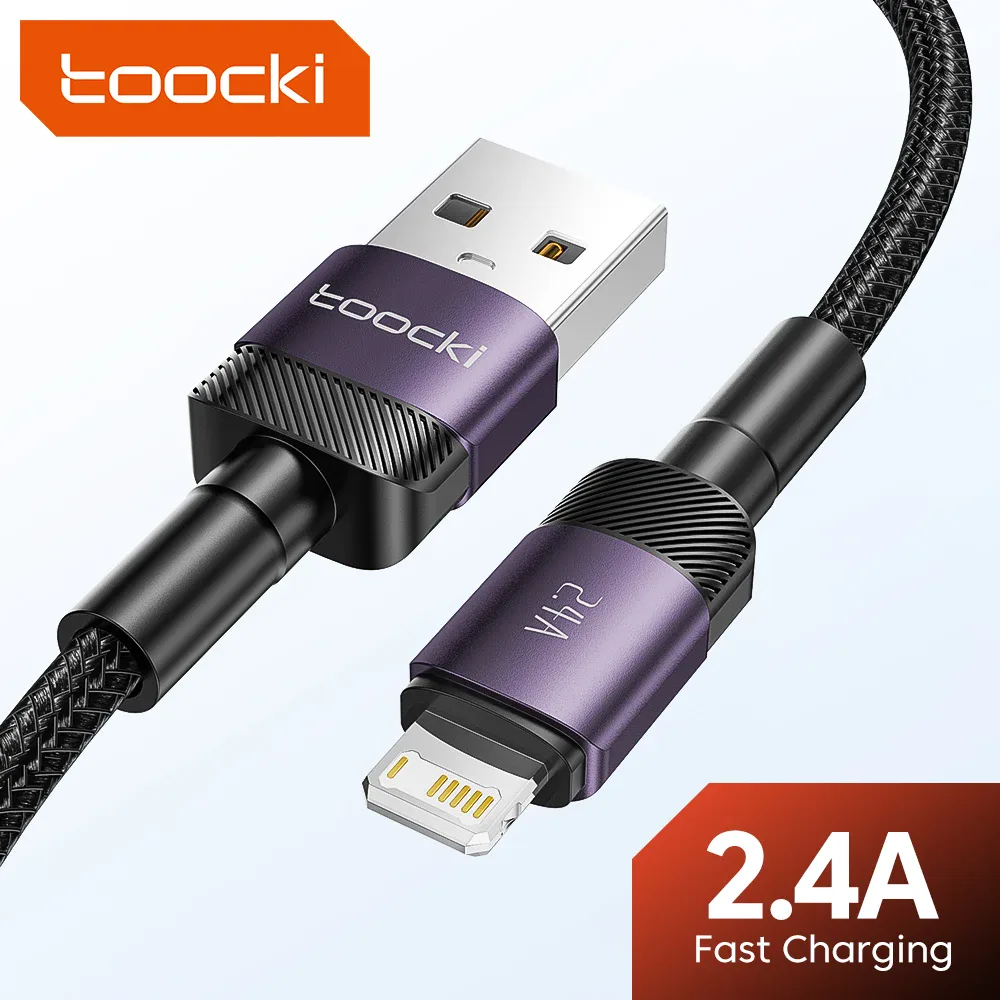
USB Lightning fast charging cable for iPhone
From € 8,49
 Choisir
Vowenx
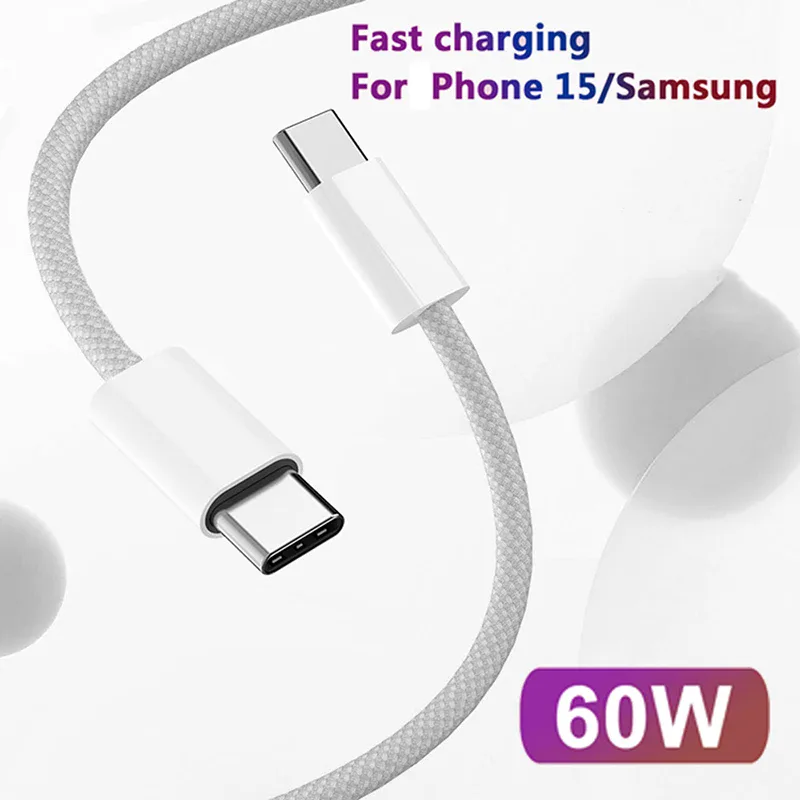
Braided USB-C to USB-C 60W fast charging cable
From € 7,30
 Choisir
Vowenx
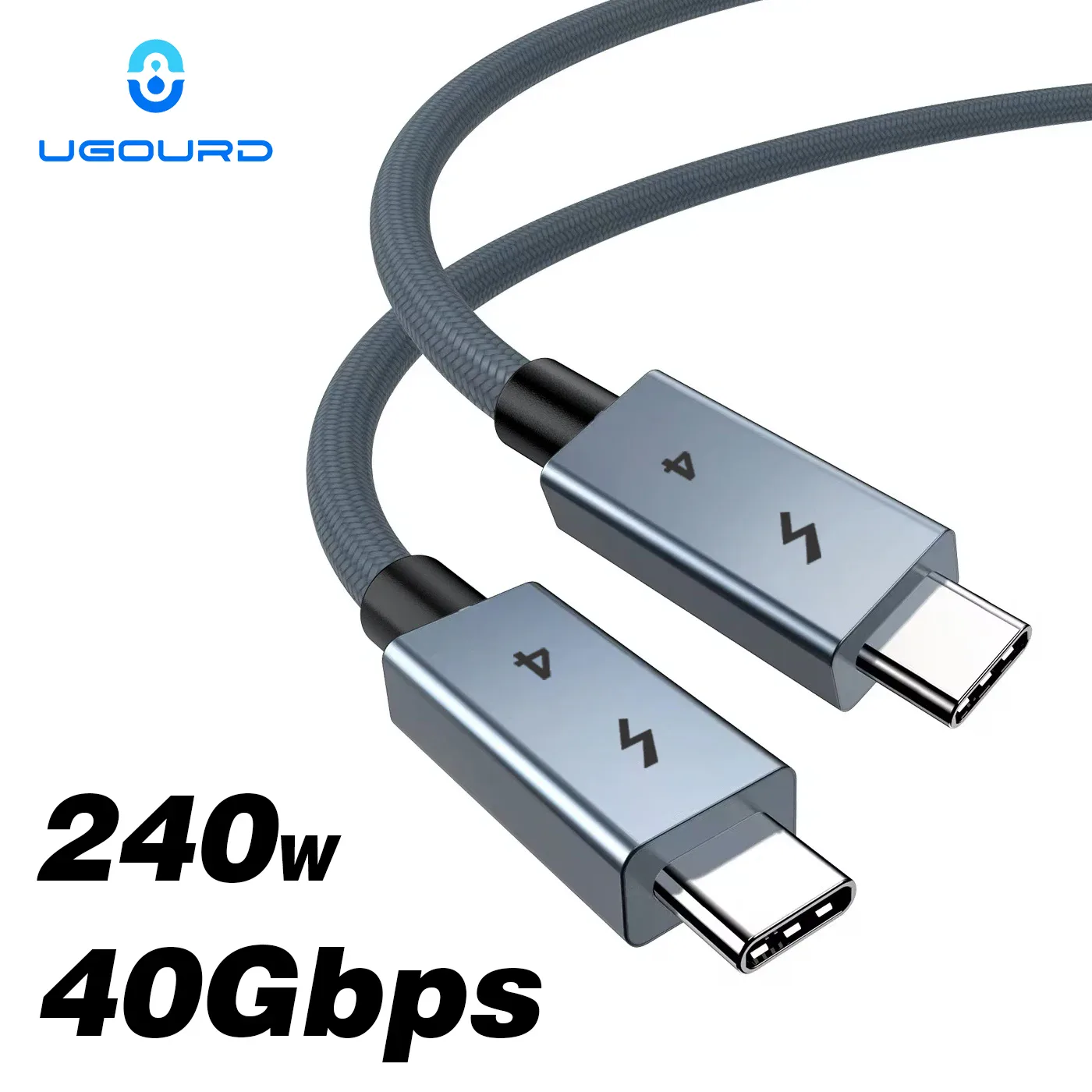
USB-C Thunderbolt 4 cable, 240 W charging and 40 Gbps
From € 13,88
 Choisir
Vention
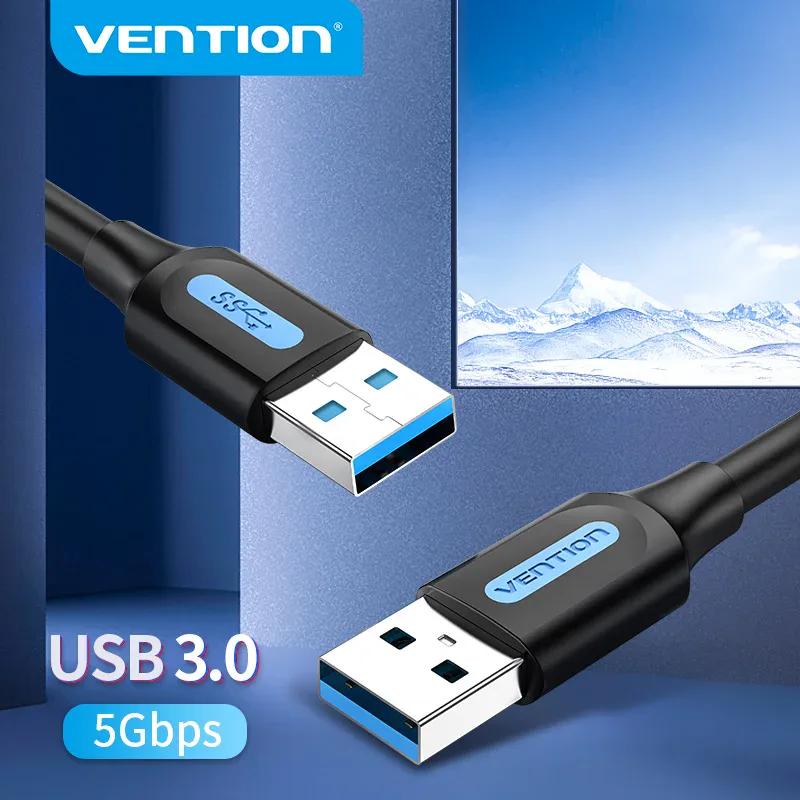
USB-A male to male USB 3.0 5 Gbps cable
From € 9,43
 Choisir
Vowenx
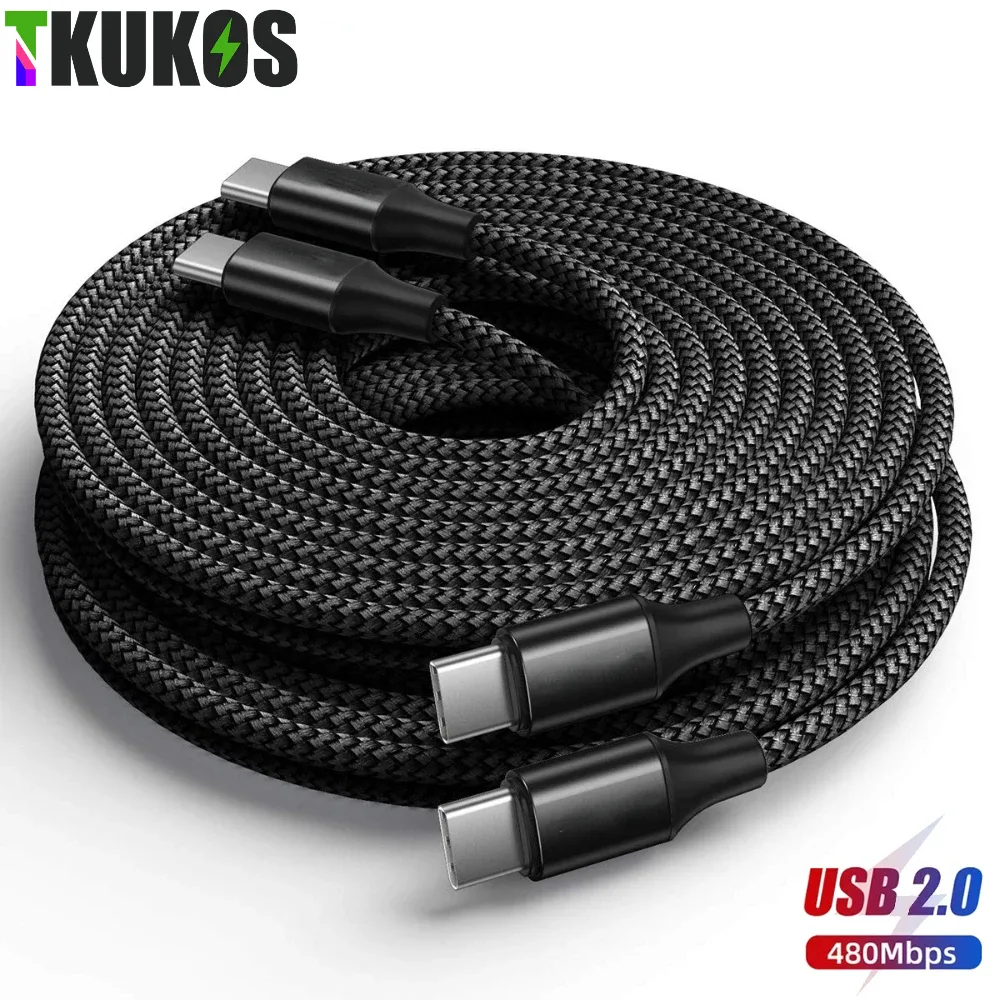
Extra-long USB-C to USB-C braided cable 3 to 8 m
From € 20,92
 Choisir
Vowenx
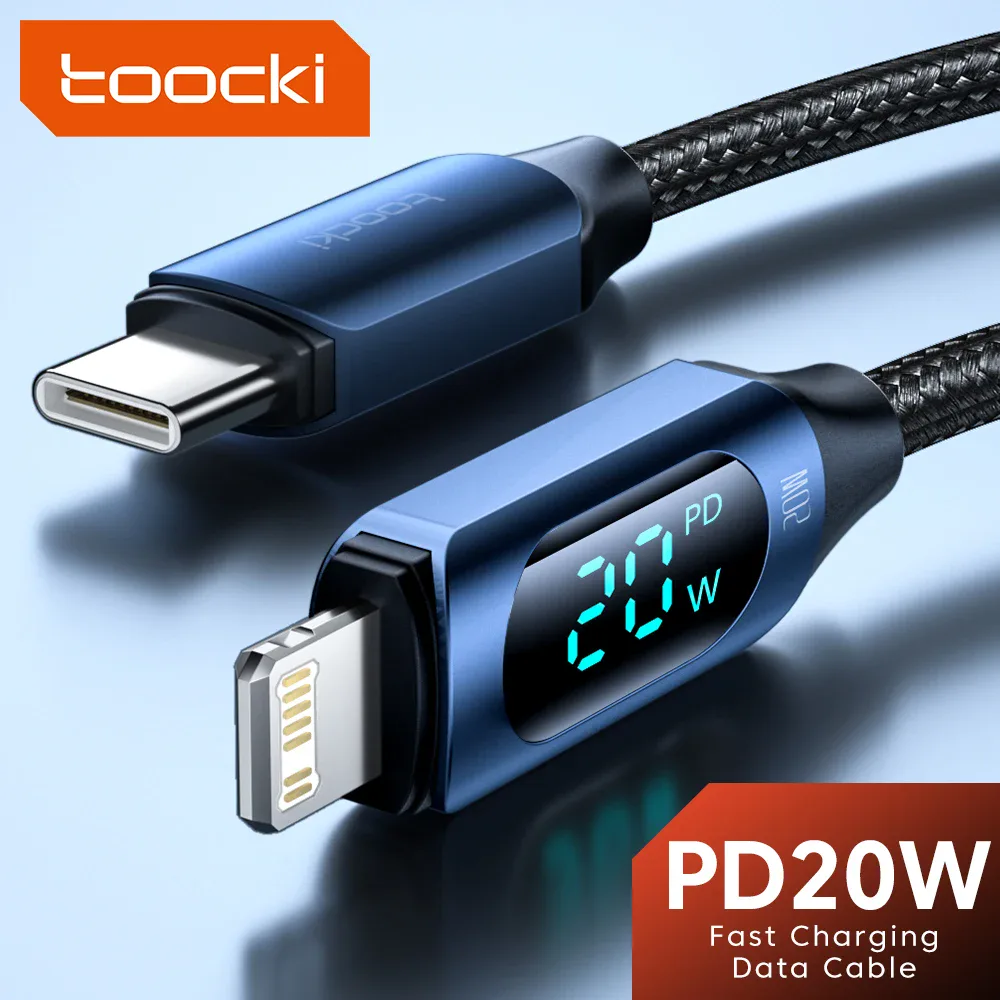
USB-C to Lightning fast charging cable with digital display
From € 11,24
 Choisir
Vowenx
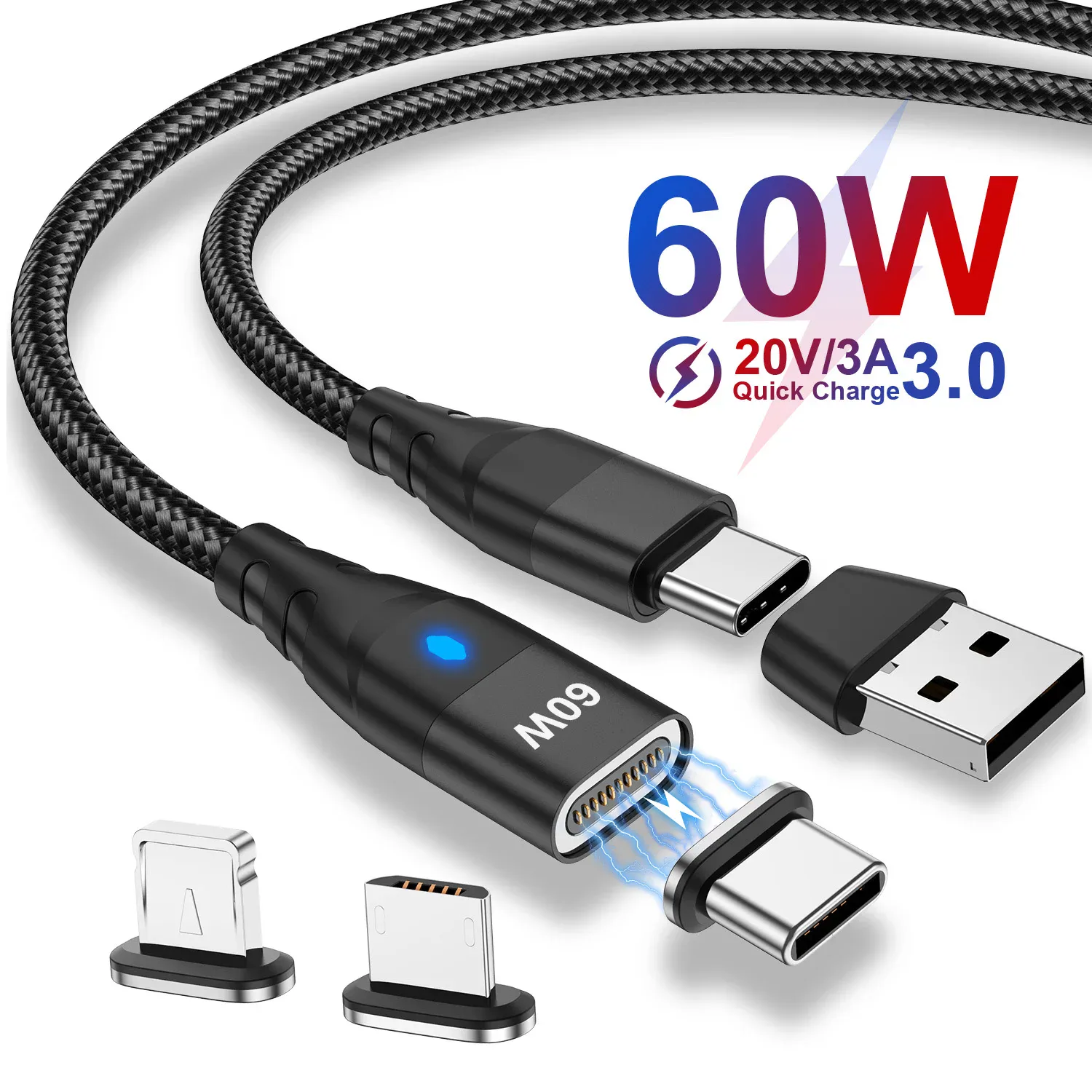
Magnetic USB-C 3-in-1 fast charging 27W cable
From € 7,26
 Choisir
Vowenx
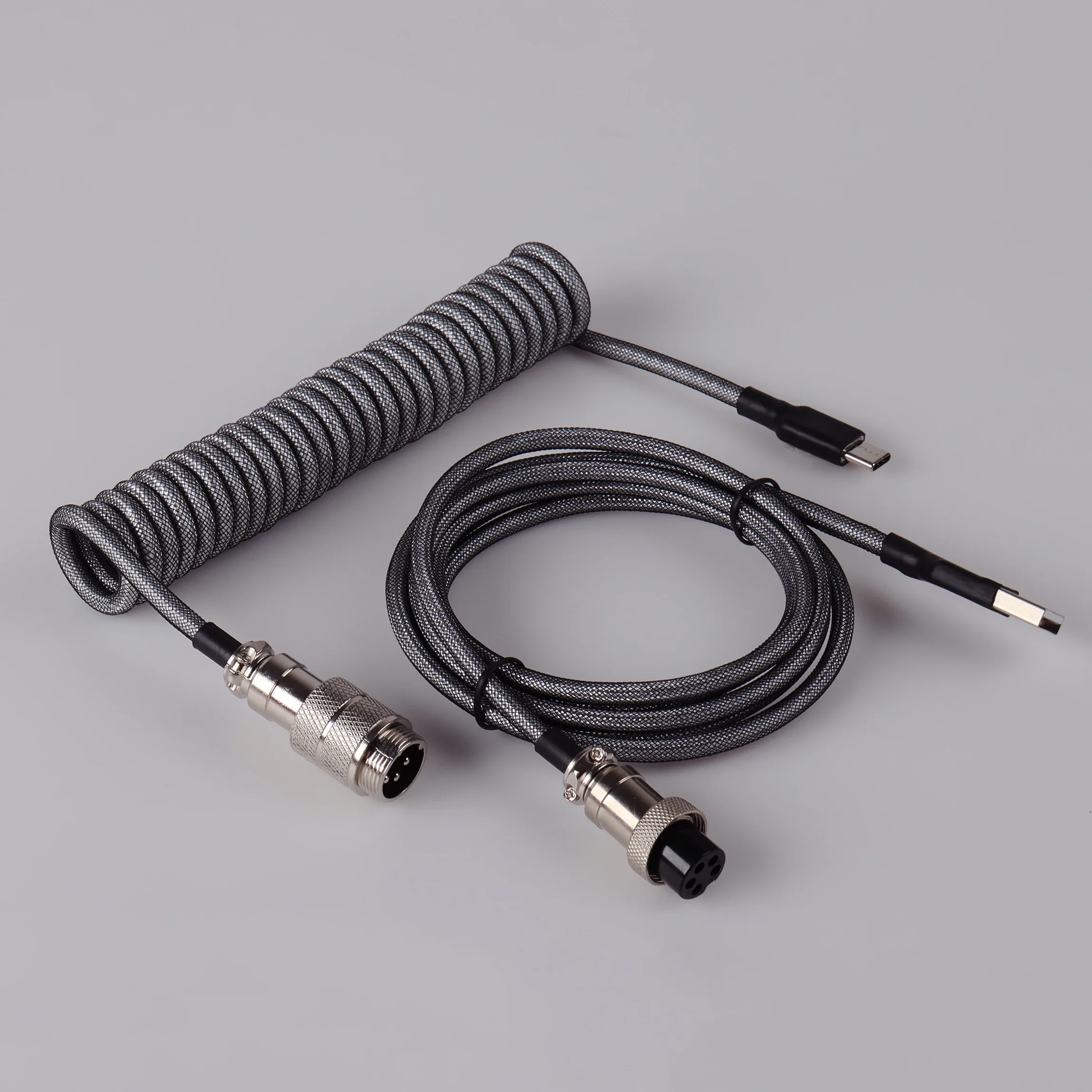
Spiral USB-C cable for mechanical keyboard with aviation connector
From € 51,94
 Choisir
Vowenx
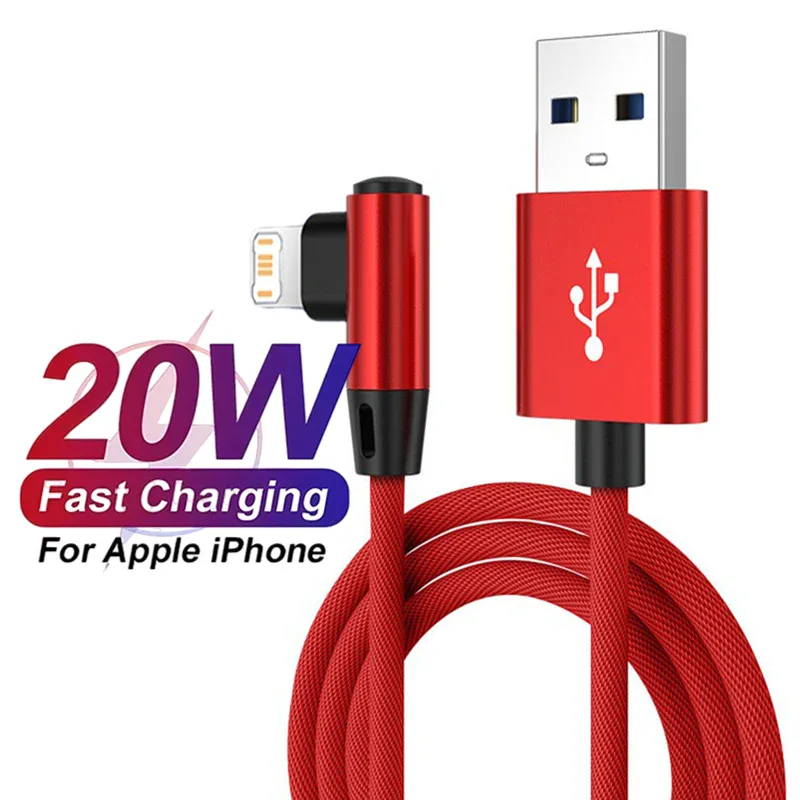
90° angled Lightning cable for fast charging iPhone
From € 8,25
 Choisir
Vowenx
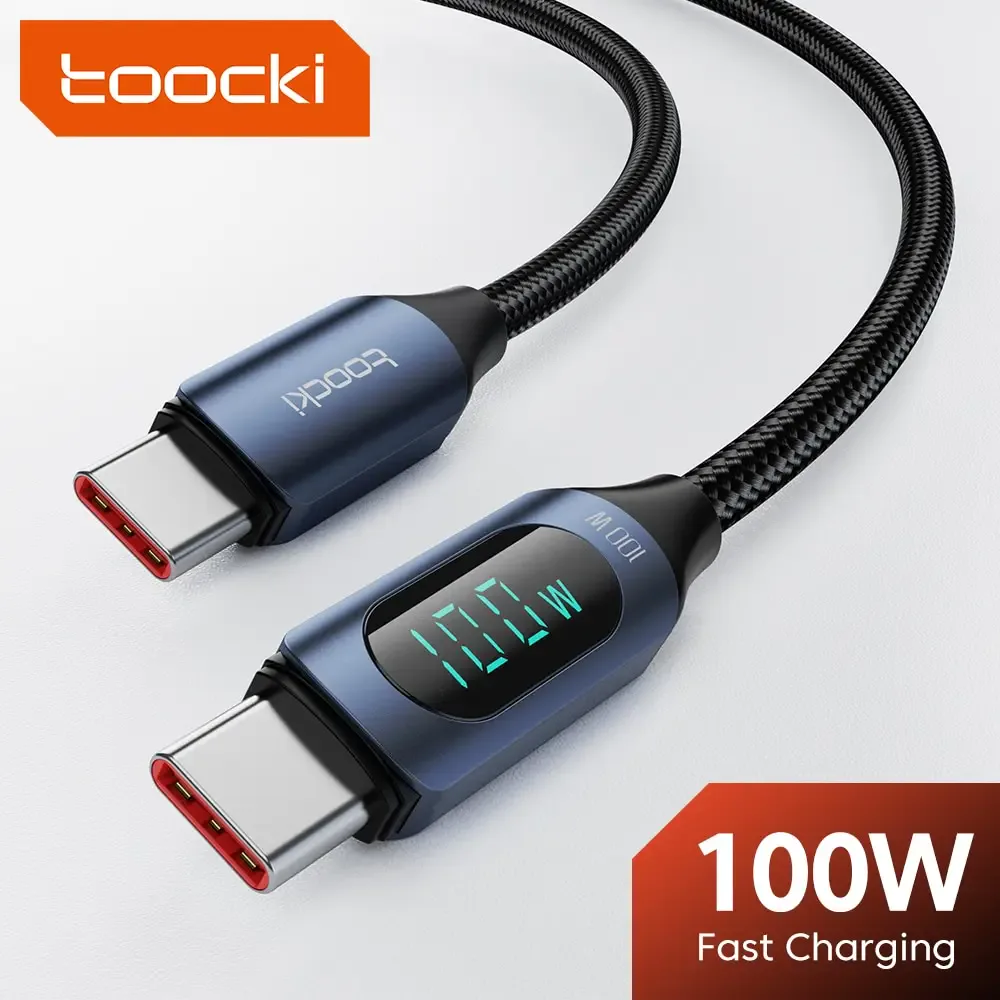
USB-C Cable with Digital Power Display
From € 11,24
 Choisir
Vowenx
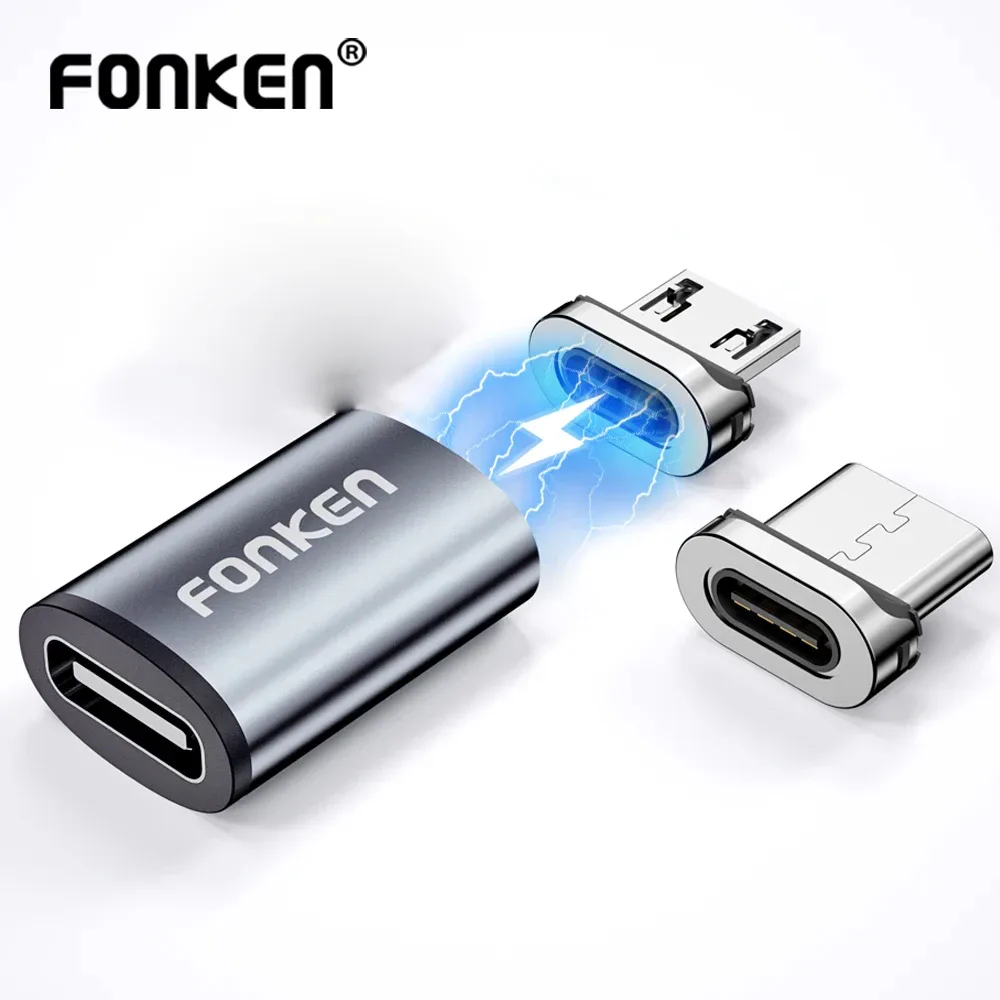
Magnetic adapter for USB-C, Micro or Lightning cable
From € 8,03
 Choisir
Vowenx
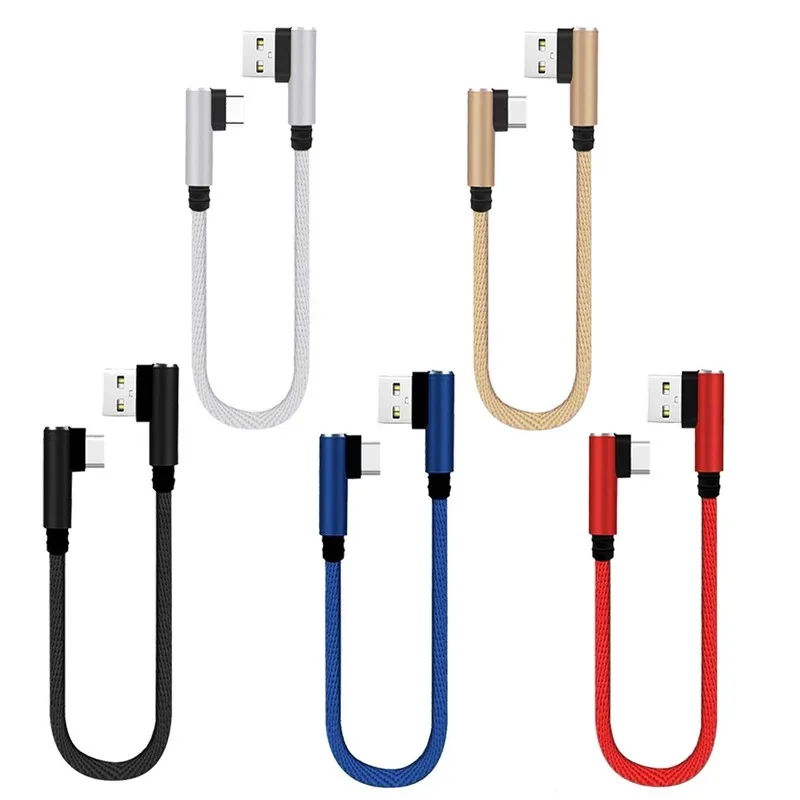
Short 25 cm angled charging cable for gaming
From € 8,05
 Choisir
Vowenx
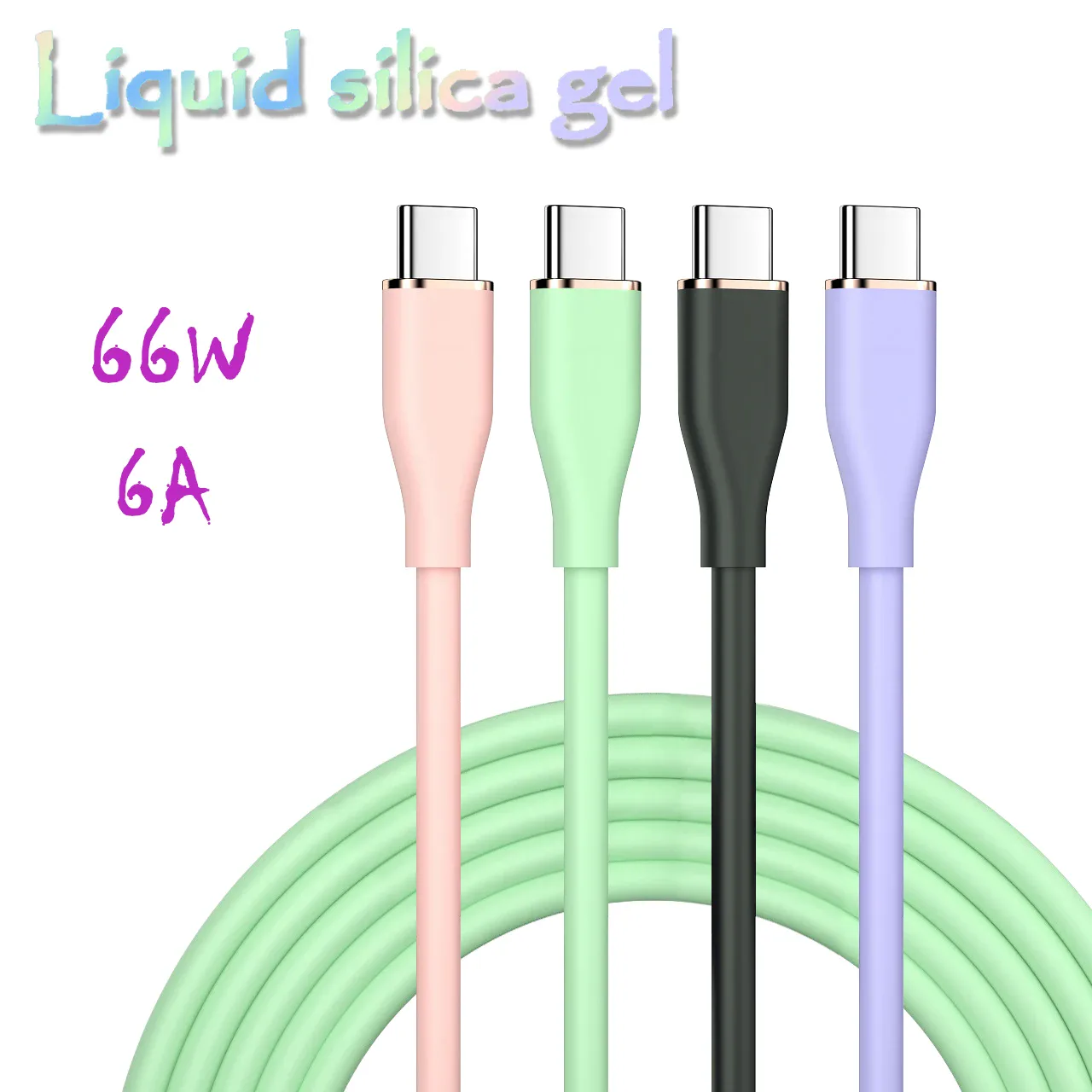
USB-C fast charging cable 66W liquid silicone 6A
From € 10,58
 Choisir
Vowenx
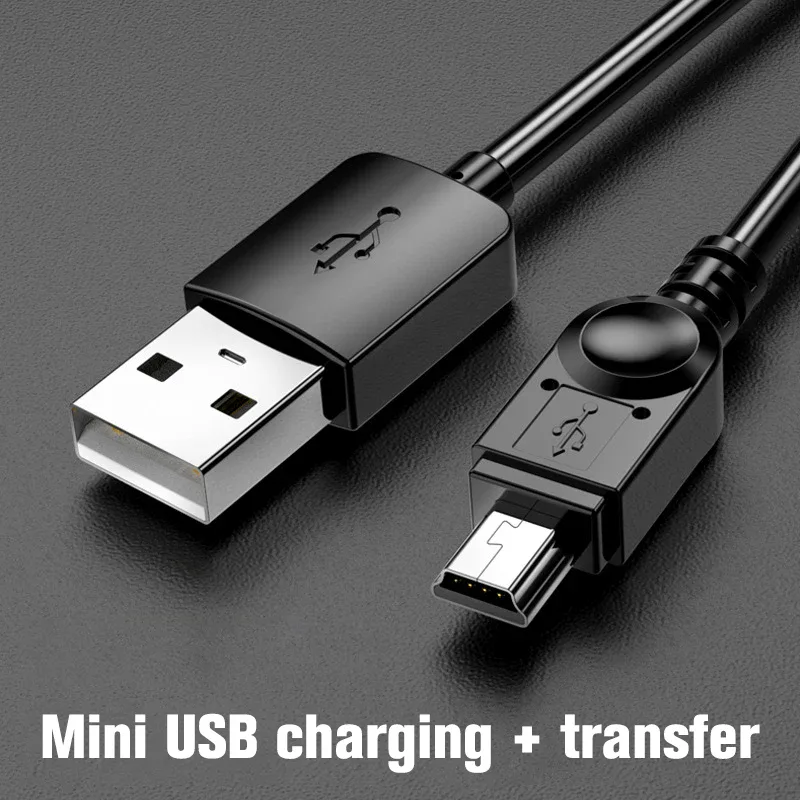
USB to Mini USB cable for charging and data
From € 8,88
 Choisir
Vowenx
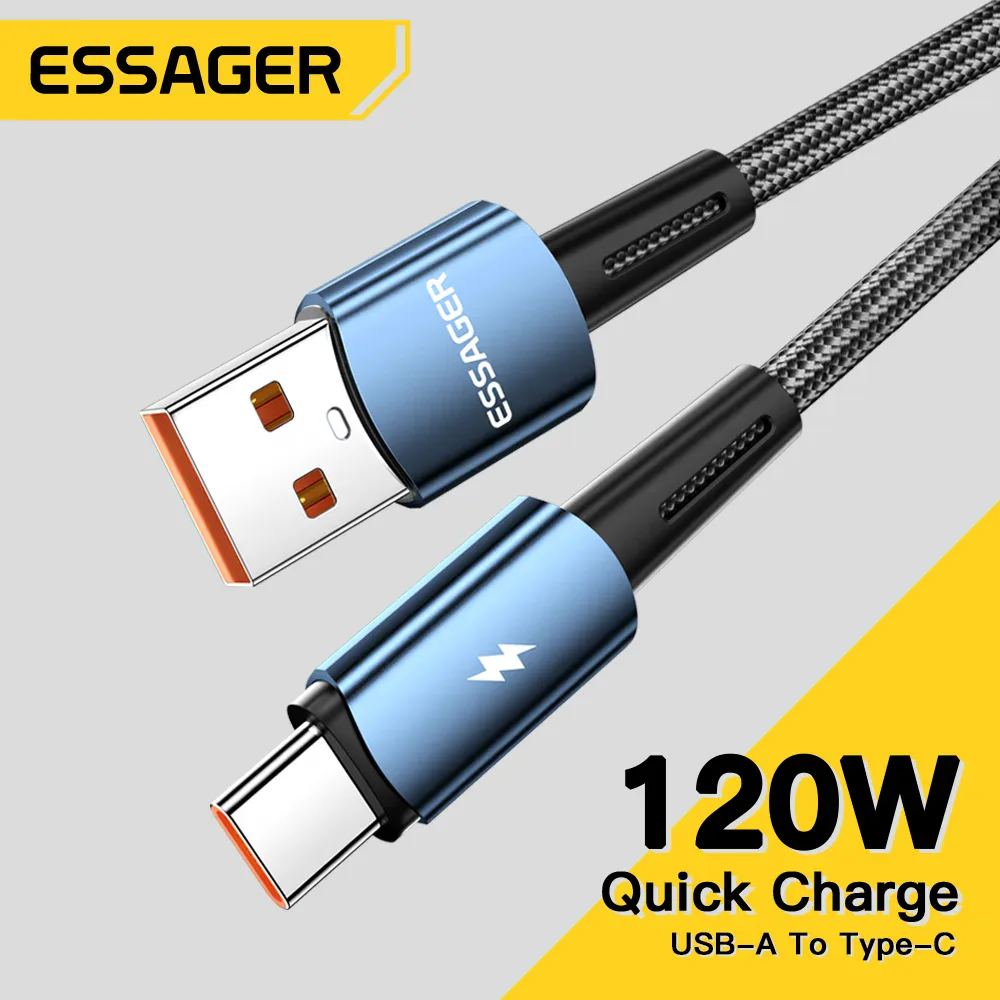
USB-C cable 120W ultra-fast charging for Xiaomi
From € 12,78
 Choisir
Vowenx
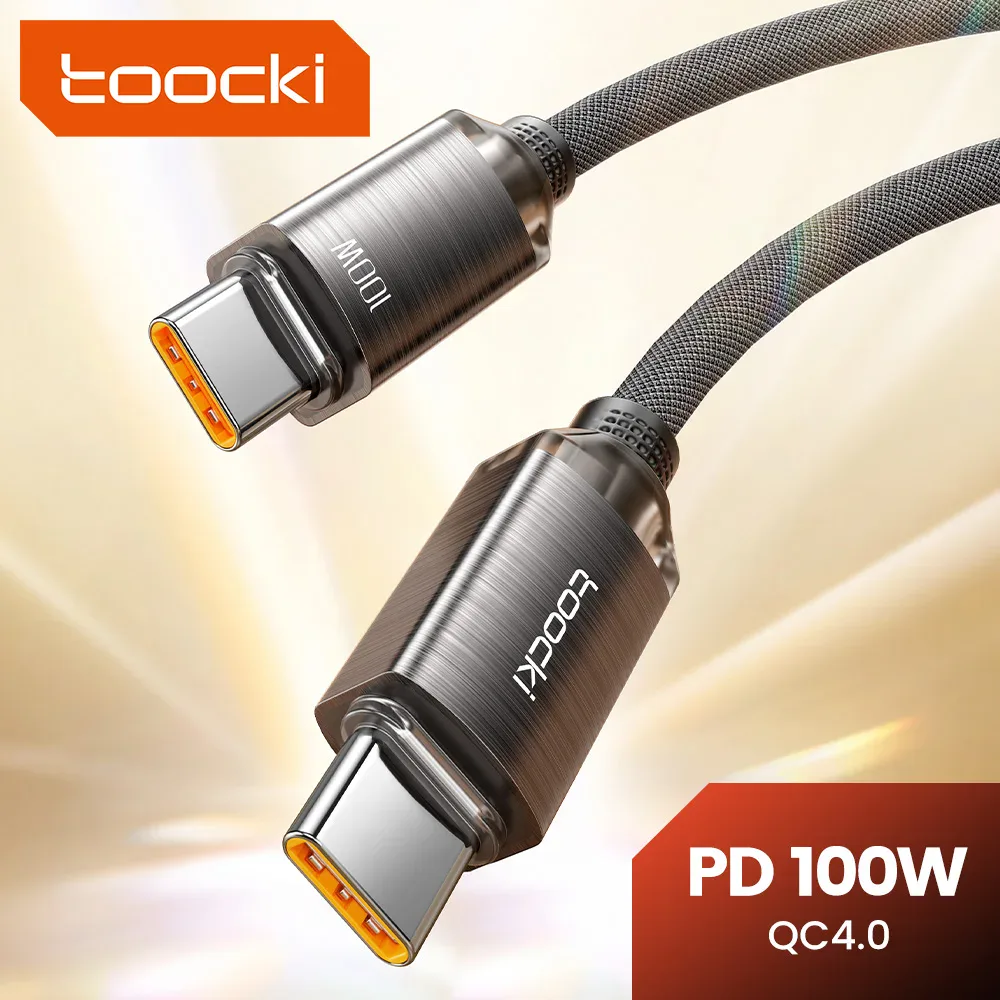
USB-C to USB-C fast charging cable 100 W
From € 10,80
 Choisir
Vowenx
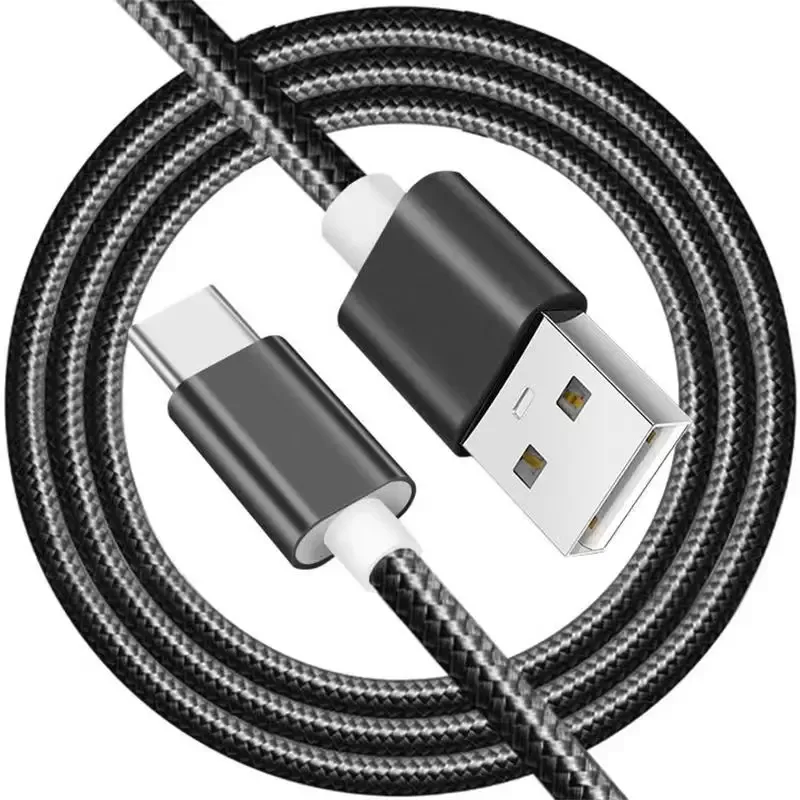
USB-A to USB-C cable (5A fast charging)
From € 5,85
 Choisir
Vowenx
Braided nylon USB-C to USB-C fast charging cable
From € 10,45
 Choisir
Vowenx
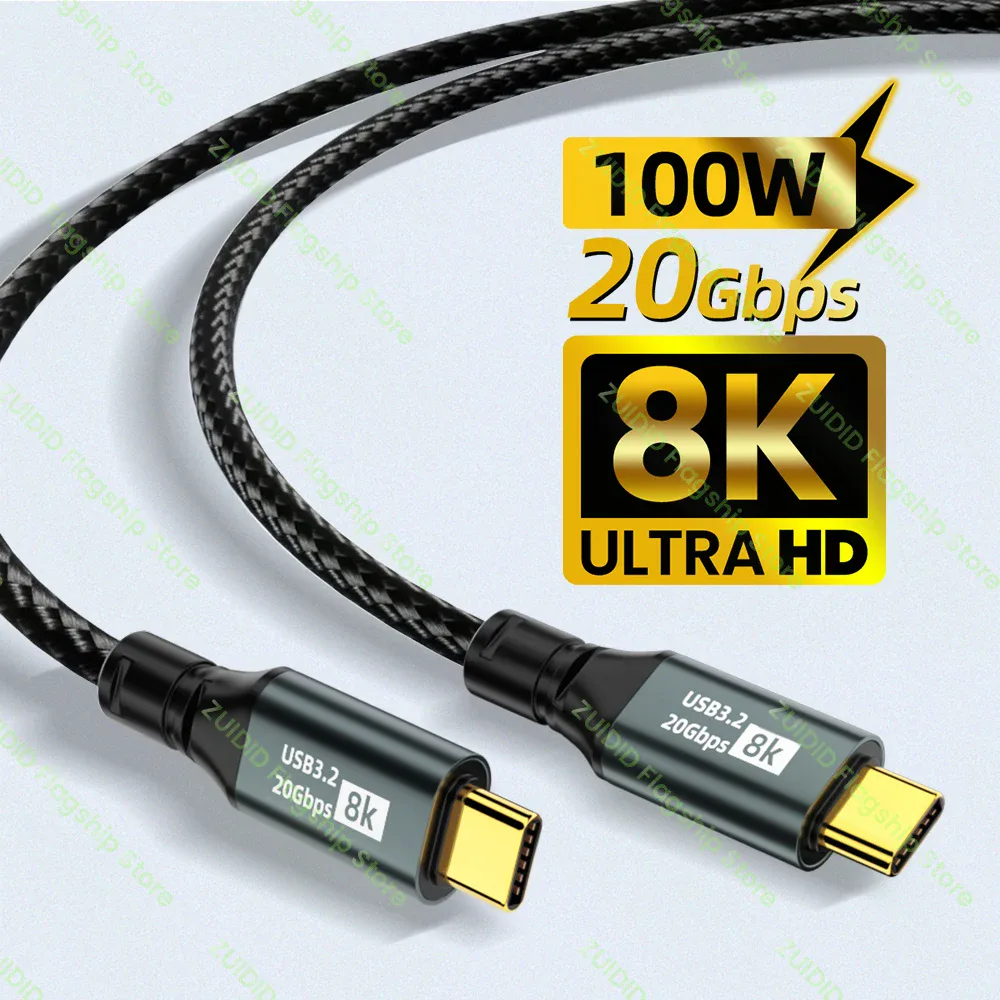
USB-C Cable 100W 20 Gbps 8K Video USB 3.2
From € 11,02
 Out of stockOut of stock
Vowenx
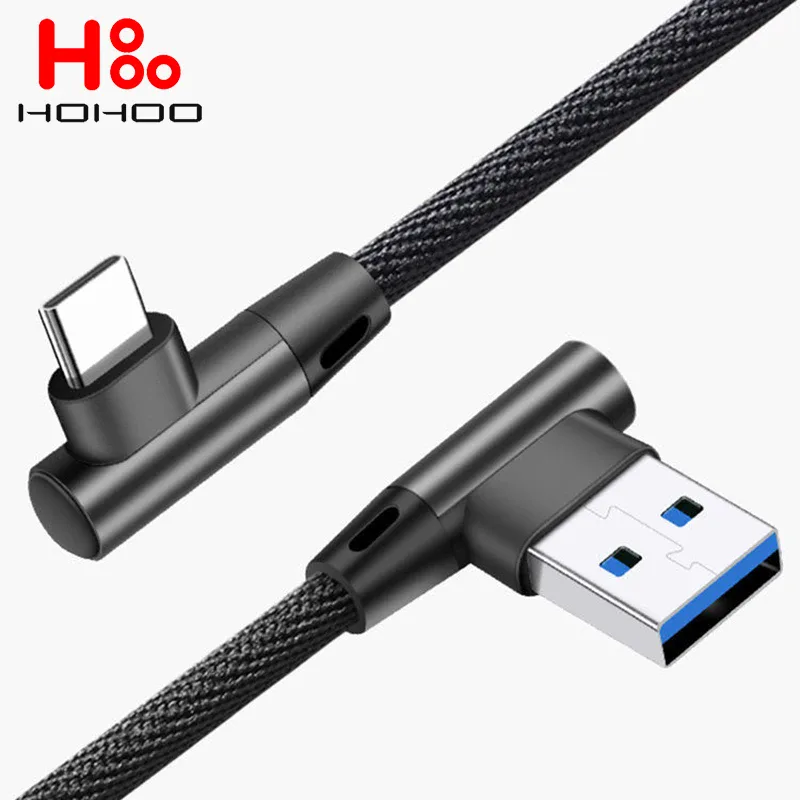
90° angled USB-C super fast charging cable 5A 45W for gaming
From € 7,65
 Out of stockOut of stock
Vowenx
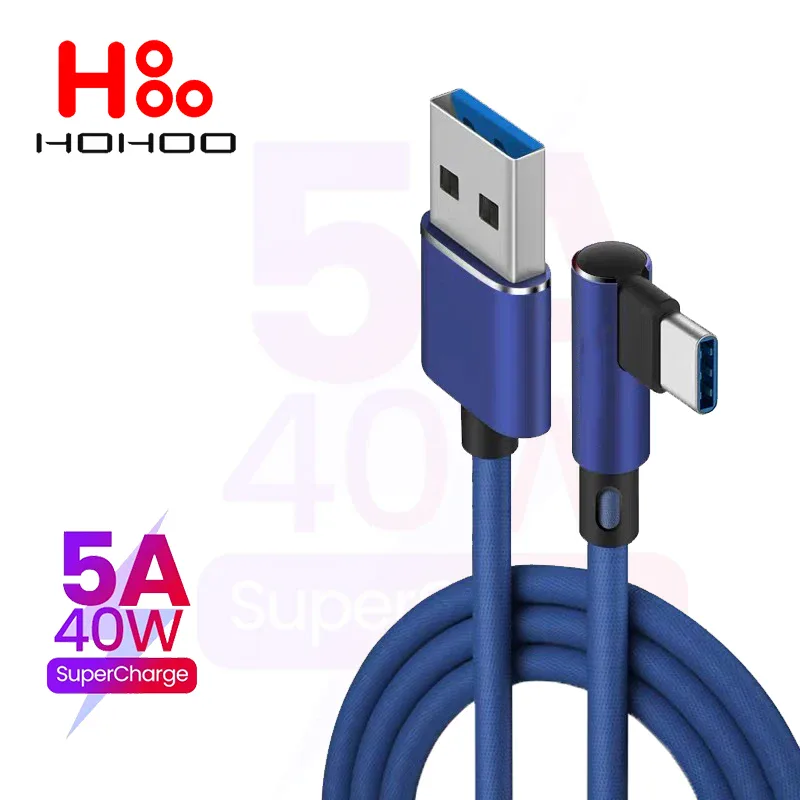
90° angled braided USB-C fast charging cable for gaming
From € 7,83
 Out of stockOut of stock
Vowenx
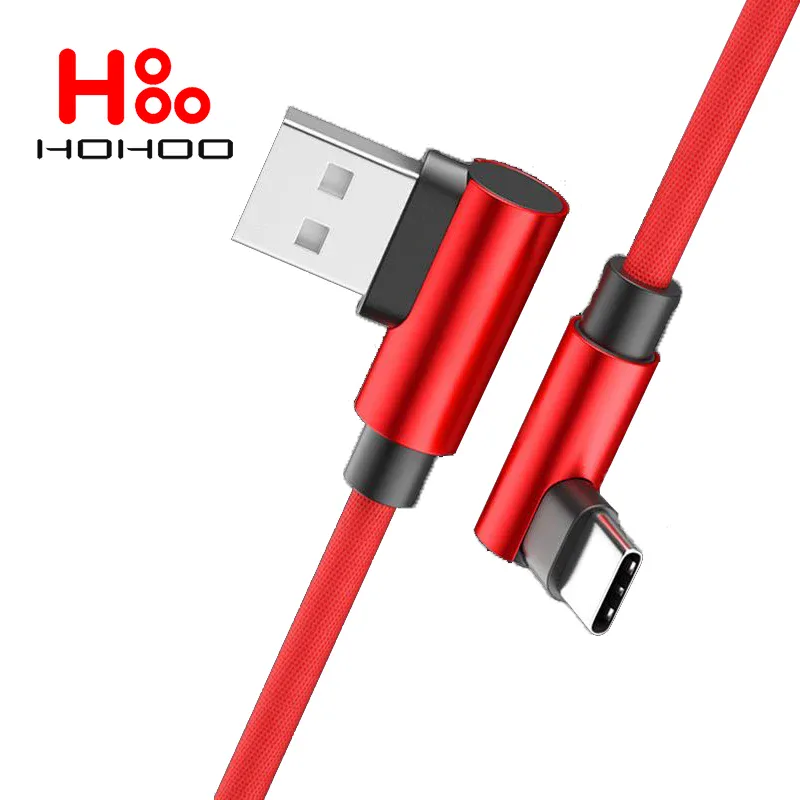
90° angled USB-C fast charging cable 5A for gaming
From € 8,25
How to choose the right USB cable ?
First identify your connectors: USB-C, Lightning (Apple), microphone-USB, USB-A. For the iPhone, an MFi-certified cable guarantees compatibility and safety. Distinguish charging from data transfer: some cables don't charge, others reach USB 3.x (up to 10 Gbps). For fast charging above 60 W (up to 100 W with Power Delivery), a cable with an e-marker chip is required. Match the length to the use: short for a power bank, long for the sofa. Check the durability of the sheath and the tips.
Related categories :
- Chargers and power supplies → Chargers & power supplies
- Hubs and adapters → Hubs, OTG & adapters
- All cables → All cables & connectivity
The criteria to check before buying
| Criterion | Why it matters ? |
|---|---|
| Connectors | USB-C, Lightning, microphone-USB, USB-A. |
| MFi certification | Essential for Apple devices. |
| Speed | USB 2.0 (charging) or USB 3.x (up to 10 Gbps). |
| Power | E-marker required above 60 W (PD). |
| Length | Short (power bank) or long (comfort). |
Frequently asked questions
Which USB cable should I choose for fast charging?
For fast charging over Power Delivery, choose a USB-C cable compatible with the target power. Above 60 W (up to 100 W), a cable with an e-marker chip is required to handle the current safely.
What does MFi certification mean?
MFi (Made for iPhone/iPad) is Apple's certification guaranteeing that a Lightning cable is compatible and safe. An MFi-certified cable avoids error messages and charging interruptions on Apple devices.
Do all USB-C cables transfer data?
No: some USB-C cables are only for charging, with no data transfer or at low speed. To transfer quickly, check the standard (USB 3.x) and the stated speed in Gbps.