

Vowenx · Hubs, OTG & USB adapter
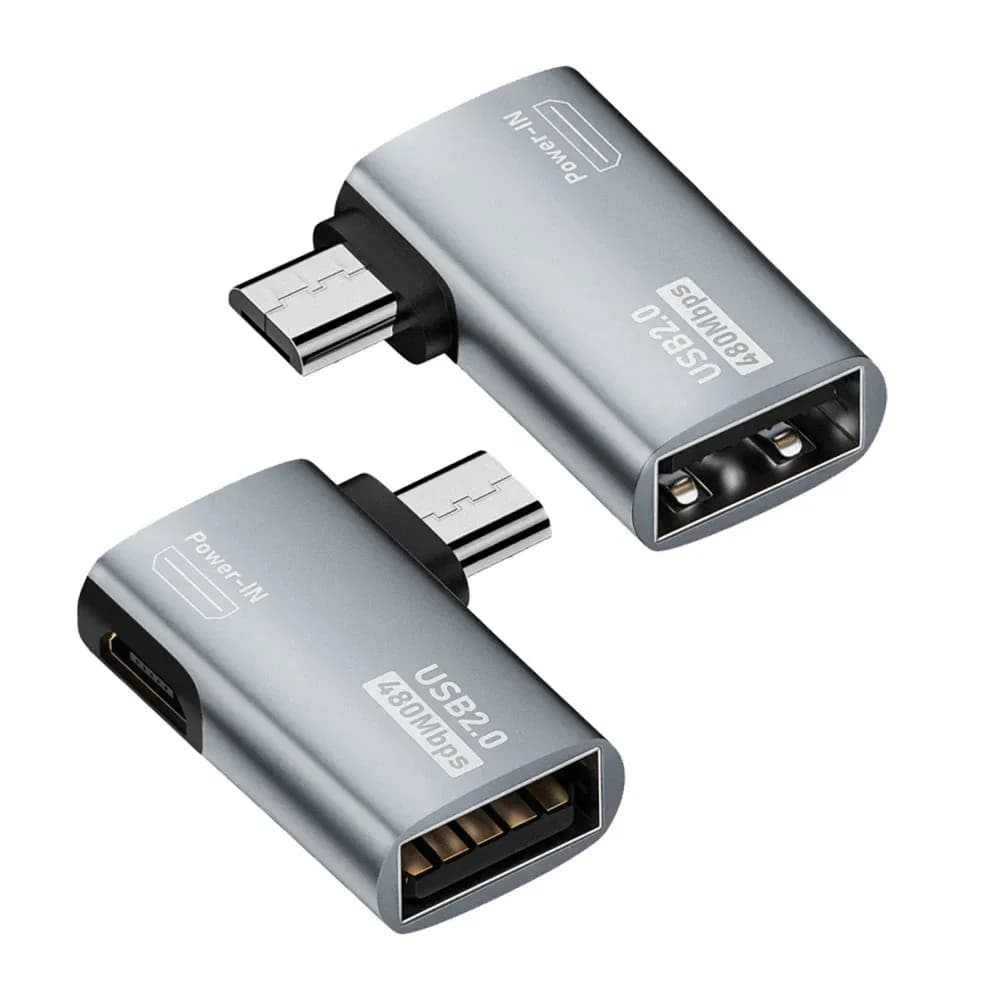
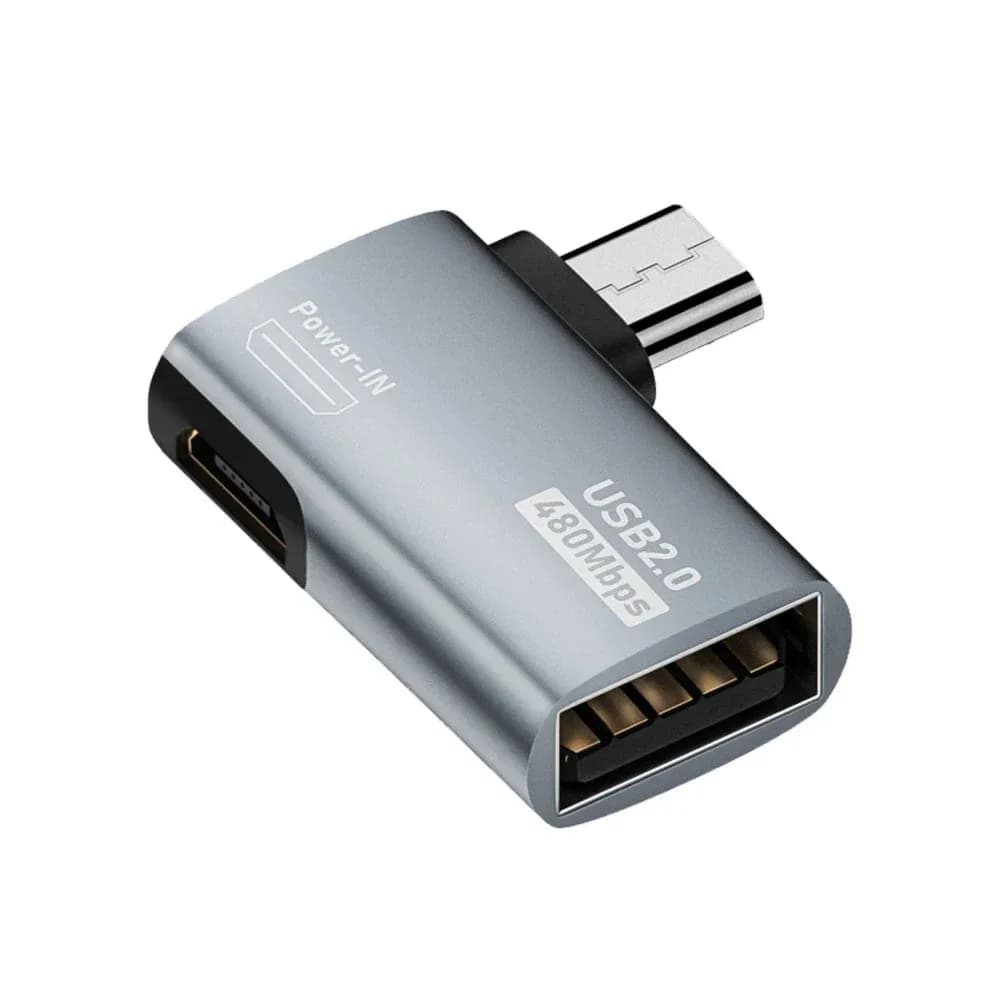
OTG Adapter Micro USB to USB-A 90° Angled
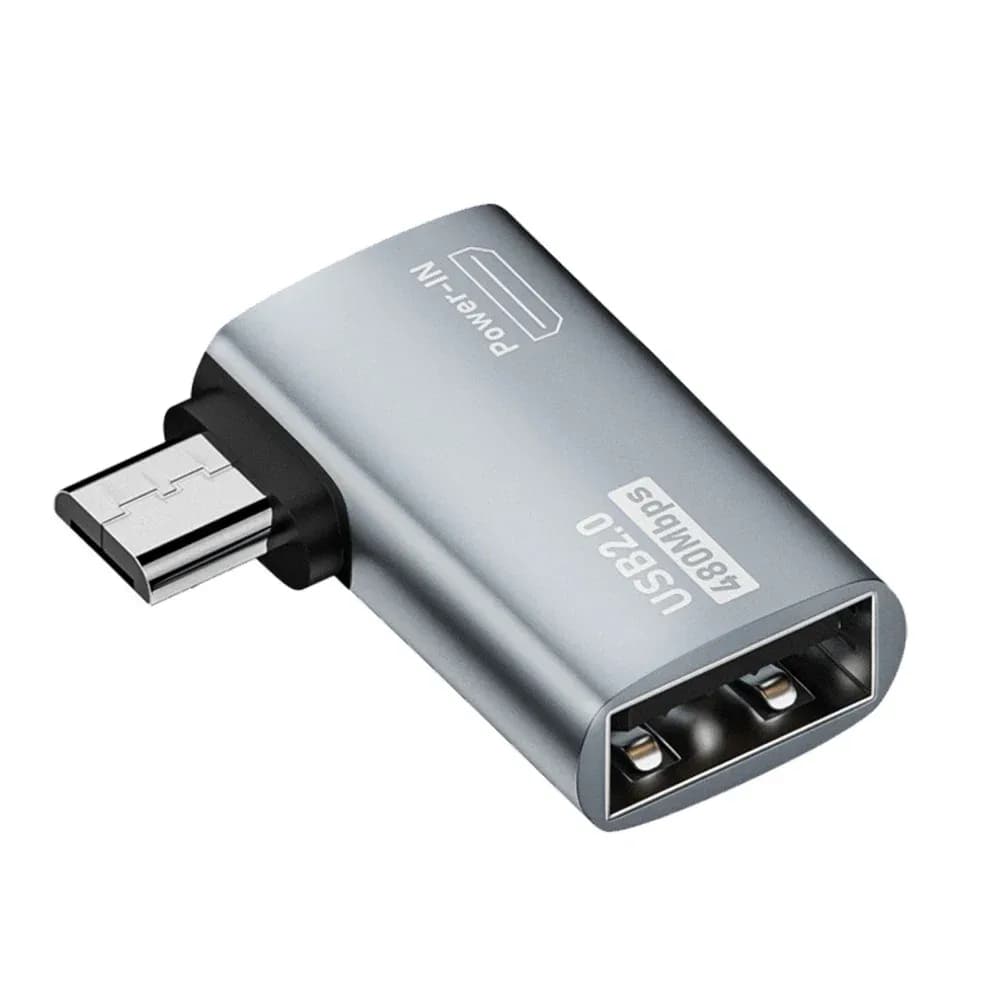
Connecting a USB drive, a keyboard or a mouse to a device with a Micro USB port requires an OTG adapter. This one, angled at 90°, stays discreet along the device and links a USB-A peripheral to a Micro USB port, for transferring or controlling.
Note de 5.0/5 basée sur 51 avis clients.Model: Left
Quantity
- 8 to 10 day delivery
- Secure payment
- 14-day returns
- 24/7 support
Product details
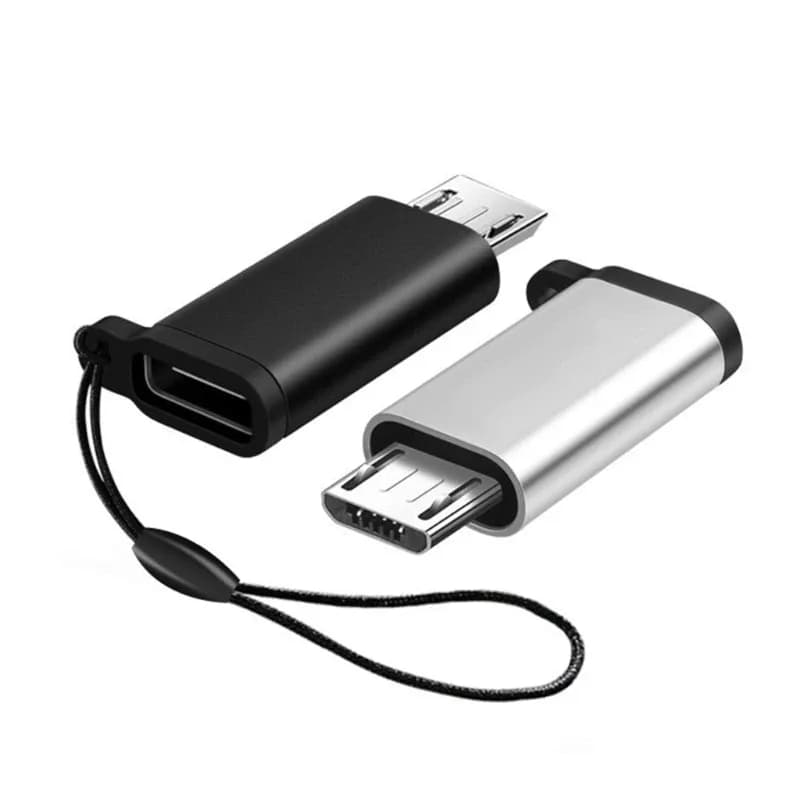
In use, this OTG adapter adds a USB-A port to a device fitted with a Micro USB port. You plug in a USB drive, a keyboard, a mouse, a controller or a card reader, and the host device (phone, tablet or other hardware with an OTG function) recognises them directly. Its 90° angled connector (left or right depending on the version) sits flat along the device instead of sticking out, handy in a tight space or behind a Fire TV Stick. It transfers data over USB 2.0 (up to 480 Mbps) and powers the connected peripheral. Note: the host device must support OTG. No more unusable USB devices for lack of an adapter — now the connection is simple, provided you have a Micro USB OTG port.
Compatibility and uses
This OTG adapter links a Micro USB connector (host device side) to a female USB-A port (peripheral side). It suits phones, tablets and devices with a Micro USB port that support OTG, for connecting a USB drive, keyboard, mouse, controller or card reader. It is also handy for adding a USB port to a Fire TV Stick. Data transfer over USB 2.0 (up to 480 Mbps). 90° angled connector: select the left or right version depending on the port orientation. Check that your device supports OTG before ordering.
Technical specifications
- Brand : Vowenx
- Type : Angled OTG adapter
- Connector : Micro USB (male) to USB-A (female)
- Angle : 90° angled (left or right)
- Data : USB 2.0 (up to 480 Mbps)
- Use : USB drive, keyboard, mouse, controller, Fire TV Stick…
- Requirement : OTG-compatible host device
- Weight : 0,03 kg
Usage tip
Our tip: your device must support OTG; choose the angle direction (left or right) depending on the port orientation.
Overview
A device with a Micro USB port can take a USB drive, keyboard or mouse thanks to an OTG adapter. This one, angled at 90°, stays discreet along the device. It transfers data over USB 2.0 and powers the peripheral. Provided the host supports OTG. Left or right, your choice.
Highlights
- Micro USB to USB-A : Connects a USB peripheral.
- 90° angled : Discreet, left or right.
- USB 2.0 : Data up to 480 Mbps.
- Multi-use : Drive, keyboard, mouse, Fire TV Stick.
Who is it for?
For anyone plugging a USB drive, a keyboard or a mouse into a device with a Micro USB port. And for anyone wanting a discreet OTG adapter.
Frequently asked questions
Customer reviews
Loading reviews…
Frequently asked questions
À quoi sert-il ?
À brancher un périphérique USB-A (clé, clavier…) sur un port Micro USB OTG.
Quel débit ?
USB 2.0, jusqu'à 480 Mbps.
Faut-il l'OTG ?
Oui, l'appareil hôte doit prendre en charge l'OTG.
Pourquoi coudé ?
Pour rester discret le long de l'appareil, dans un espace serré.
Gauche ou droite ?
Deux versions selon l'orientation voulue.
Fonctionne-t-il avec une Fire TV Stick ?
Oui, il permet d'y ajouter un port USB-A (clé, manette…) si l'appareil gère l'OTG.