Car radios & car screens: CarPlay & Android Auto
Upgrade your car's multimedia at Vowenx: touch-sensitive CarPlay and Android Auto head units, Android boxes, and screens. A selection for navigation, music, and rear-view camera, at the right price.
« perfect more than expected here in heat exceed 60 degree and work without lag i took 8 gb version but only very little issue ..i cannot use android auto and ai box in same screen split also internet not connecting to ai »
« The installation was surprisingly simple. »
How to choose the right head unit?
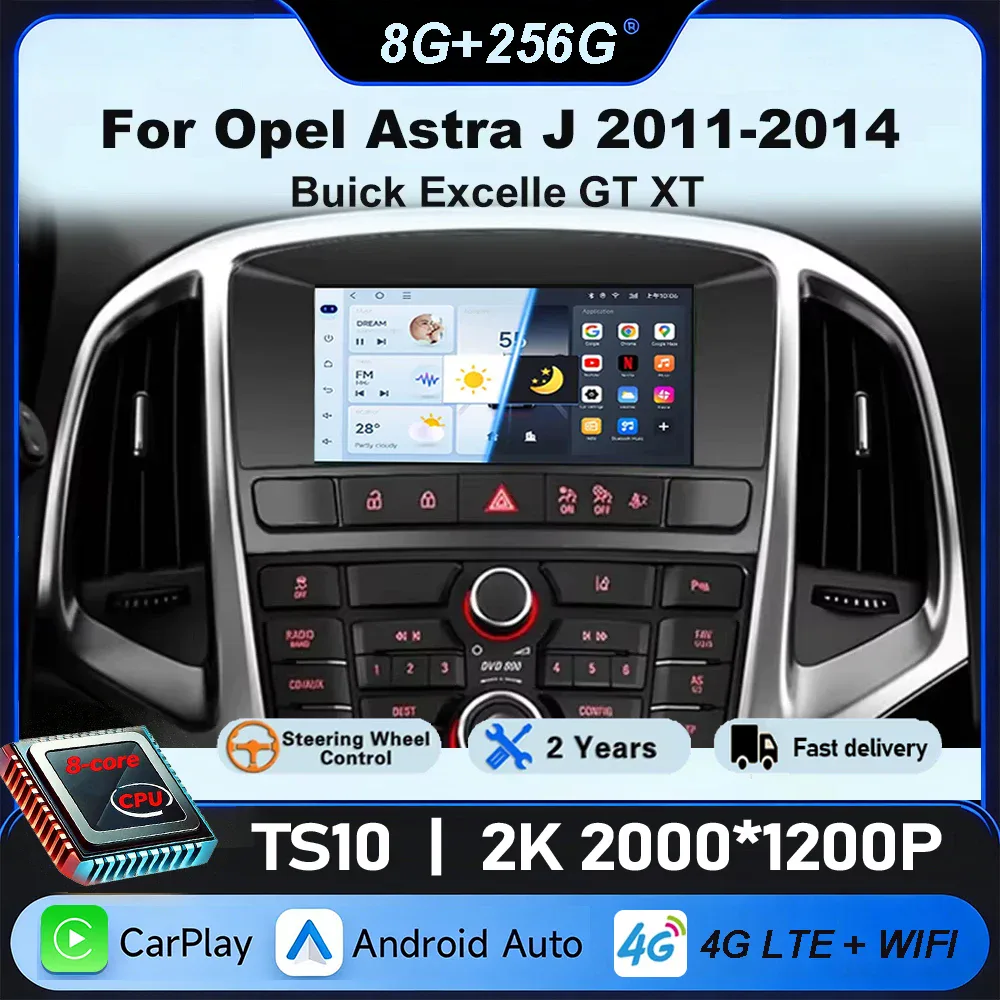
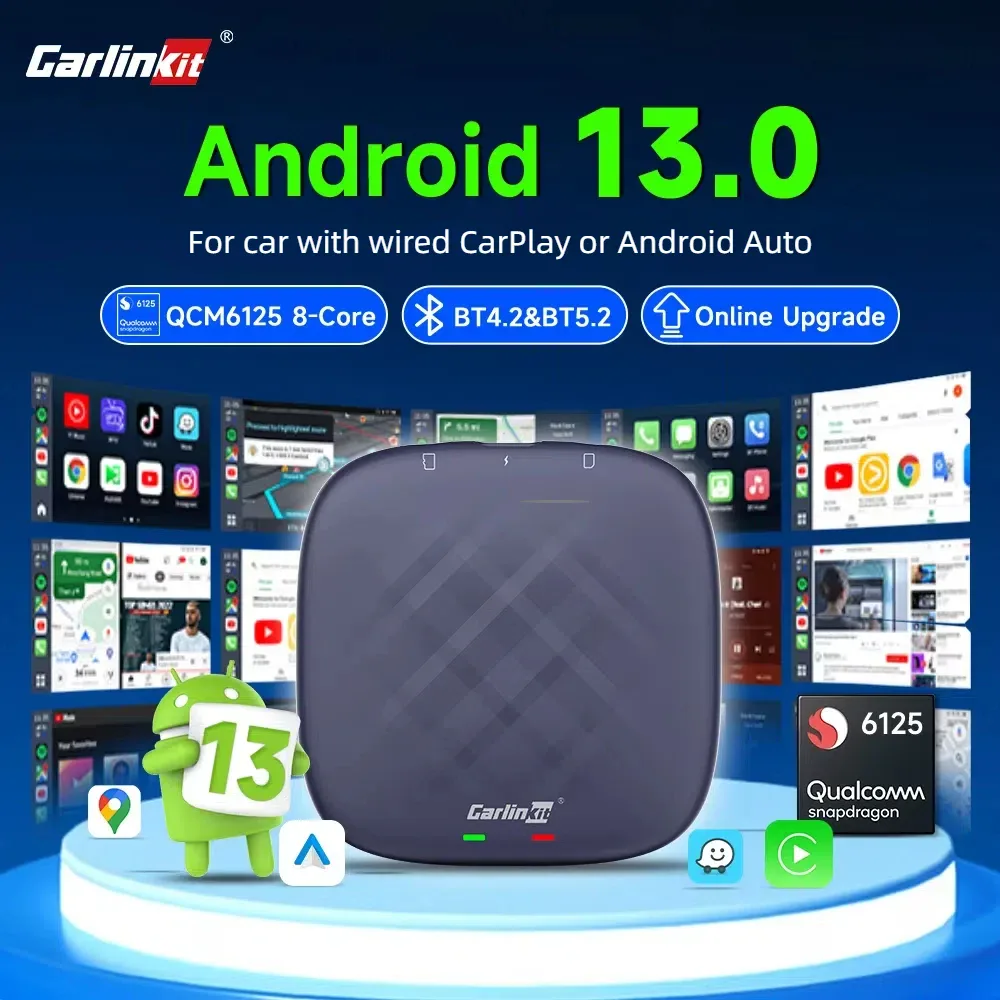
First, check the format of the original slot: 1 DIN or 2 DIN. Then target the functions: CarPlay and Android Auto (wired or wireless), the screen size, rear-view camera input, and Bluetooth. An Android box adds CarPlay/Android Auto to an existing screen. For some vehicles, dedicated facias (Buick, Opel…) ensure a clean integration. Check the wiring harness compatibility and, if necessary, mount for steering wheel controls.
Related categories:
- Wiring and steering wheel controls → Wiring, switches & controls
- Dashcams → Dashcams & in-car cameras
- All car electronics → Electronics & driving assistance
Technical criteria to check
| Criterion | Why is it important? |
|---|---|
| DIN format | 1 DIN or 2 DIN depending on the original slot. |
| CarPlay / Android Auto | Wired or wireless for navigation and music. |
| Screen size | Depending on available space and visual comfort. |
| Camera input | To add a rear-view camera. |
| Model compatibility | Fascia and harness adapted to your vehicle. |
Frequently asked questions
1 DIN or 2 DIN, how to know?
Measure the height of the original slot: a 1 DIN is about 5 cm, a 2 DIN is dual that. Most recent vehicles accept a touch-sensitive 2 DIN; check your fascia before ordering.
Difference between wired and wireless CarPlay?
Wired CarPlay connects via USB cable; wireless pairs via Bluetooth/Wi-Fi for more comfort. Wireless avoids plugging in the phone for every trip, provided the head unit supports it.
Does an Android box add CarPlay to my head unit?
Yes: a multimedia box plugs into a compatible head unit and adds CarPlay, Android Auto, and apps, without changing the entire system. Check compatibility with your original screen.