Touch-sensitive styluses: S Pen & replacement styluses
Write, annotate and draw with precision at Vowenx: S Pen Bluetooth, Samsung Galaxy replacement styluses and antenna flex cables. A selection compatible by model, at the right price.
« it works like the the real one, very perfect....I love it »
« Perfectly alright. came with two extra nibs in white and black colors along with an extractor tweezers. S pen works well and so the air actions. Highly recommended. »
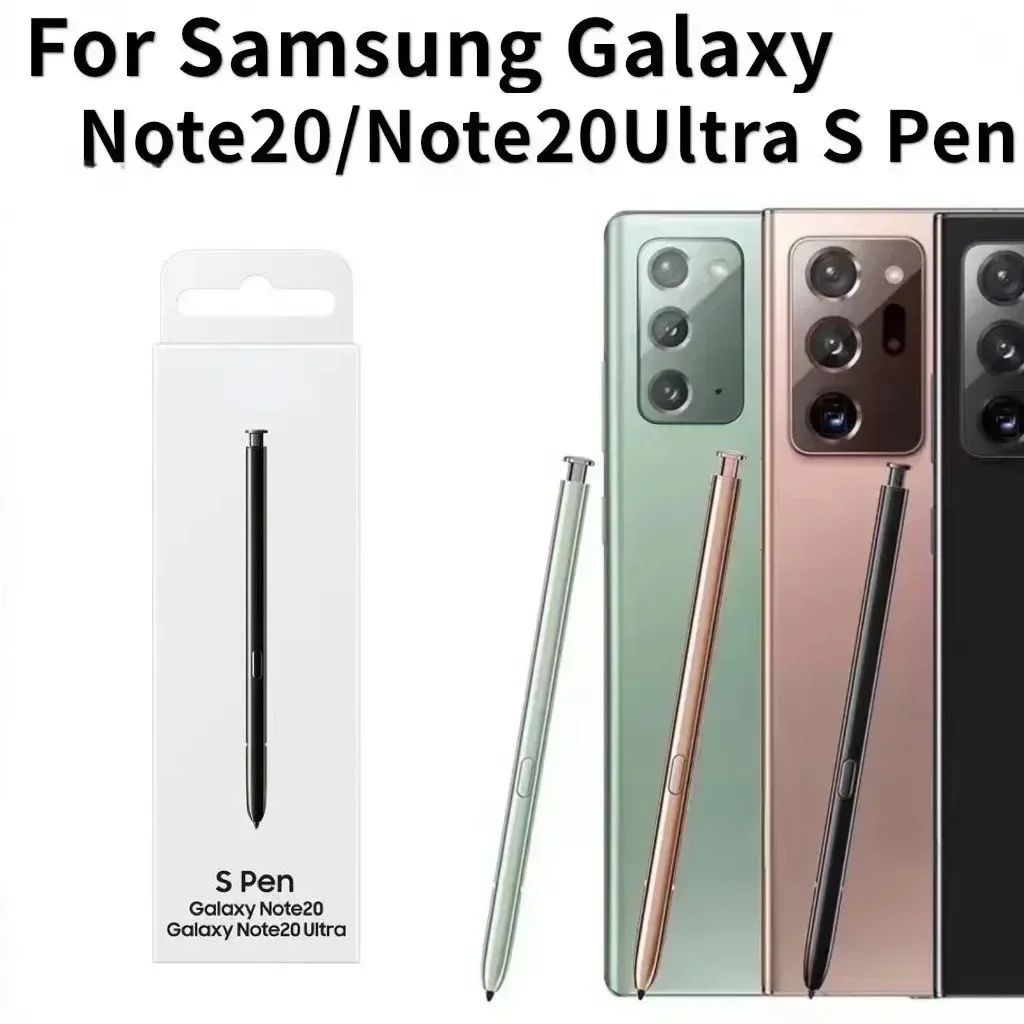
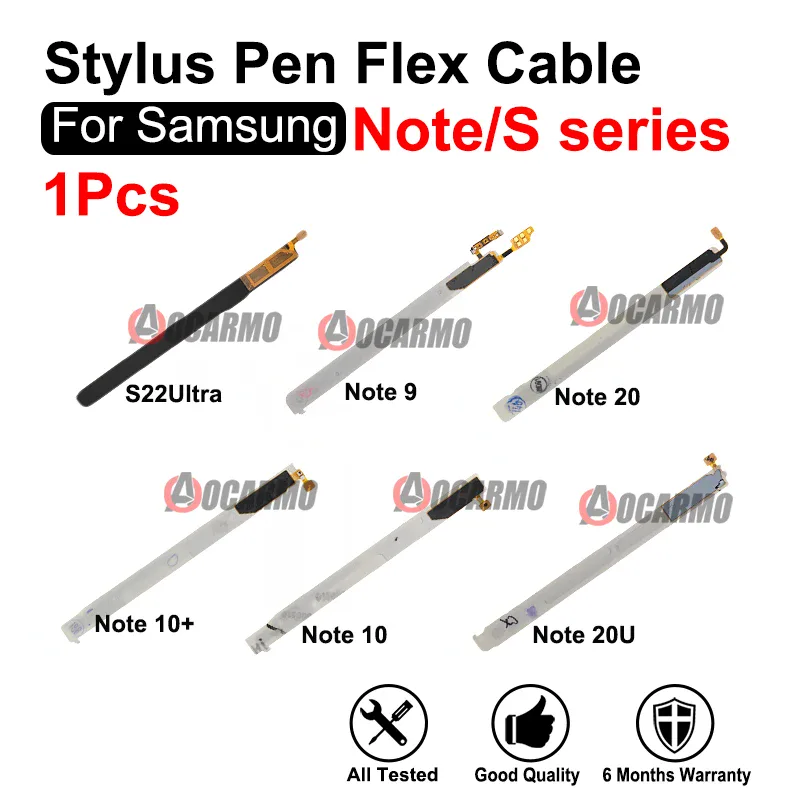
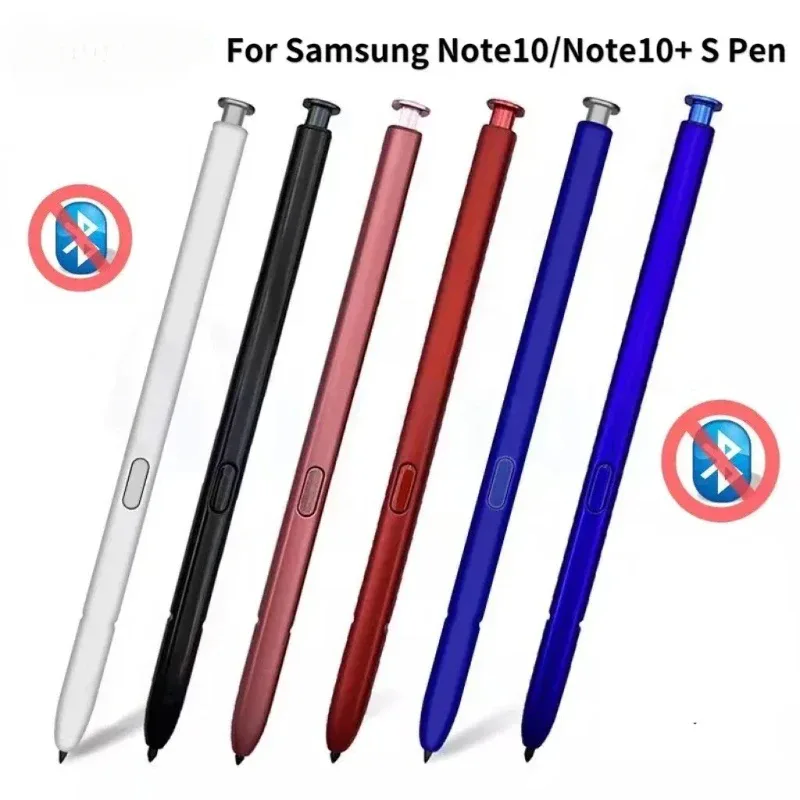
How to choose your touch-sensitive stylus?
Distinguish between the active and passive stylus. The passive one (capacitive tip) works on any touch screen, without pairing, but without pressure or advanced functions. The active one (like the S Pen from Samsung) manages pressure sensitivity and, via Bluetooth, remote controls (photo, slideshow). Compatibility is strict: an S Pen is linked to a specific range (Galaxy Note, S Ultra, Tab). In case of S Pen failure on a Galaxy, the antenna flex cable of the digitizer may be the cause. Check the exact model before purchasing.
Related categories:
- Tablet cases → Tablet & e-reader cases
- Spare parts → Spare parts & repair
- All telecommunications → All telecommunications & accessories
Criteria to check before purchasing
| Criterion | Why is it important? |
|---|---|
| Active or passive | Pressure and Bluetooth (active) or universal (passive). |
| Compatibility | S Pen linked to a specific range. |
| Bluetooth | Remote controls (photo, slideshow). |
| Tip | Precision and possible replacement. |
| Repair | Antenna flex cable if the S Pen no longer responds. |
Frequently asked questions
Active or passive stylus, what is the difference?
The passive stylus imitates a finger and works on any touch screen, without pressure. The active one, like the S Pen, detects pressure and offers advanced functions, but is only compatible with devices designed for it.
What is the S Pen Bluetooth used for?
Beyond writing, the S Pen Bluetooth serves as a remote control: trigger a photo remotely, navigate through a slideshow or control playback, thanks to its button and its wireless connection to the device.
How to choose a compatible stylus?
For an active stylus, check the exact model of the device: an S Pen is designed for a specific range (Note, S Ultra, Tab). A passive stylus, on the other hand, works on most touch screens without model constraints.
Related categories
Frequently asked questions
Active or passive stylus, what's the difference?
The passive stylus mimics a finger and works on any touch-sensitive screen, without pressure. The active one, like the S Pen, detects pressure and offers advanced functions, but is only compatible with devices designed for it.
What is the Bluetooth S Pen used for?
Beyond writing, the Bluetooth S Pen serves as a remote control: trigger a photo remotely, navigate through a slideshow, or control playback, thanks to its button and its wireless connection to the device.
How to choose a compatible stylus?
For an active stylus, check the exact model of the device: an S Pen is designed for a specific range (Note, S Ultra, Tab). A passive stylus, on the other hand, works on most touch-sensitive screens without any model constraints.