JEYI · Computer Components
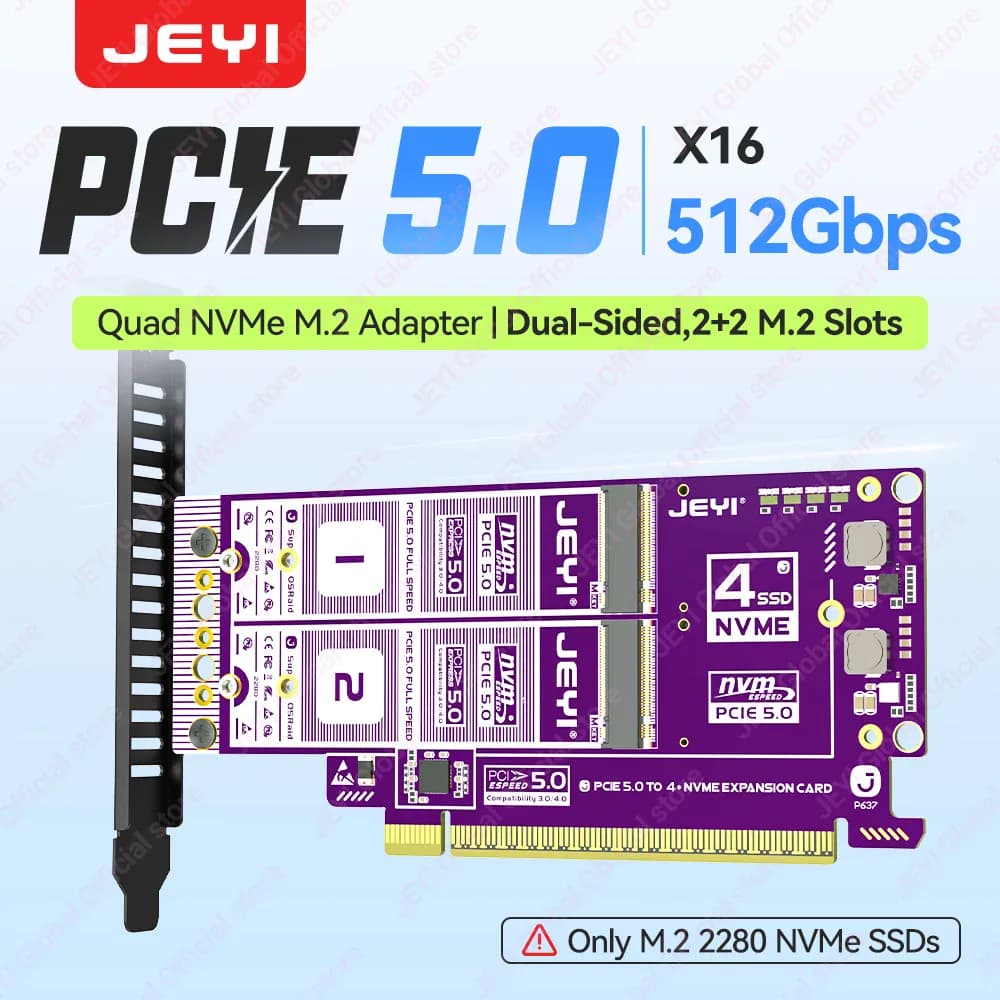
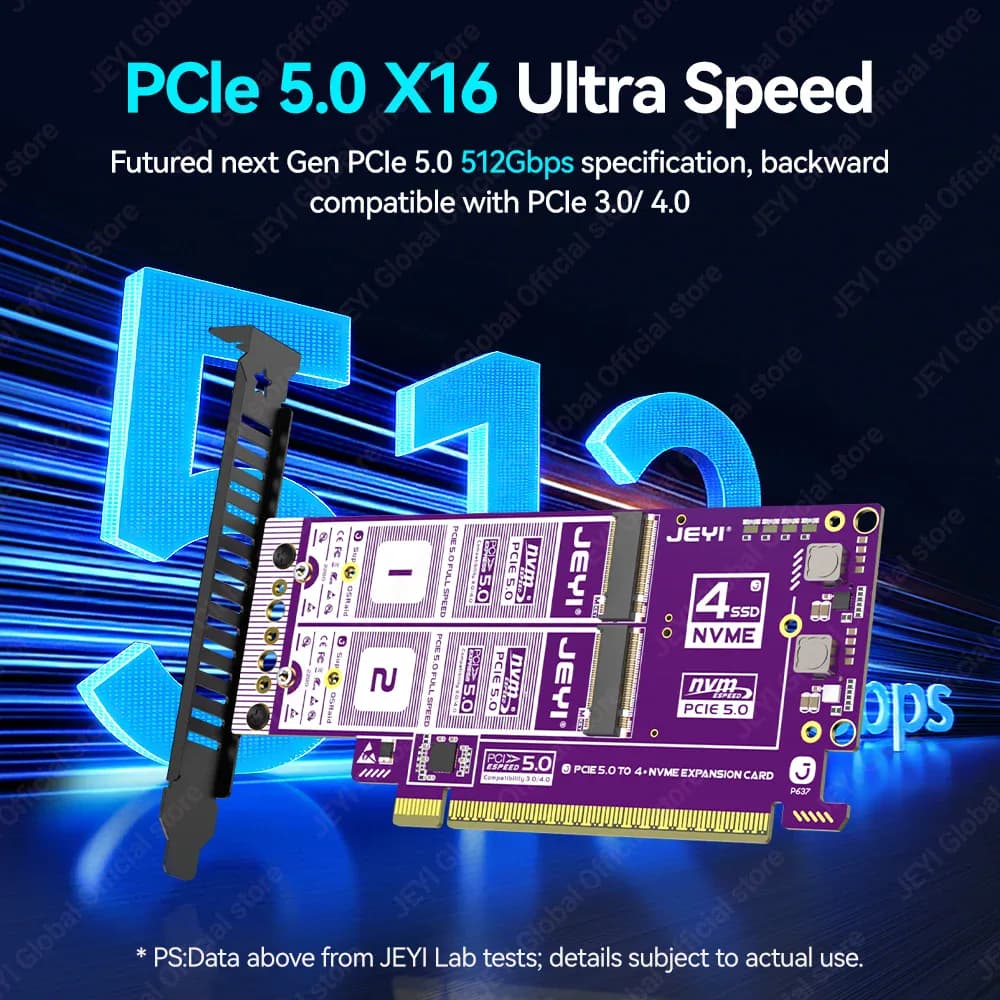
JEYI 4 SSD M.2 X16 PCIe 5.0 expansion card
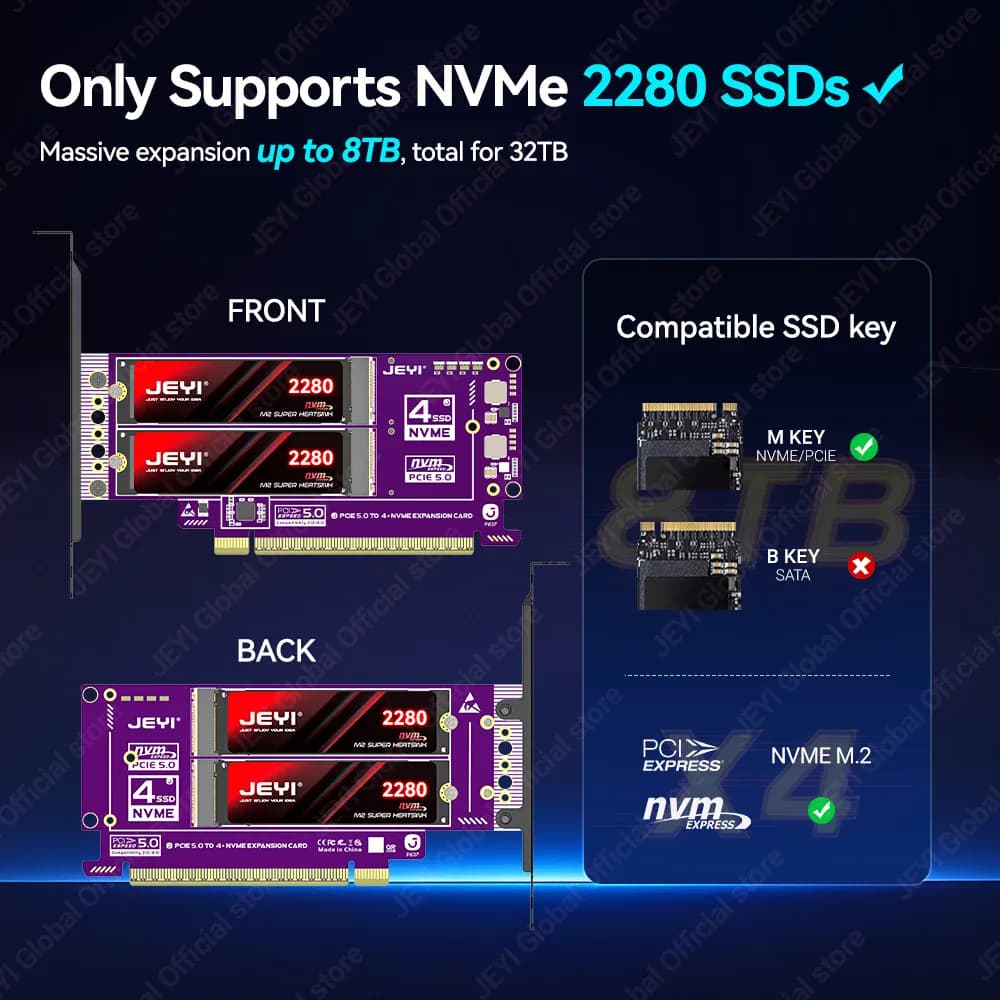
This JEYI expansion card allows you to install up to four NVMe M.2 2280 SSDs in a single PCIe x16 slot on your computer. It facilitates the addition of high storage capacity for workstations and servers requiring large data volumes.
Rated 4,8/5 based on 5 customer reviews.Model: PCIE 5.0 Bare board
Quantity
- Secure payment
- 14-day returns
- 24/7 support
Product details
The Essentials
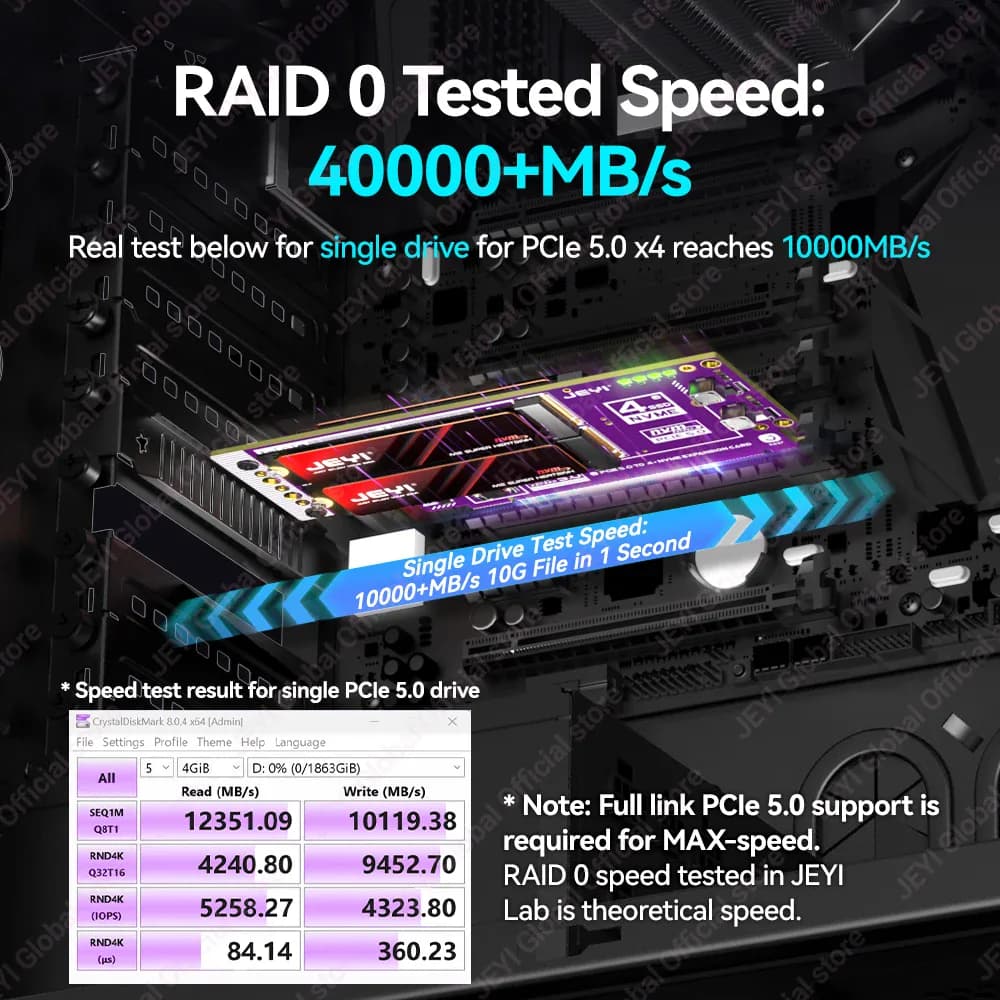
Interface PCIe 5.0 x16 Number of SSD ports 4 Compatible SSD format M.2 2280 NVMe Total maximum capacity 32 TB Supported RAID modes 0, 1, 5 (Windows) ; 0, 1, JBOD (macOS) Certification RoHS Installation type Internal Brand JEYI Key Features and Performance
Increase total storage capacity up to 32 TB while maintaining access to each drive or by grouping data.
- The isolated mode allows independent access to each drive, preserving file organization.
- Enabling RAID mode accelerates transfers or protects data in case of failure.
- Smart LED indicators display the activity of each SSD in real time for visual monitoring.
Compatibility and System Requirements
Compatible with Windows and macOS, this card requires a motherboard supporting PCIe bifurcation and a processor supporting PCIe 5.0.
- The expansion card fits into a PCIe x16 slot. It is not compatible with x1, x4, or x8 slots.
- It is designed to accept only M.2 2280 NVMe SSDs with an M-Key interface.
- Motherboard PCIe bifurcation functionality is required for all four drives to be detected.
- You must configure the BIOS to enable lane configuration mode as [x4x4x4x4].
Usage and Configuration
Installation is done directly into a PCIe x16 port, with prior manual BIOS configuration.
- Access to the M.2 ports requires removing the computer case and accessing the motherboard.
- BIOS configuration must be performed before any use to enable lane bifurcation.
Frequently Asked Questions
Does the card work without configuration?
No. If you do not configure the BIOS in [x4x4x4x4] mode, only one SSD will be recognized instead of four.
Which SSDs can I use?
You can use M.2 2280 NVMe SSDs with an M-Key interface.
Is the card compatible with Windows and macOS?
Yes, the card is compatible with Windows and macOS, with RAID modes available on both systems.
Related Products
- M.2 NGFF and MSATA to SATA 3.0 Adapter Case Black
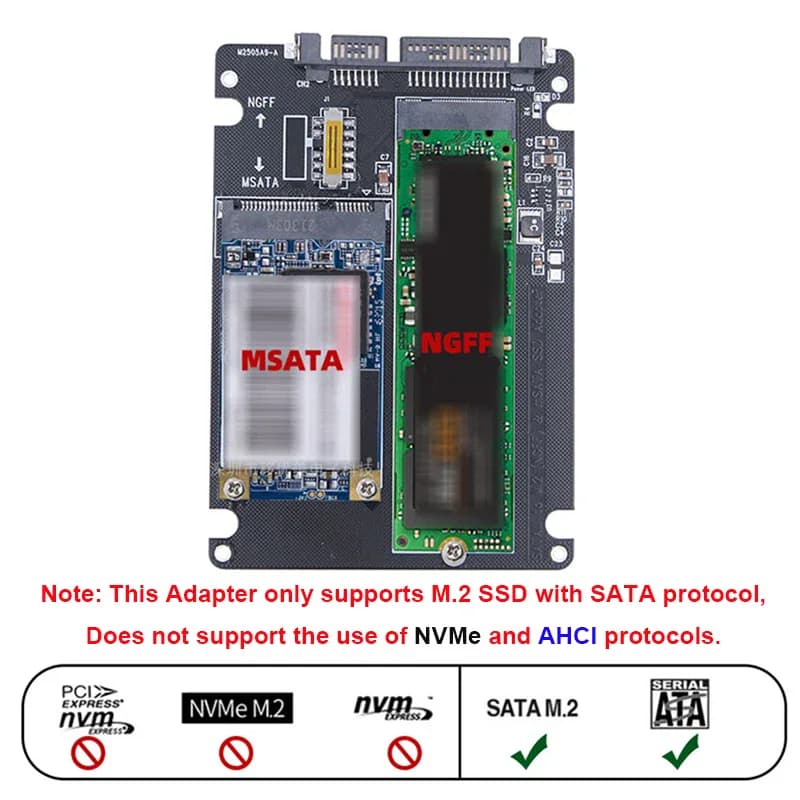
The OULLX adapter converts your M.2 NGFF (SATA) and MSATA SSDs into standard SATA storage devices. The selection switch allows you to use each slot individually with ease. - M.2 NVMe SSD to PCIe 4.0x1 Adapter Card
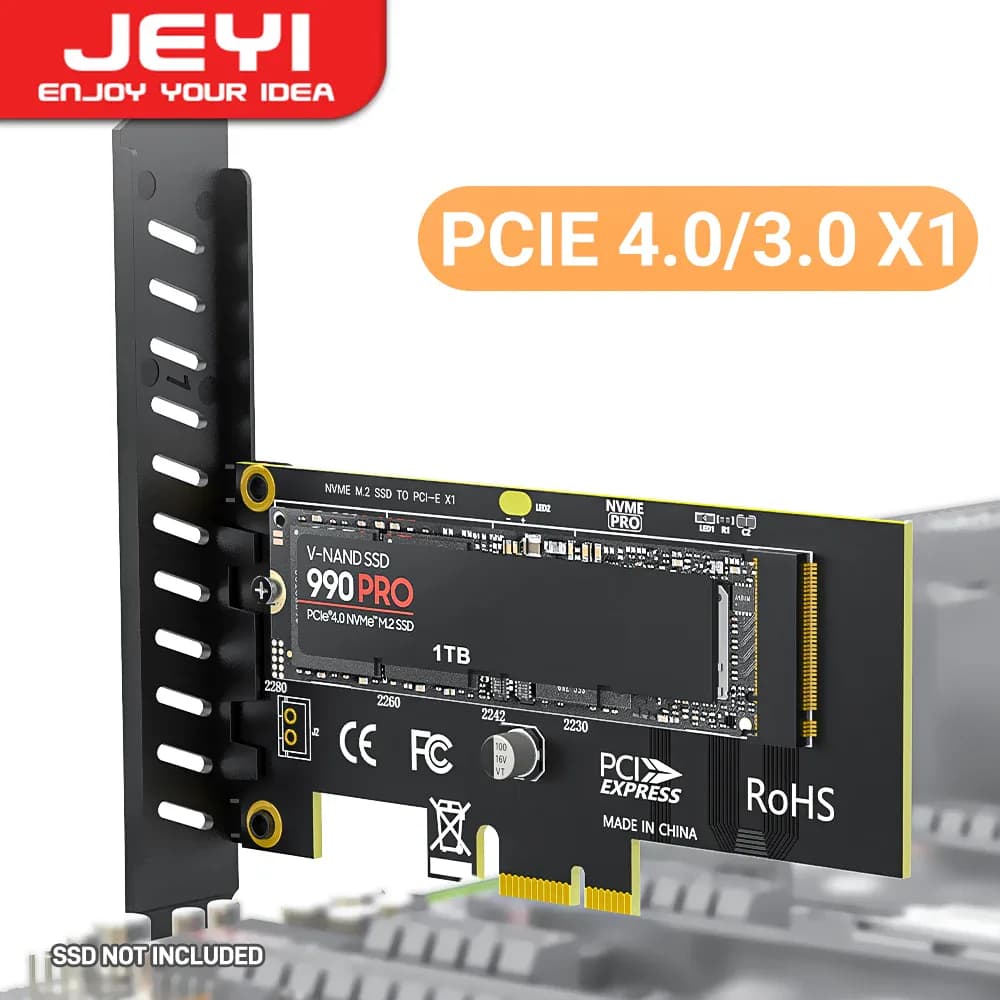
The JEYI M.2 NVMe SSD to PCIe 4.0x1 adapter card allows you to install an NVMe SSD drive on a PC without a dedicated slot. This converter offers reliable and fast connectivity with the included bracket.
Explore Related Categories
Customer reviews
Loading reviews…
Frequently asked questions
Does the card work without configuration?
No. If you do not configure the BIOS in [x4x4x4x4] mode, only one SSD will be recognized instead of four.
Which SSDs can I use?
You can use 2280 format M.2 NVMe SSDs with an M-Key interface.
Is the card compatible with Windows and macOS?
Yes, the card is compatible with Windows and macOS, with RAID modes available on both systems.