Storage: NVMe M.2 SSDs, readers & drives
Speed up and expand your storage at Vowenx: NVMe M.2 PCIe 3.0 and 4.0 SSDs, heatsinks and SD/microSD card readers. A selection to boost your PC, at a fair price.
« Works great! »
« Product arrived fast, works perfectly on SATA, 2.5IDE and 3.5IDE drives on hand to test. »
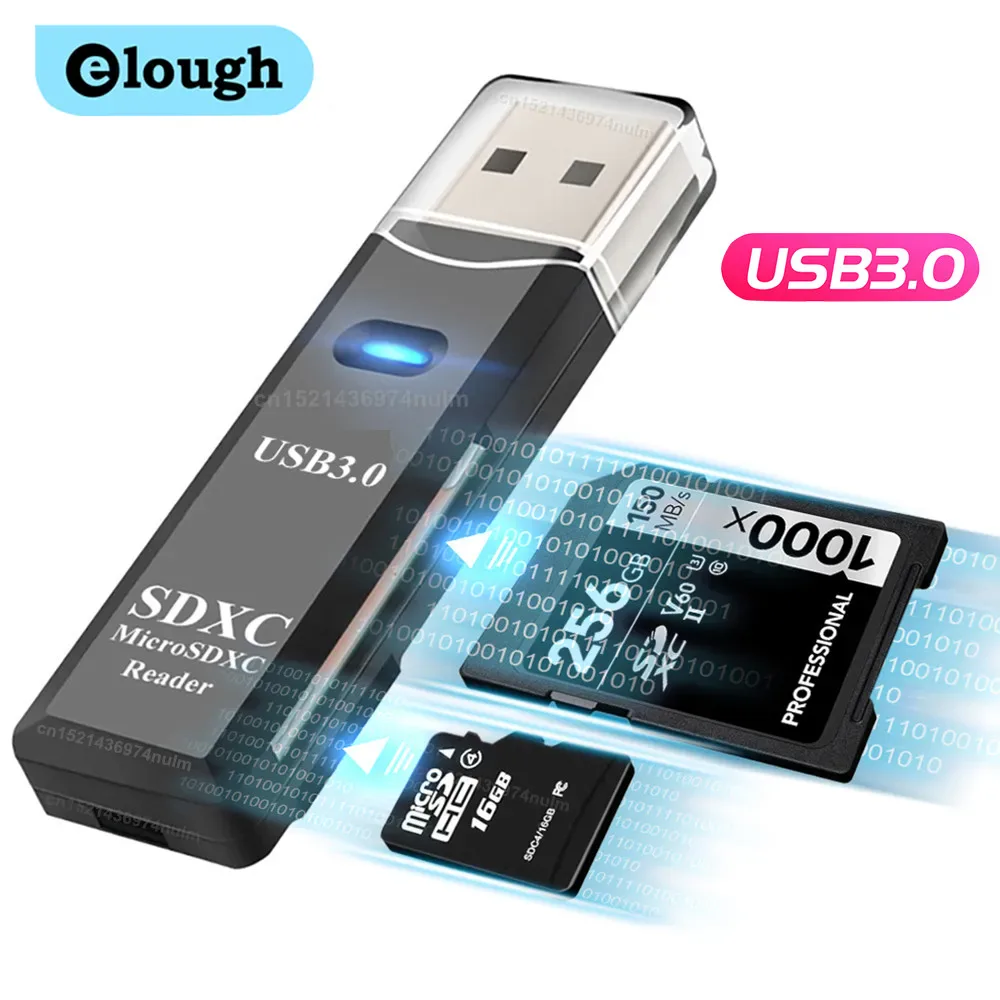 Choisir
Vowenx
SD and microSD USB 2-in-1 card reader
From $18.33
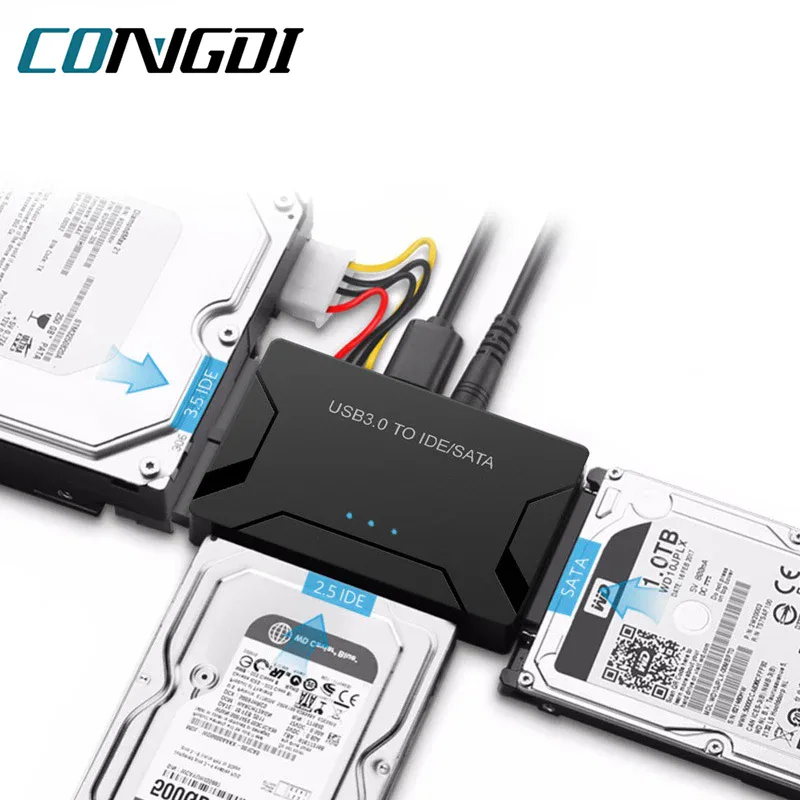 Choisir
Vowenx
USB 3.0 to SATA and IDE adapter for hard drive
From $101.26
 Choisir
PGYTECH
CreateMate USB-C SD and TF Card Reader
From $126.68
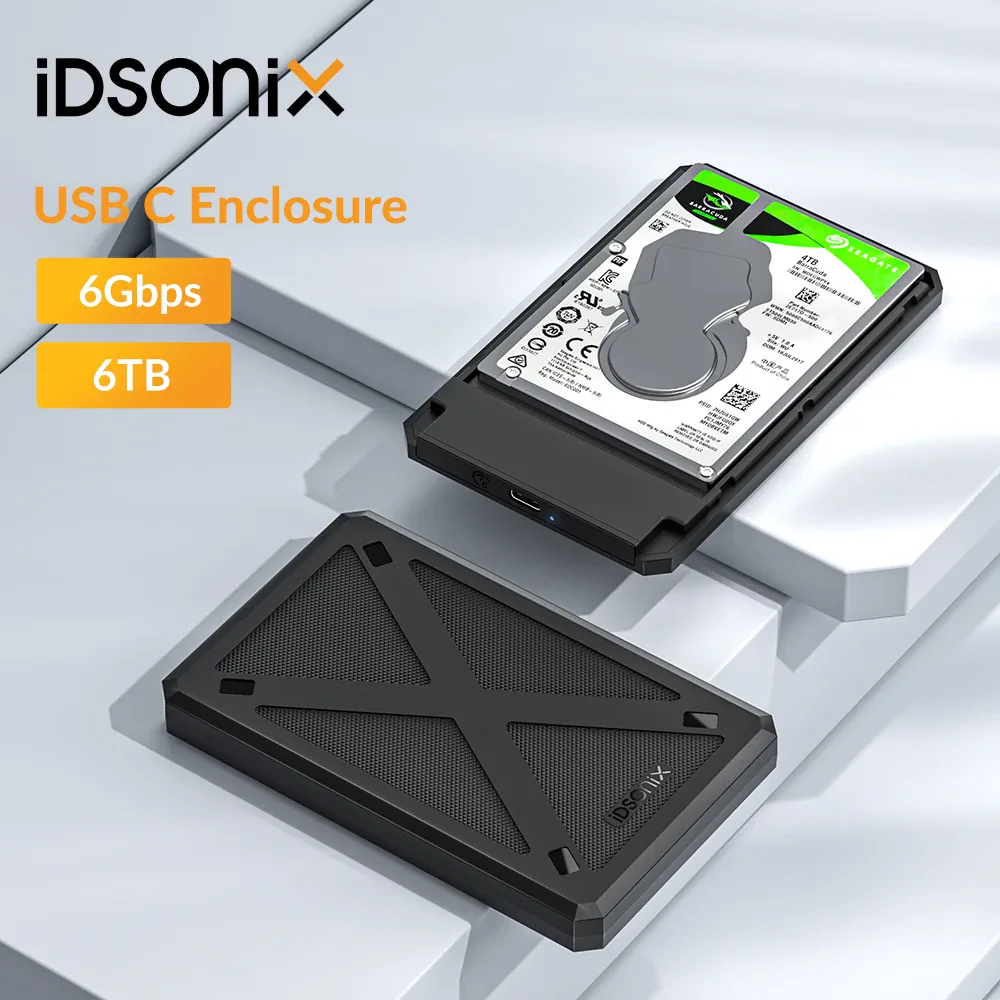 Choisir
iDsonix
2.5-inch SATA USB-C hard drive case
From $43.79
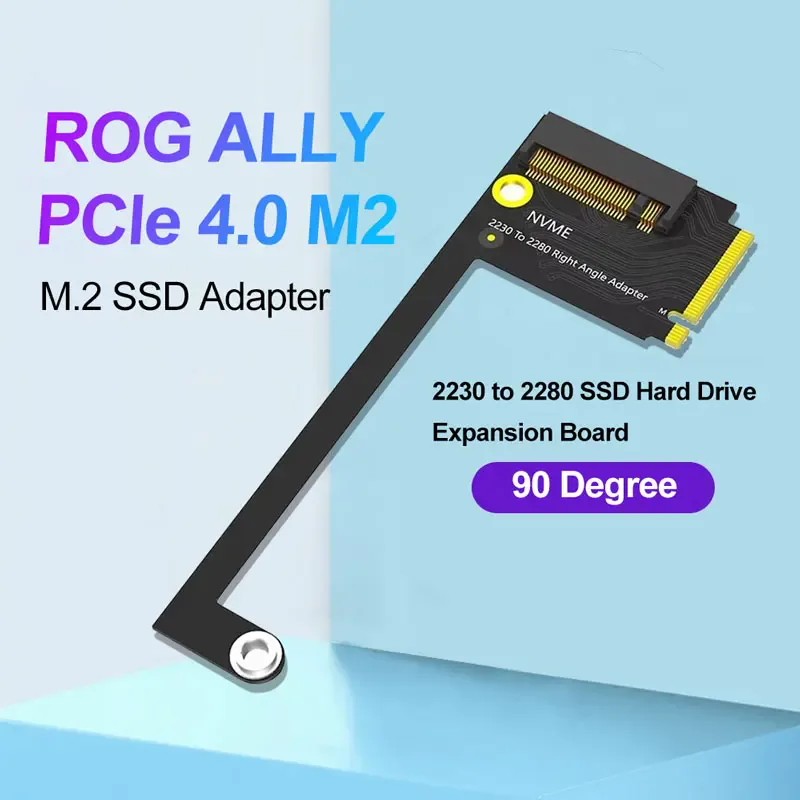
Vowenx
SSD Adapter M.2 2230 to 2280 for ROG Ally
$101.26
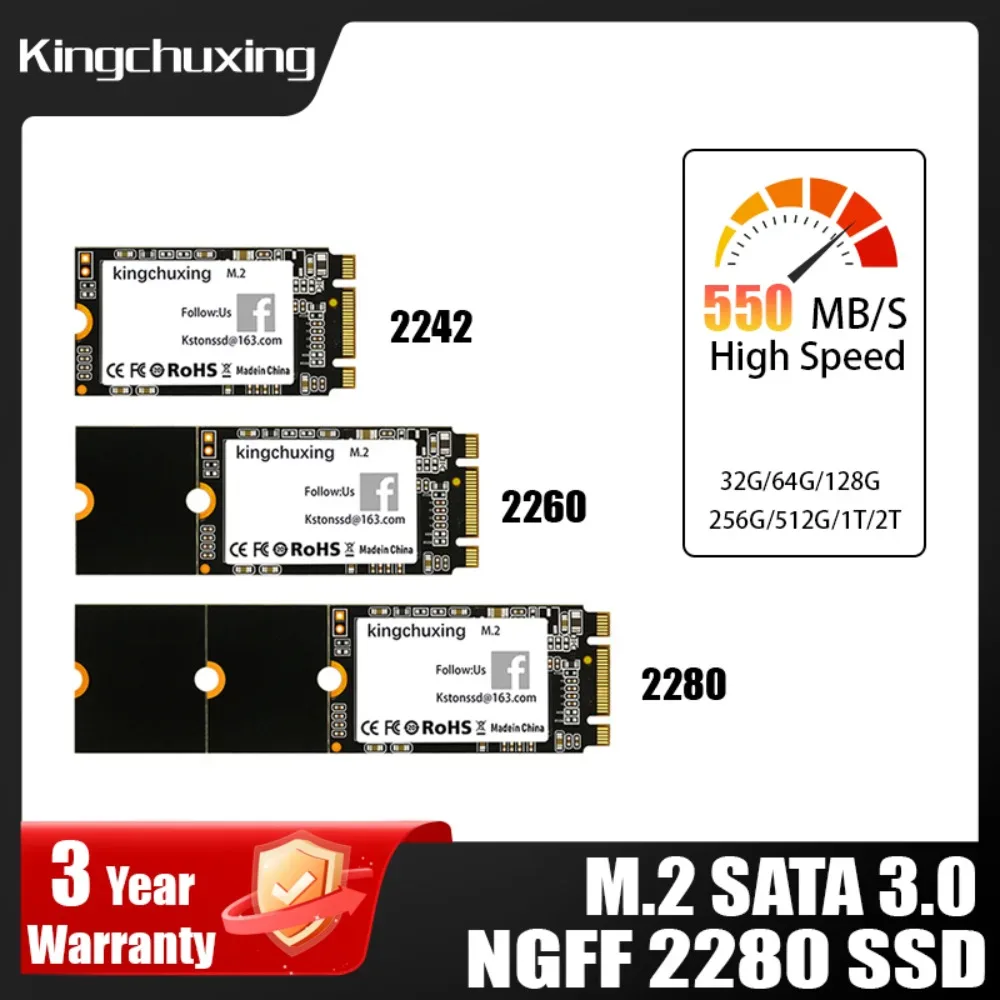
Vowenx
SSD M.2 SATA NGFF 2242 2260 2280 for PC
$299.24
 Out of stockOut of stock
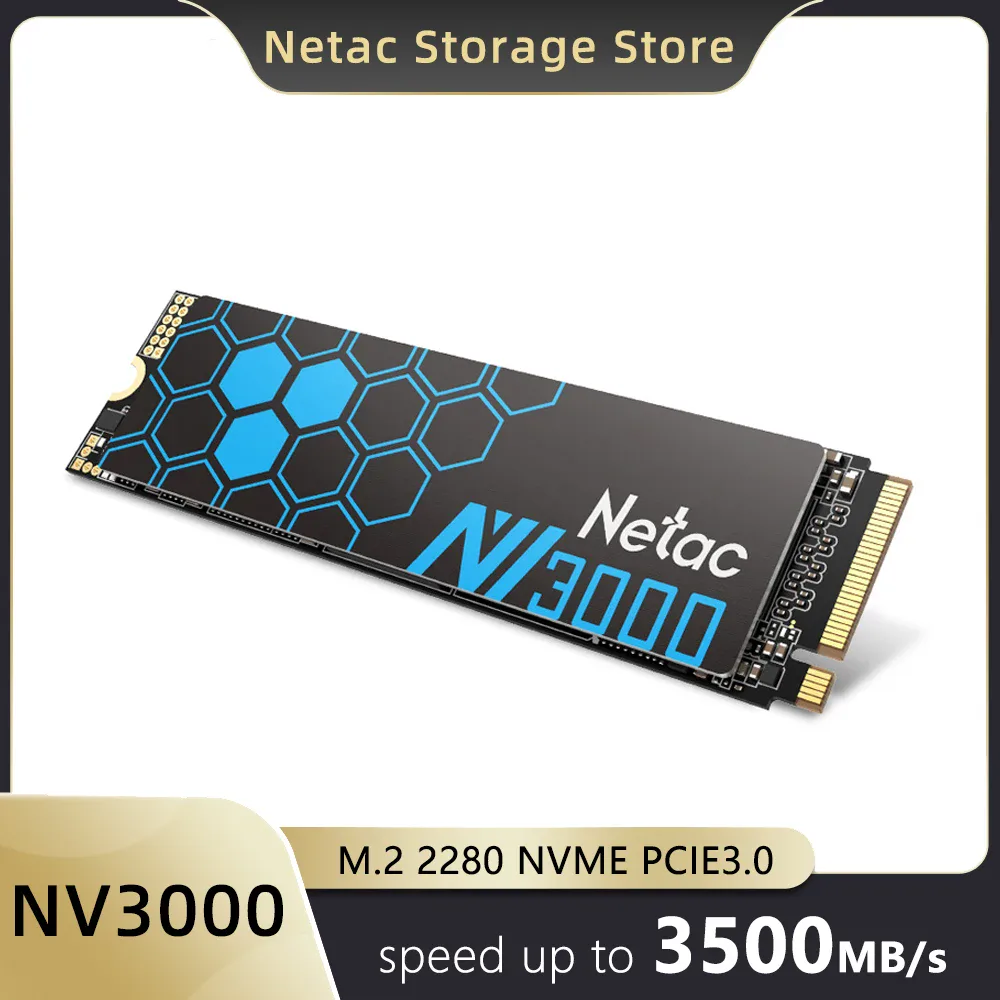
Netac
NV3000 M.2 NVMe PCIe 3.0 SSD 3500 MB/s
$176.58

Vowenx
Internal NVMe M.2 PCIe 3.0 1 TB SSD
$194.59
How to choose the right storage?
For an internal SSD, check the interface supported by your motherboard: an NVMe PCIe 4.0 is far faster (up to ~7,000 MB/s) than PCIe 3.0 (~3,500 MB/s), yet remains backward compatible. Check the form factor (M.2 2280 being the most common) and the capacity you need. A heatsink prevents thermal throttling on fast models. For memory cards, an SD/microSD reader makes photo transfers easier. Also consider the technology: an SSD is far more responsive than a mechanical hard drive for the operating system.
Related categories:
- Components and cooling → Components & cooling
- PC bags and accessories → PC bags, stands & accessories
- All computing → All computing
What to check before buying
| Criterion | Why it matters |
|---|---|
| Interface | PCIe 3.0 (~3,500 MB/s) or 4.0 (~7,000 MB/s). |
| Form factor | M.2 2280 is the most widespread. |
| Capacity | Depending on your storage needs. |
| Heatsink | Prevents fast SSDs from overheating. |
| Compatibility | Check it on your motherboard. |
Frequently asked questions
PCIe 3.0 or 4.0 for an NVMe SSD?
PCIe 4.0 nearly doubles the throughput of 3.0, useful for transferring large files and loading. You need a compatible motherboard; otherwise a 4.0 SSD will run limited to 3.0 speed, with no issue.
What is the M.2 2280 form factor?
2280 indicates the dimensions of the M.2 SSD: 22 mm wide and 80 mm long, the most common size. Make sure your motherboard or laptop accepts this length before buying.
Is a heatsink useful on an SSD?
Yes, on fast NVMe SSDs: under heavy load they heat up and may reduce their performance (throttling). A heatsink keeps a stable temperature. Some motherboards already include one.