
Vowenx · Starting systems
Automatic anti-start Volkswagen Jetta VS5 VS7
This kit disables the automatic engine start-stop function by default to protect the battery and avoid unnecessary strain on the motor. It is designed for Volkswagen Jetta VS5 and VS7 vehicles equipped with an engine stop button.
Rated 5.0/5 based on 2 customer reviews.Model: 1 set
Quantity
- 8 to 10 day delivery
- Secure payment
- 14-day returns
- 24/7 support
Product details
Essentials
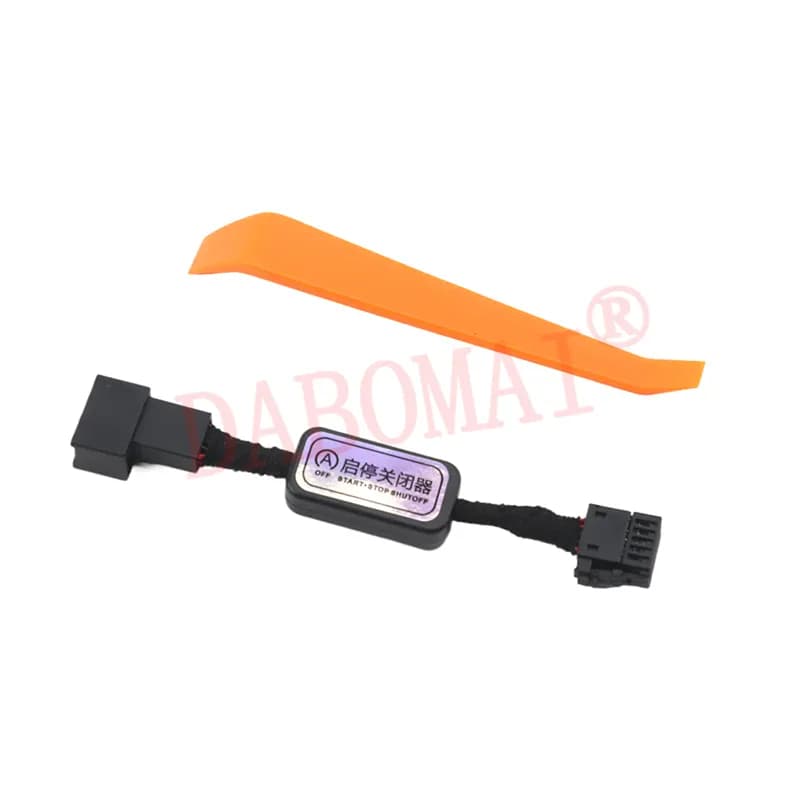
Compatibility Volkswagen Jetta VS5 and VS7 (2019-2024) Function Automatic start-stop closure Kit contents 1 cable and 1 tool Origin CN Certification CC Battery and motor protection
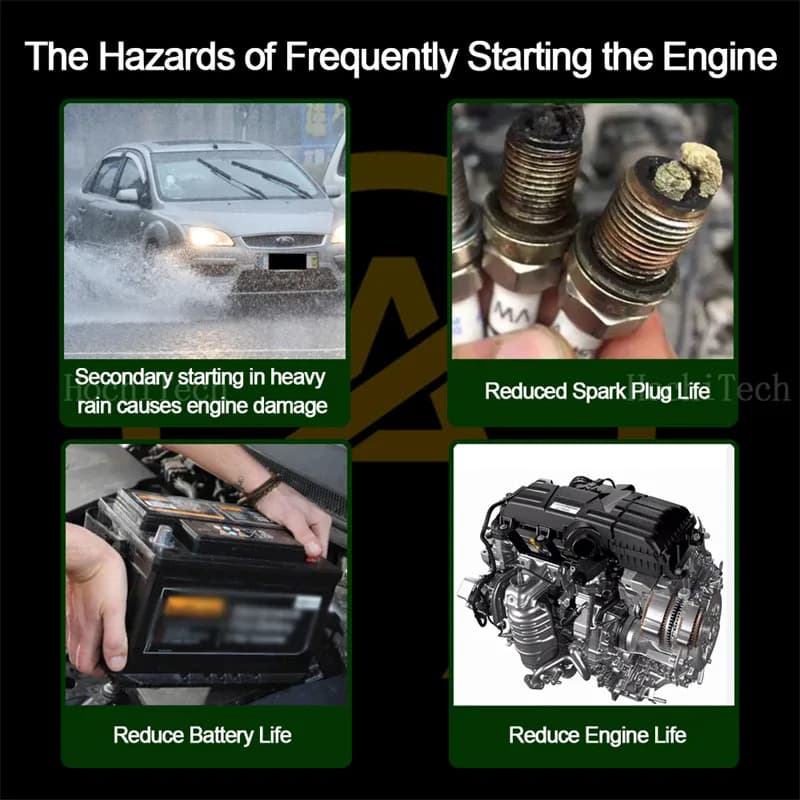
Installing the system preserves battery life and reduces motor wear by automatically disabling frequent restarts. You also benefit from improved daily usability.
- The system protects the motor by preventing unnecessary starts. This helps limit the risk of potential damage caused by excessive short-term mechanical stress.
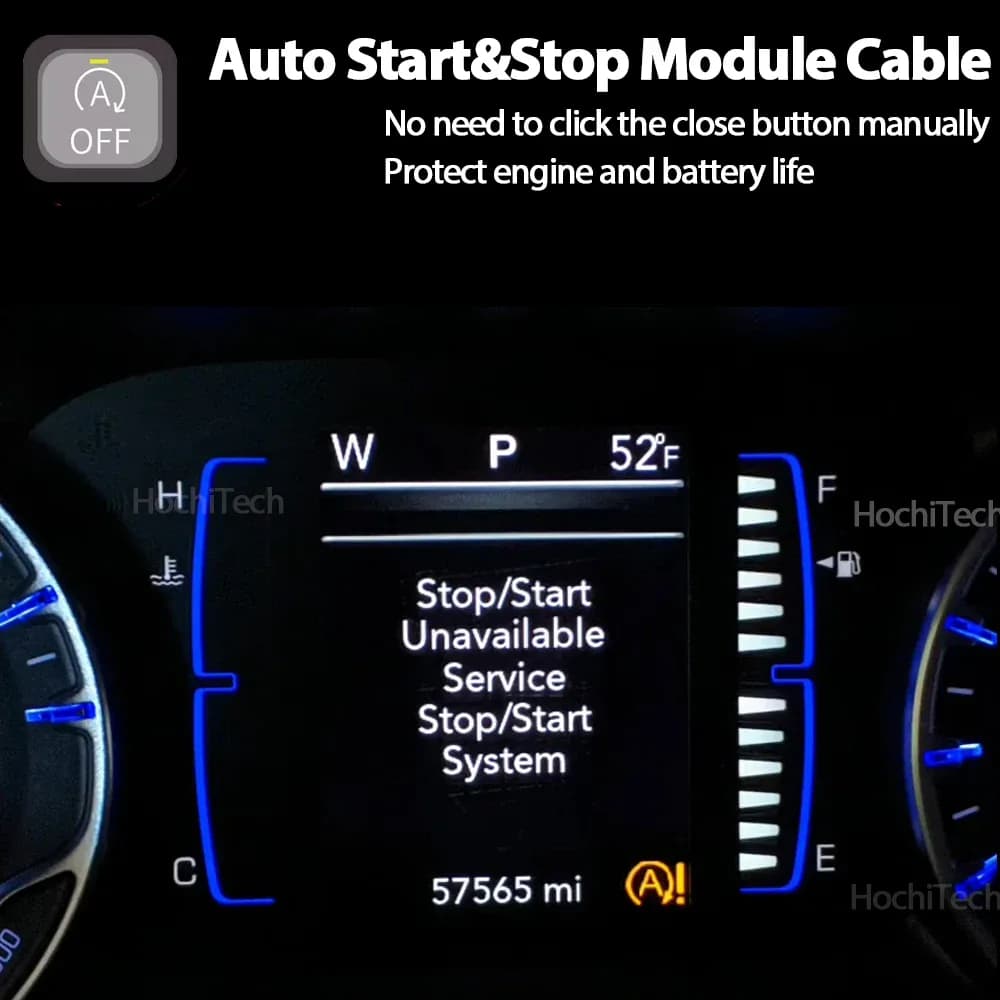
- The device extends battery life by eliminating unnecessary start cycles. You no longer need to manually disable the system every time you get into your vehicle, freeing you from a tedious daily operation.
Volkswagen Jetta VS5 and VS7 compatibility
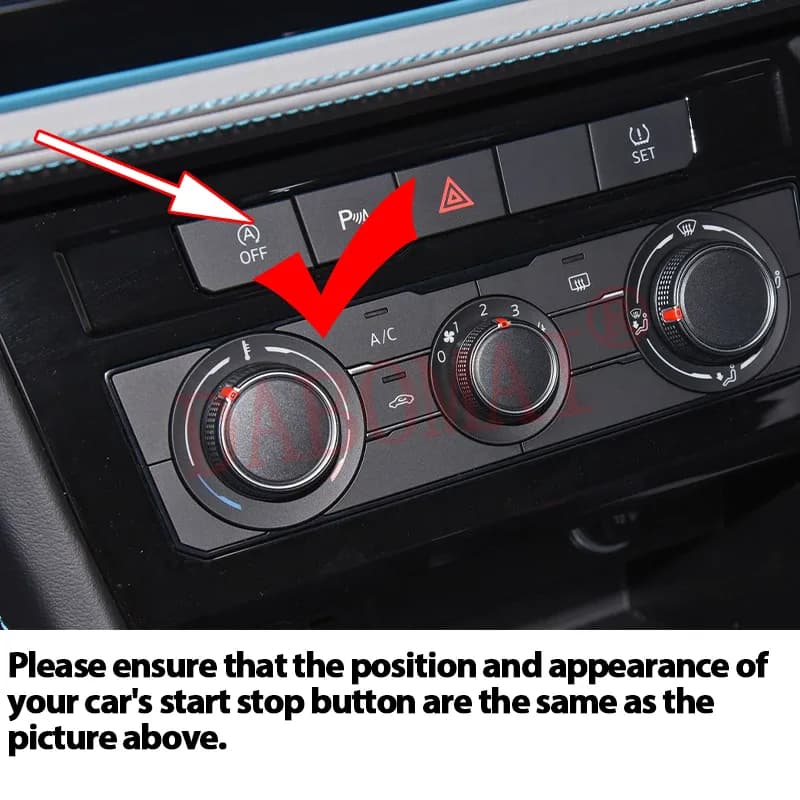
This product is strictly compatible with Volkswagen Jetta VS5 and VS7 models manufactured between 2019 and 2024. It requires the presence of a motor stop button to function properly.
- The device is specifically designed for the following Volkswagen vehicles: Jetta VS5 and VS7 model years 2019 to 2024.
- An essential prerequisite for installation is the presence of a motor stop button in your cabin. If your vehicle does not have this feature, this product will not be compatible with your configuration.
Configuration and operation verification
After installing the cable, start the engine by pressing the brake pedal and wait a few seconds to confirm that the automatic start system is properly disabled. The function can be temporarily reactivated via the button.
- After installing and connecting the cable, start the engine by pressing the brake pedal. Let the engine run for three to six seconds without touching the button to verify that the default configuration is indeed inactive.
- The button indicator light should automatically illuminate in red, confirming the deactivation of the function. To temporarily reactivate automatic start, simply press the motor stop button.
Frequently asked questions
What happens if my vehicle does not have a motor stop button?
If your vehicle does not have a motor stop button, this product will not be compatible and cannot be installed. The system requires the presence of this button to function properly.
How to temporarily reactivate automatic start?
You can reactivate automatic start at any time by simply pressing the motor stop button, even if the function is disabled by default after installation.
How long should you wait to verify the installation?
After starting the engine, let it run for three to six seconds without touching the button. This is sufficient to confirm that the automatic start function is properly disabled.
Related products
Customer reviews
Loading reviews…
Frequently asked questions
What happens if my vehicle does not have an engine stop button?
If your vehicle does not have a stop button, this product will not be compatible and cannot be installed. The system requires the presence of this button to function properly.
How to temporarily reactivate automatic start?
You can reactivate automatic start at any time by simply pressing the motor stop button, even if the function is closed by default after installation.
How long should you wait to check the installation?
After starting the motor, let it run for three to six seconds without touching the button. This is sufficient to confirm that the automatic start function is properly disabled.