
JEYI · Fans
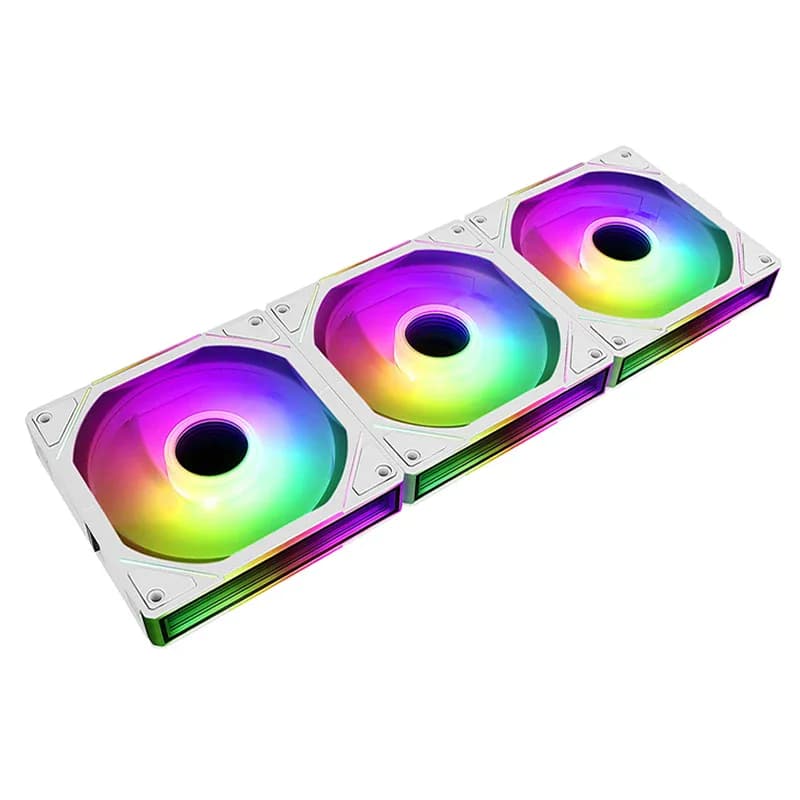
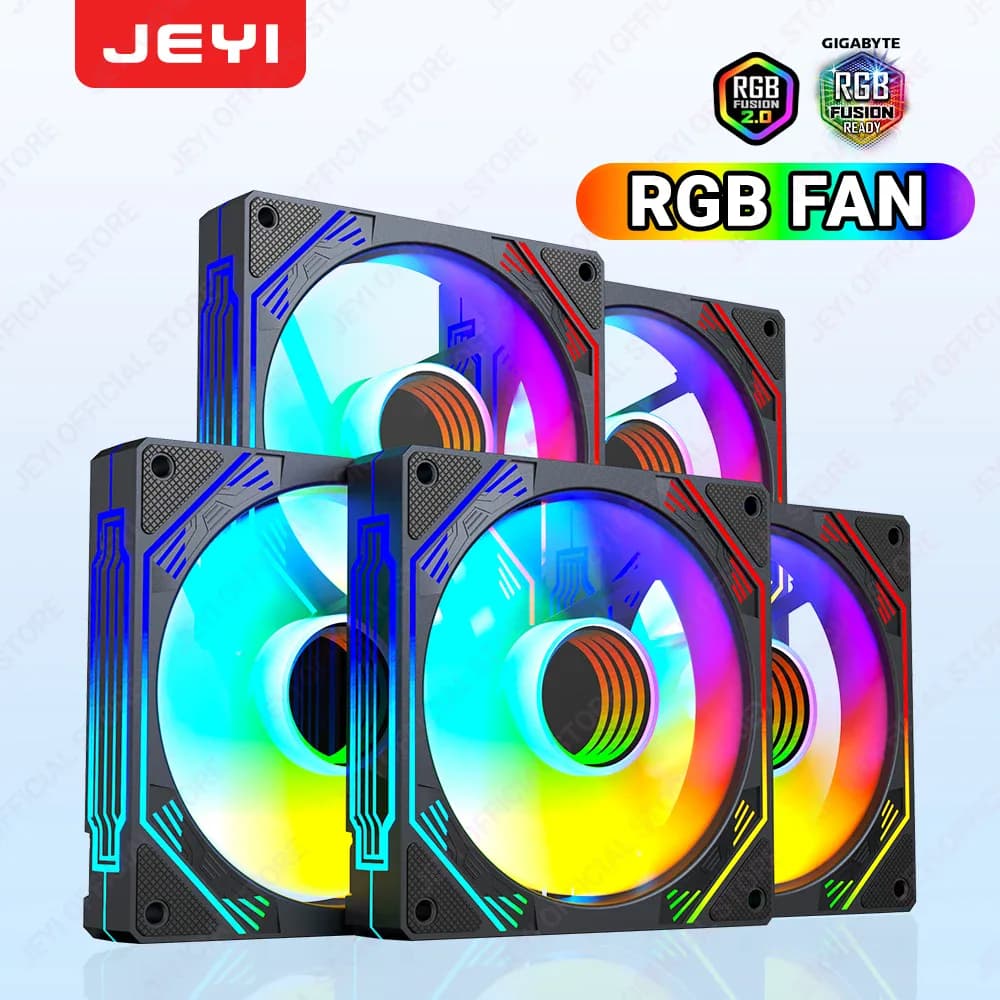
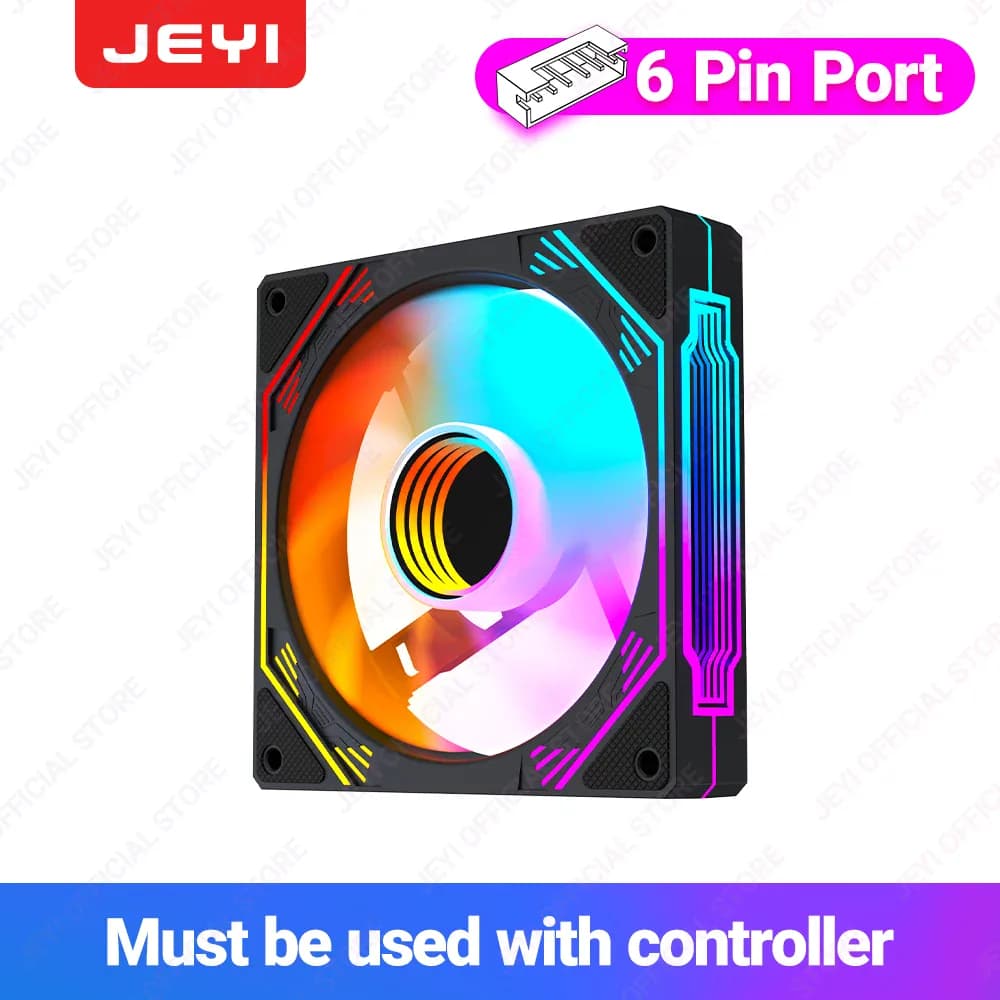
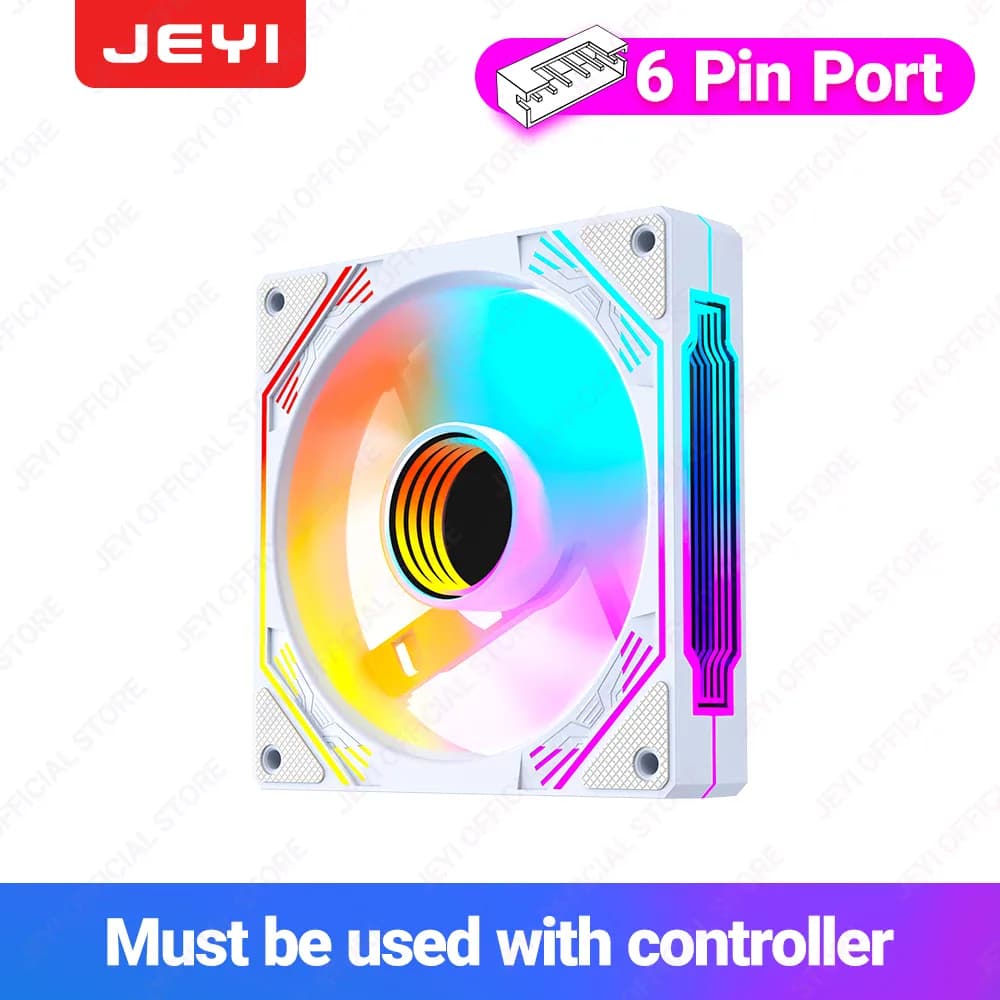
120 mm JEYI JY6S6PIN fan with RGB controller
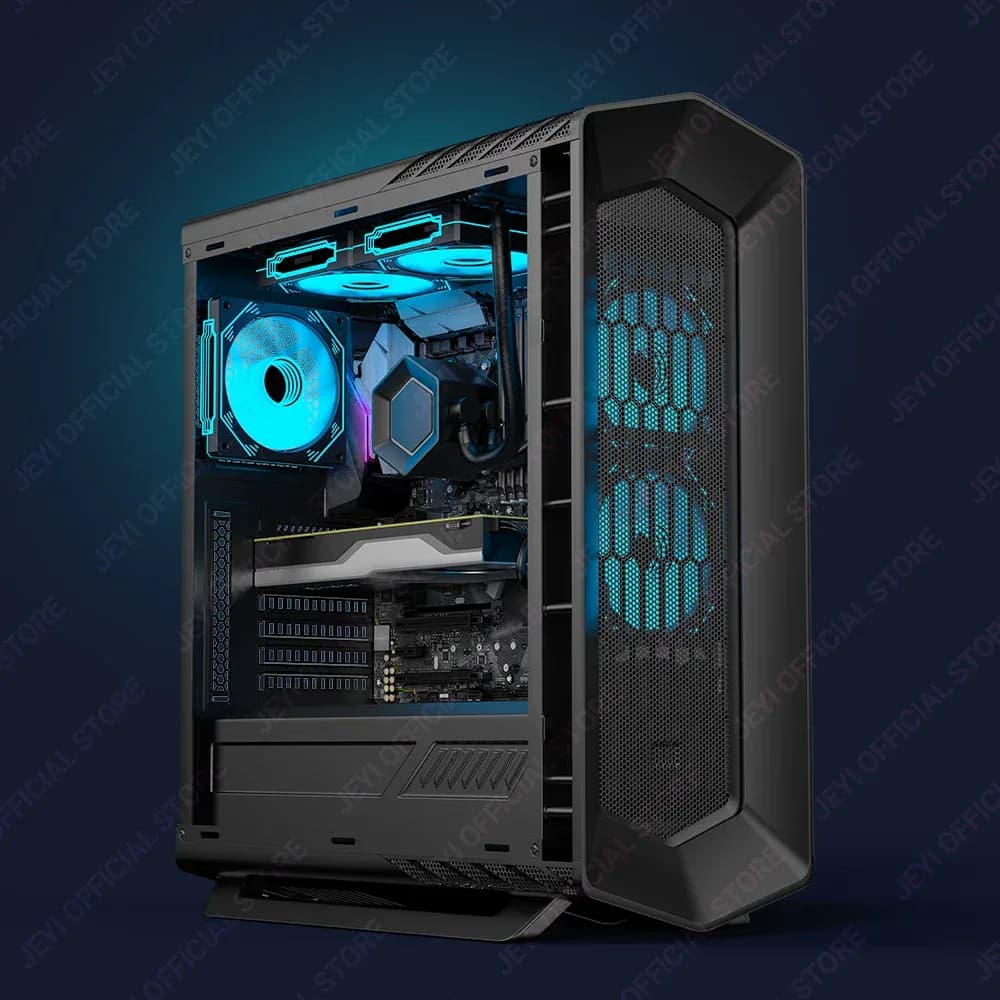
This JEYI 120 mm case fan ensures efficient cooling with an airflow of 67 CFM. It offers complete RGB lighting management via a dedicated controller and remains discreet thanks to its low-noise operation.
Rated 4.6/5 based on 5 customer reviews.RGB support: RGB
Color
Model: White
Quantity
- Secure payment
- 14-day returns
- 24/7 support
Product details
Essentials
Brand JEYI Model JY6S6PIN Format 120 mm Interface 6-pin Voltage 12 V Speed 600-1800 RPM Airflow 67 CFM Noise 25 dB(A) Power 3 W Bearing Hydraulic Net weight 161 g Lifespan 50,000 h Origin CN Fan advantages and performance
This model combines optimized cooling power with silent operation for office or gaming use.
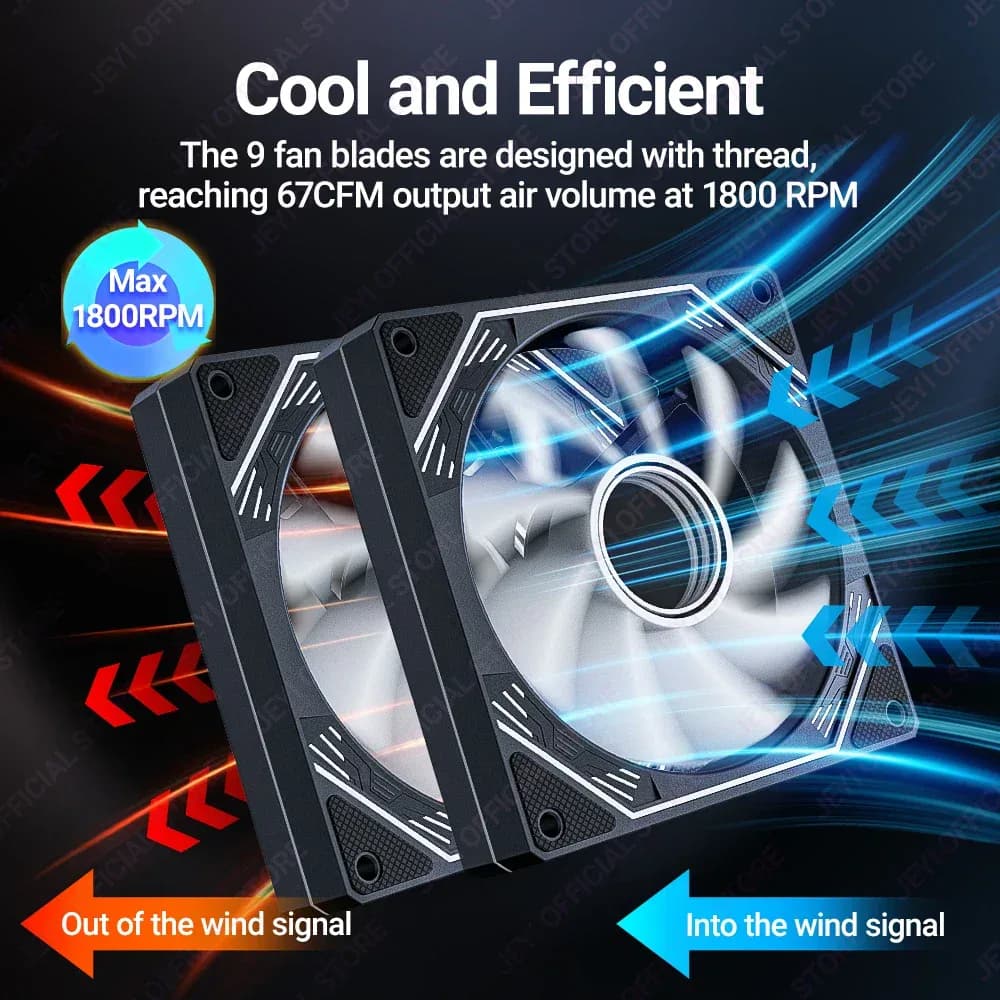
- The motor reaches a speed of 600 to 1800 RPM for an airflow volume of 67 CFM. The 9 threaded blades optimize airflow while maintaining low acoustic load.
- The hydraulic bearing technology guarantees a lifespan of 50,000 hours. The reduction in friction noise contributes to a quieter work or gaming environment.
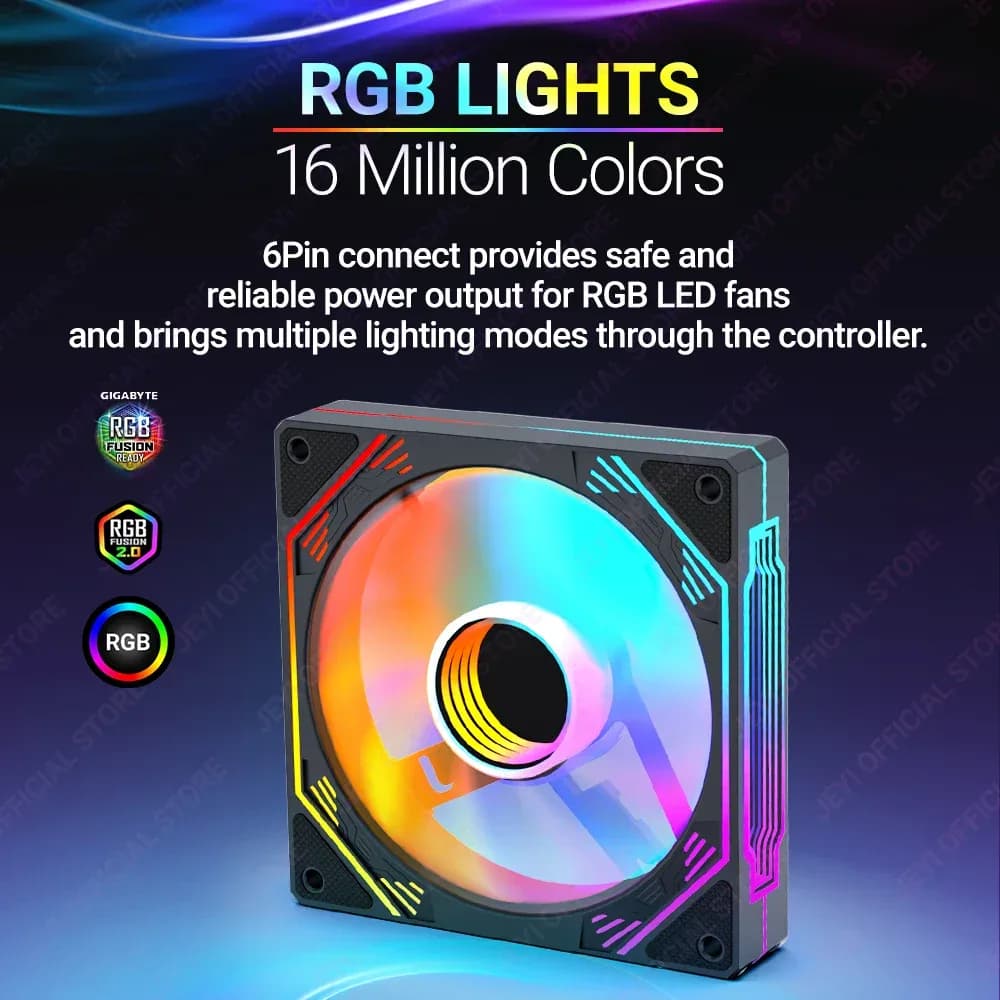
- The RGB controller allows for complete visual customization. Using the remote control offers direct control without relying on the motherboard software.
Compatibility and installation requirements
This 6-pin model must be used with the included RGB controller. It is not compatible with a direct connection to the motherboard.
- The fan power and RGB color management are handled via a dedicated controller. A direct connection to the motherboard is not possible.
- The fan is powered by the controller via the 6-pin port, while the controller's electrical power comes from the motherboard's 4-pin port or the power supply.
- It does not provide a 5V 3-pin ARGB synchronization cable. If your motherboard does not support control via the remote control, using the synchronization port is not recommended.
Frequently asked questions
Can I connect this fan directly to the motherboard?
No, this 6-pin model must be used with the included RGB controller. It does not support direct connection.
Does the fan come with an ARGB synchronization cable?
The item is not delivered with a 5V 3-pin cable for motherboard synchronization. Lighting is managed via the controller and remote control.
How to change the lighting without a remote control?
You can connect the reset button of your main unit to the dedicated port of the controller to change the lighting modes.
Related products
- PowerMotor 125-250cc motorcycle 5-row oil cooler
This aluminum engine oil cooler offers effective heat dissipation to protect your engine and reduce wear. Designed for mounting on most motorcycles, quads, and 125 to 250cc Pit Bike engines, it ensures optimal maintenance of operating temperature. - GDSTIME Dual Bearing USB Axial Fan and Blower
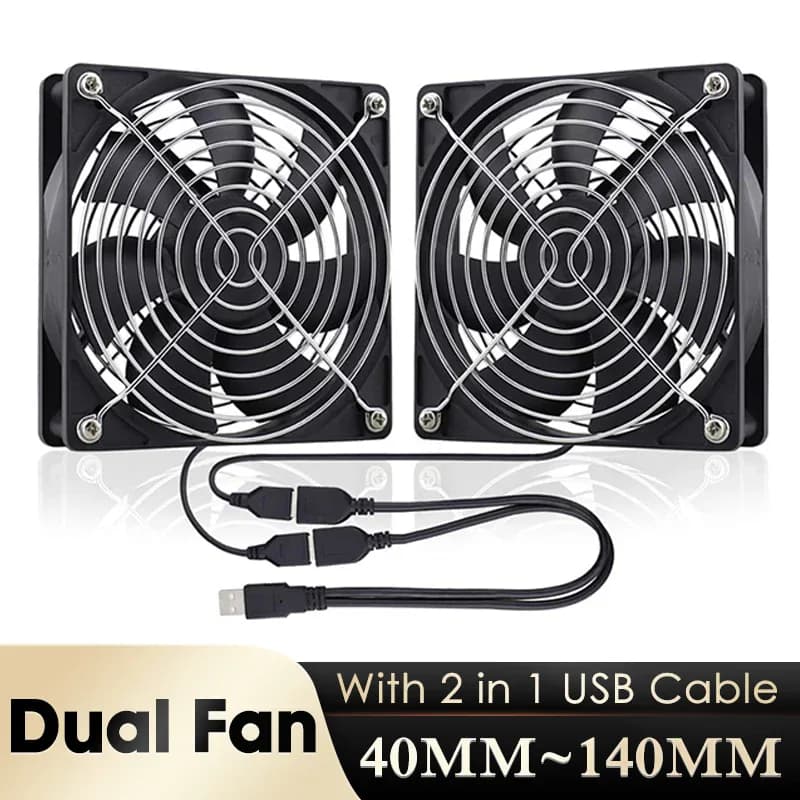
This GDSTIME cooling system combines an axial fan and blower on a 5V USB port for effective thermal control. It is suitable for mounting on PC cases or radiators, thanks to its interface powered by a provided 2-in-1 USB cable. - GDSTIME 140mm DC 12V Axial Fan
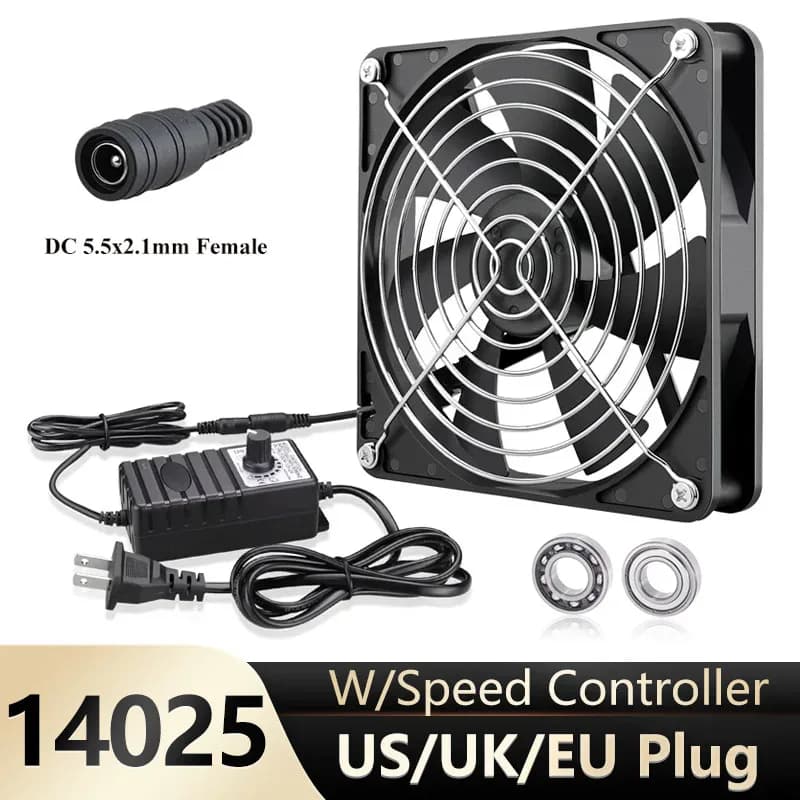
This GDSTIME 140mm axial fan ensures effective air circulation for cases and radiators. It connects via an adjustable power adapter for variable speed and flexible use. - ARGB PWM Case Fans: Set of 6
This set of six ARGB PWM case fans manages airflow to reduce internal heat. It allows optimal cooling on compatible bays, radiators, and CPU coolers. - Gsie Time PC case cooling fan
The Gsie Time cooling fan allows efficient heat dissipation in your computer unit. It ensures optimal temperature maintenance thanks to its simple USB power supply.
Explore related categories
Customer reviews
Loading reviews…
Frequently asked questions
Can I connect this fan directly to the motherboard?
No, this 6-pin model must be used with the included RGB controller. It does not support direct connection.
Is the fan delivered with an ARGB synchronization cable?
The item is not delivered with a 5V 3-pin cable for motherboard synchronization. The lighting is managed via the controller and remote control.
How to change the lighting without the remote control?
You can connect the restart button of your main unit to the dedicated port of the controller to change the lighting modes.